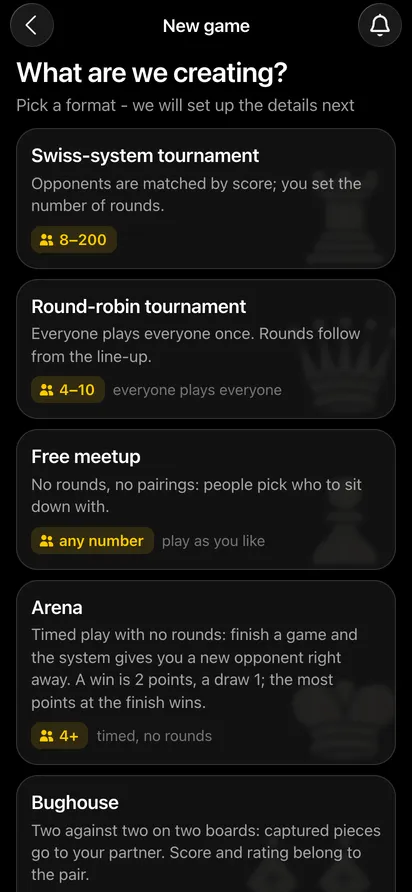
All formats are created in one place: "Games" → "Create your own game". After that the app asks only what the chosen format needs.
All the organiser guides, grouped by topic: for chess tournament organisers.
Every event in the app is attached to a venue: a coffee shop, restaurant, bar, chess club, library, office or park. The organiser adds the venue, and it belongs to them. Every meetup and tournament you create there takes its photo, address and description from the venue card - you fill them in only once.
You add a venue in your profile: "My venues" → "Add a venue". The fields are name, address, map link, photo and description. Not sure how to start the description? Press "Generate description" and the app will fill in a ready-made text that you only need to adjust.
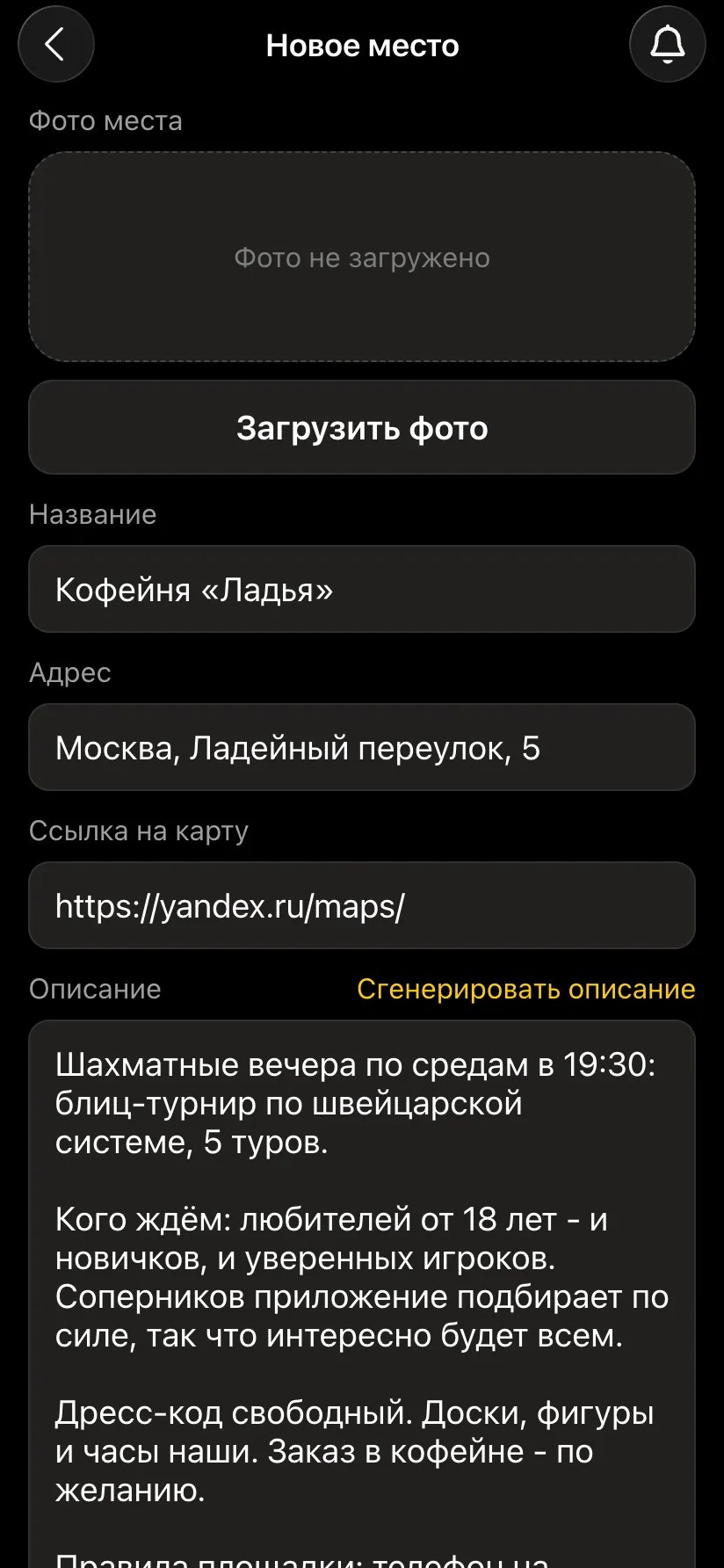
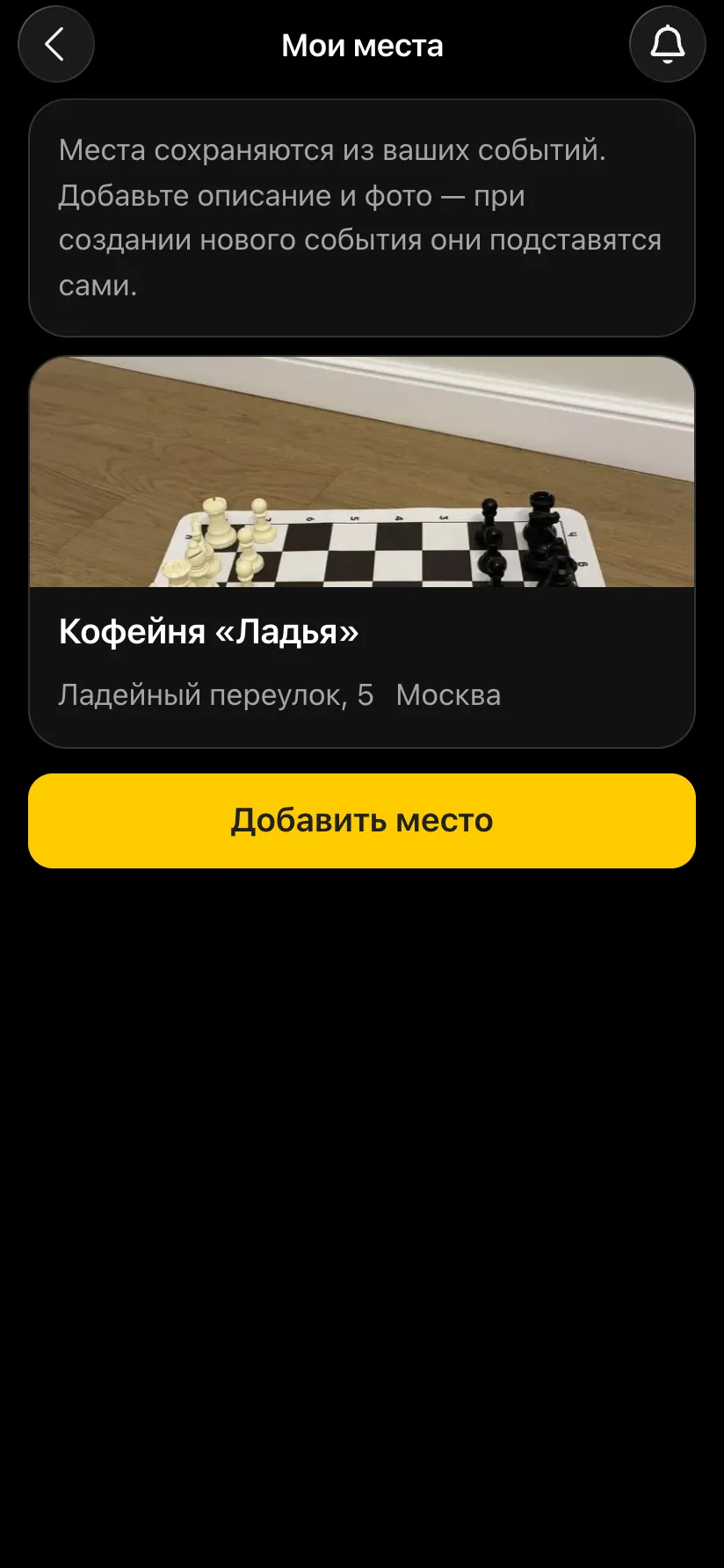
The venue card is your shop window. People decide whether to come by looking at the photo and reading the description. It is in your interest to make it attractive and detailed:
A venue that has hosted many evenings is visible to other organisers in the city, so nobody adds the same coffee shop twice. But they can hold an event there only with the owner's permission: the first time, you get an "Allow / Decline" request. If you decline, the event becomes private and disappears from the public feed.
When you create a tournament at your venue, the event card builds itself: the venue photo at the top, the name, date, time control, the address with a map link and the venue description. Below that come the organizer rules and the list of participants.
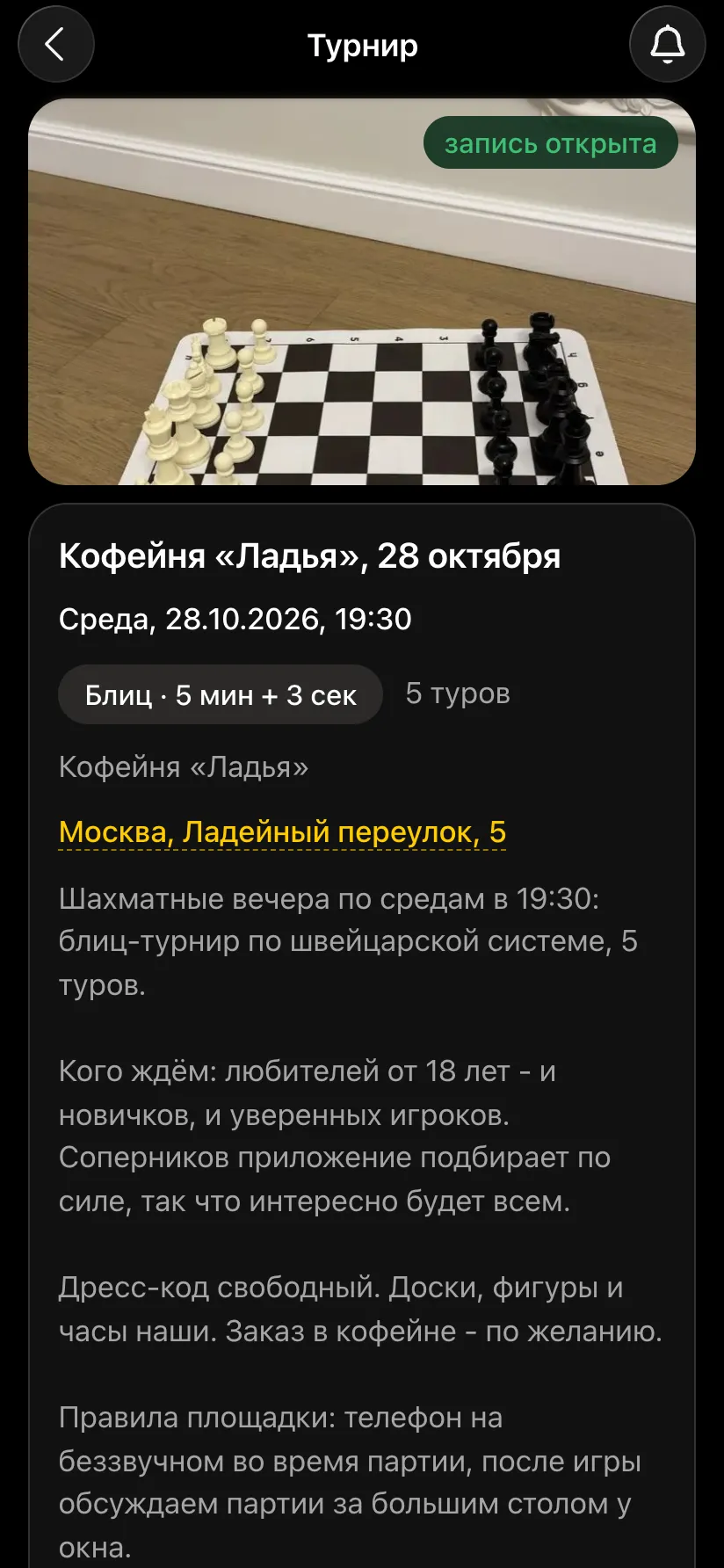
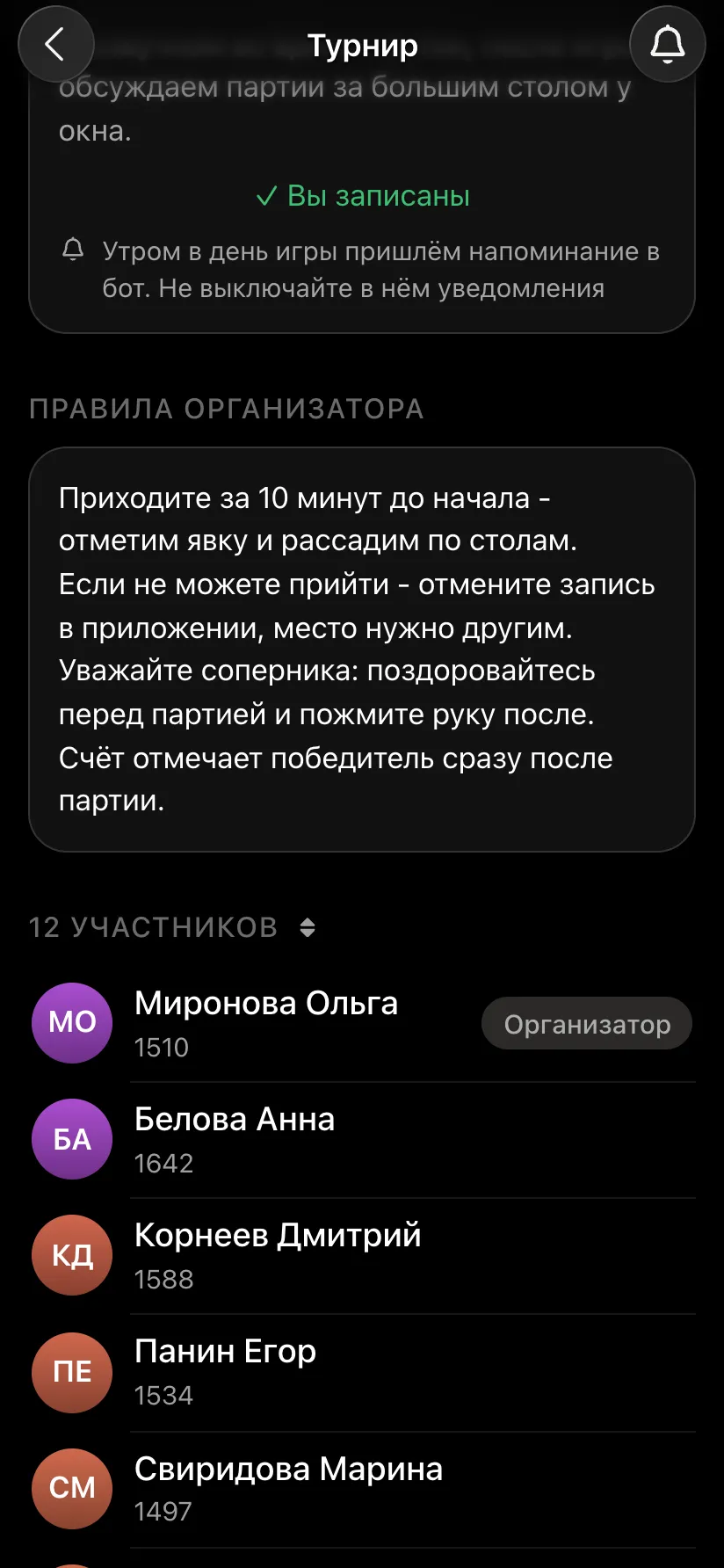
Organizer rules are written once in your profile and appear on the card of every event you run: when to arrive, how to cancel a sign-up, who enters results, how to behave at the board. There is also space for a few words about yourself as an organiser. After the evening participants rate the organiser - good reviews help you gather people for the next events.
The most popular format for an open tournament. Each round, players on similar scores meet: strong players soon face strong players, beginners face beginners. You set the number of rounds, and it does not depend on the line-up - which is why a Swiss works for 8 people as well as for 200. The app makes the pairings by FIDE rules, and the next round starts by itself once every table has finished.
| Players | 8 to 200 |
| Rounds | set by the organiser, up to 20; usually 5-7 in an evening |
| Result | places by points; on equal points - Buchholz, Sonneborn-Berger and other tie-breaks |
| Best for | a club night, an open tournament, a corporate or school tournament |
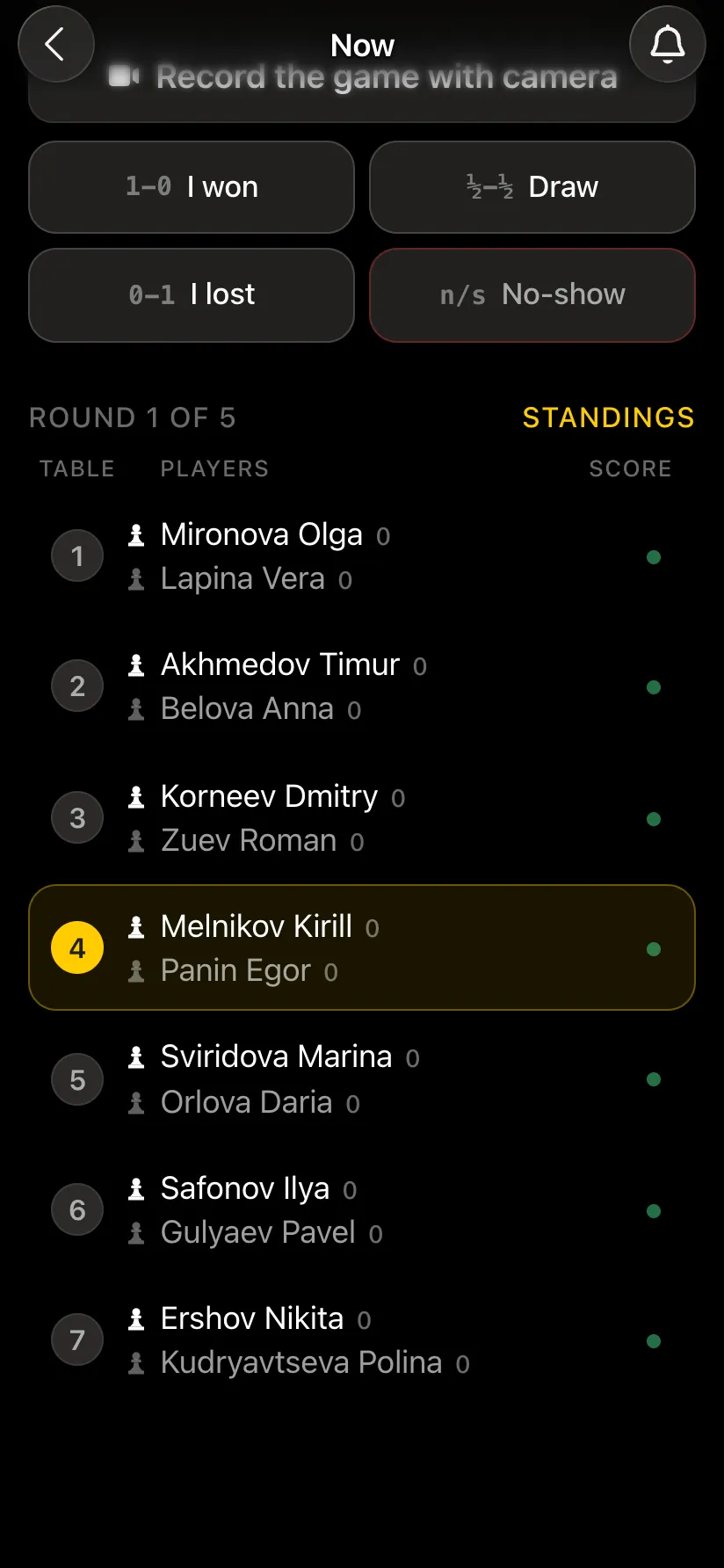
More - a Swiss-system tournament.
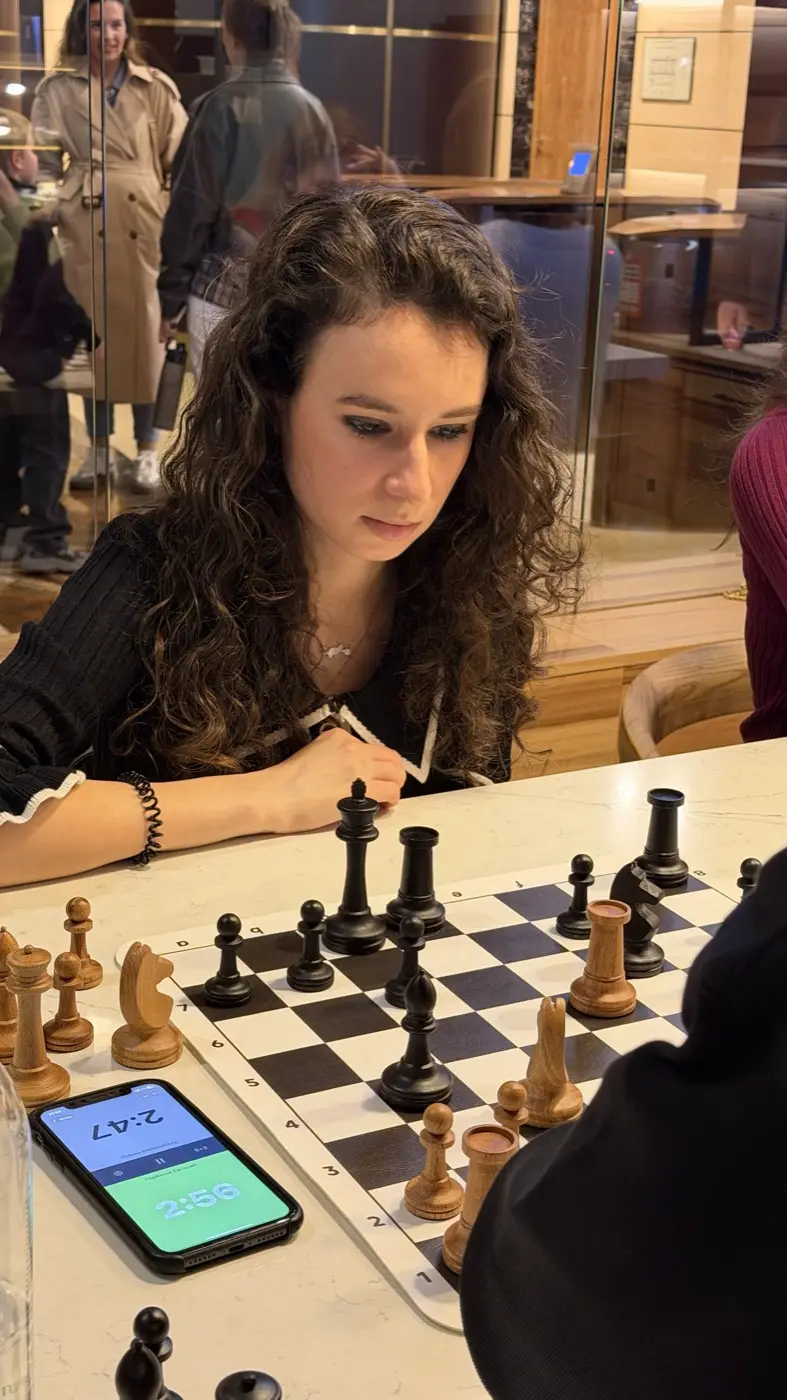
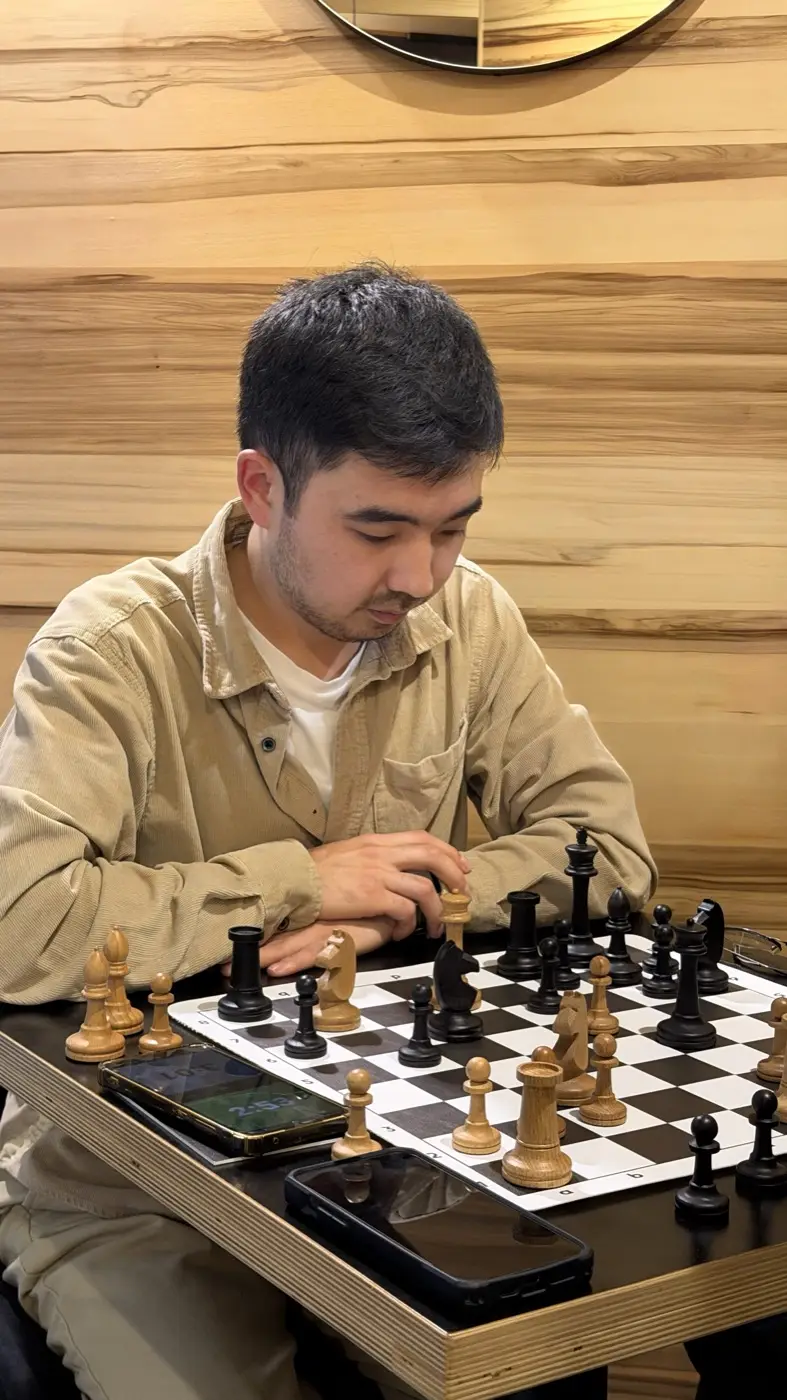
Everyone plays everyone exactly once. The line-up sets the number of rounds: 8 players means 7 rounds, 10 means 9. The schedule is known in advance from the Berger tables, and the result is the fairest possible: nobody was lucky or unlucky with the draw. The downside is the number of rounds, so a round robin is best for a small group.
| Players | 4 to 10 |
| Rounds | number of players minus one (with an odd number - equal to the number of players) |
| Result | places by points; on equal points - the Sonneborn-Berger score |
| Best for | a small club, a season final, a tournament among friends |
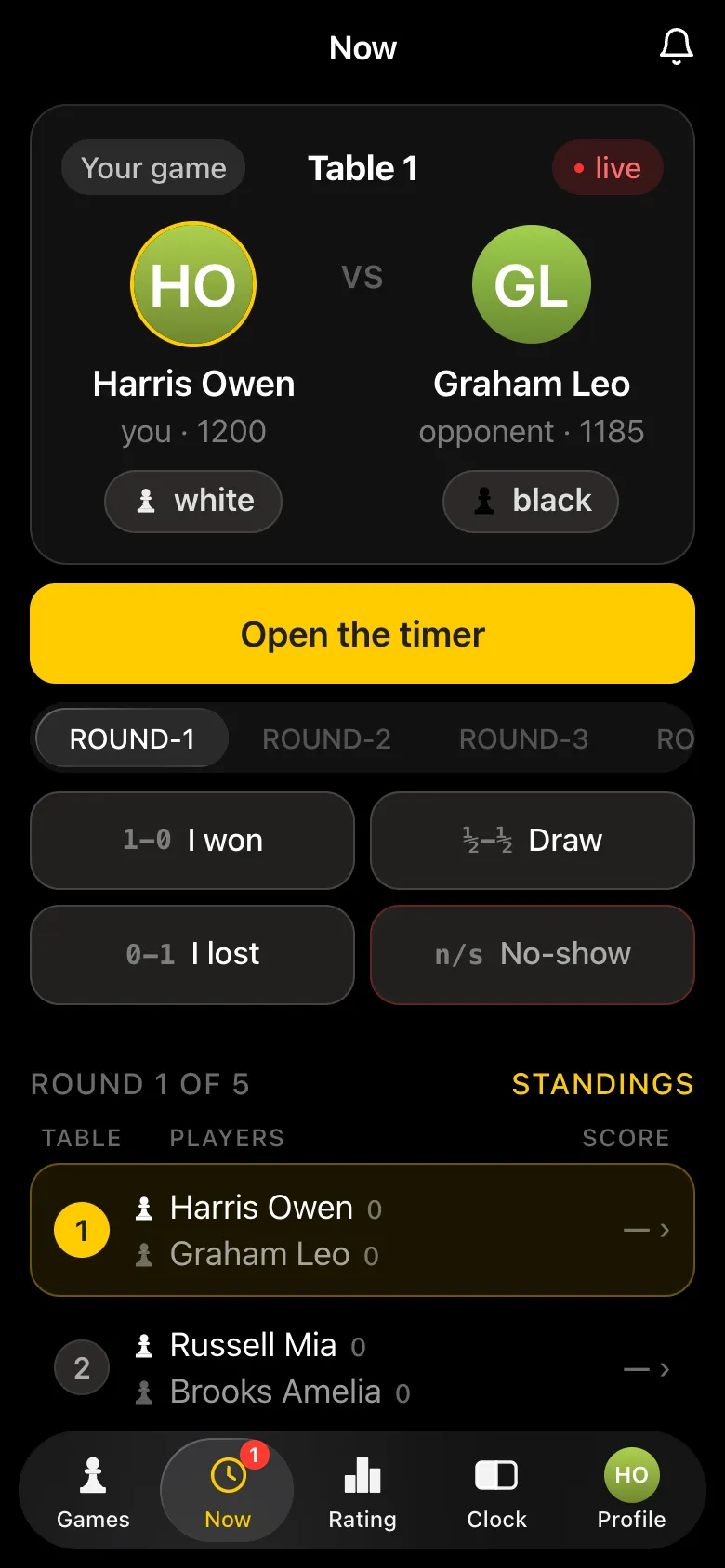
How a Swiss differs from a round robin: in a Swiss opponents are matched by score and not everyone meets, in a round robin everyone meets. In detail - the round-robin system.
A chess evening with no rounds and no pairings. Participants see who is free, choose an opponent and sit down to play, while the app keeps the evening's score and a rating for every game. People can come and go at any time. The best format for a club's first evening and for beginners who feel shy about a tournament.
| Players | any number |
| Rounds | none: everyone plays as much as they like |
| Result | wins over the evening and personal rating |
| Best for | a first evening, beginners, networking, a family day |
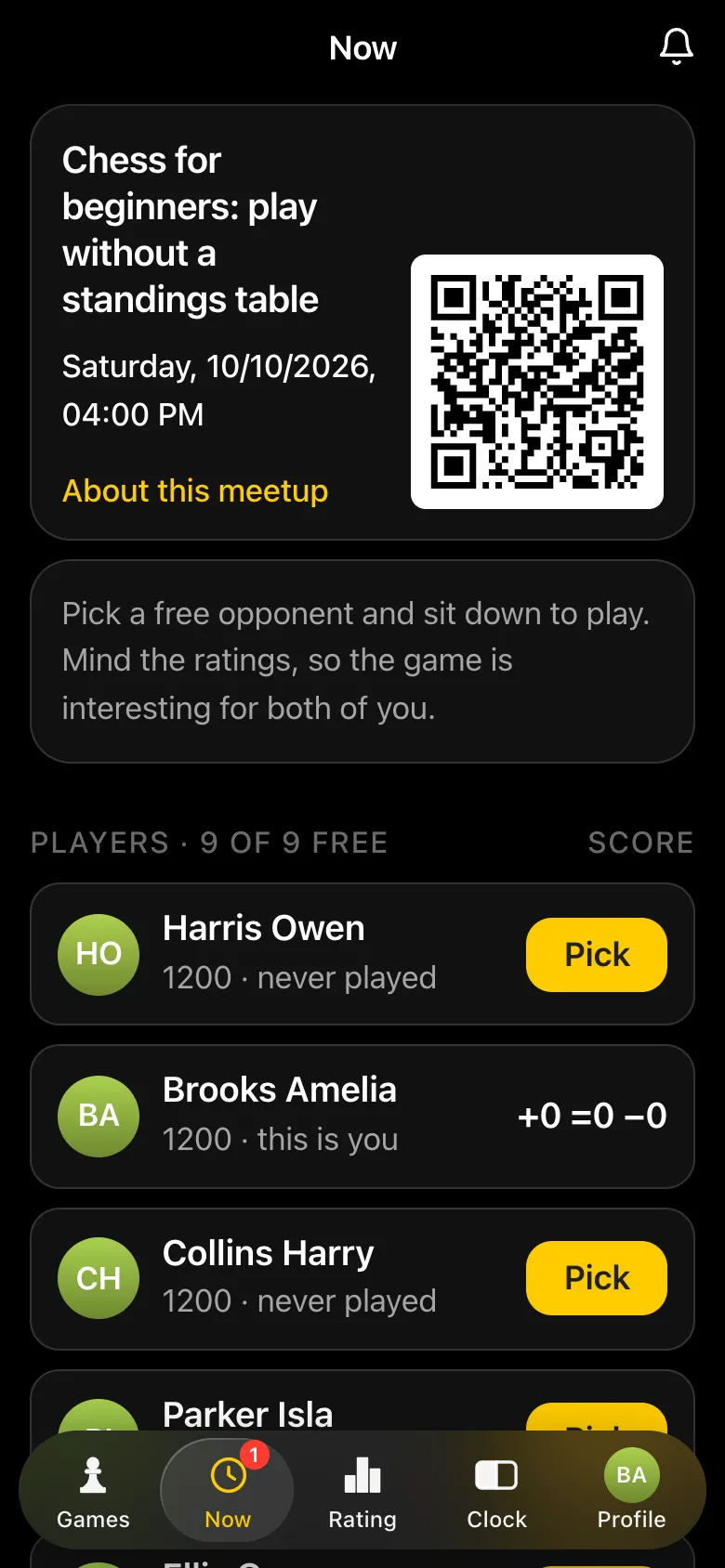
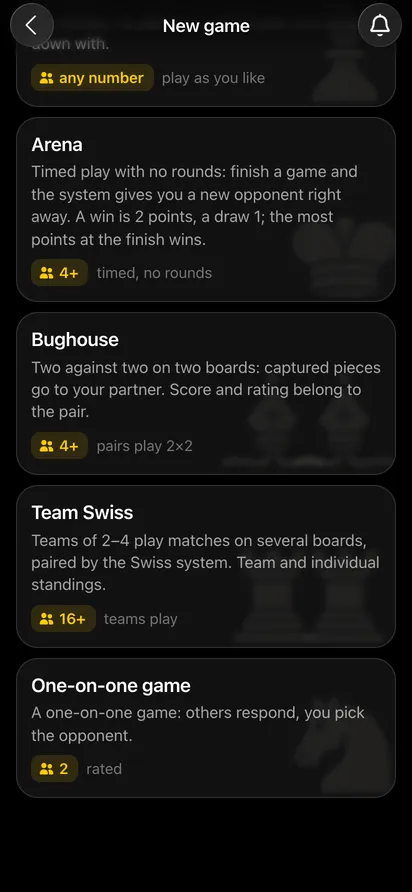
A timed tournament with no rounds - like on Lichess, only in person. Finish a game and the app at once gives you a new opponent close to you in the table. A win is 2 points, a draw 1. Two wins in a row light a fire streak with double points, and berserk gives an extra point for half your time. Whoever has the most points at the finish wins.
| Players | 4+ |
| Duration | set by the organiser: from 30 minutes to 3 hours, usually an hour |
| Result | places by points scored in the time; on equal points - performance |
| Best for | a blitz night with no waiting, a club where some arrive late and others leave early |
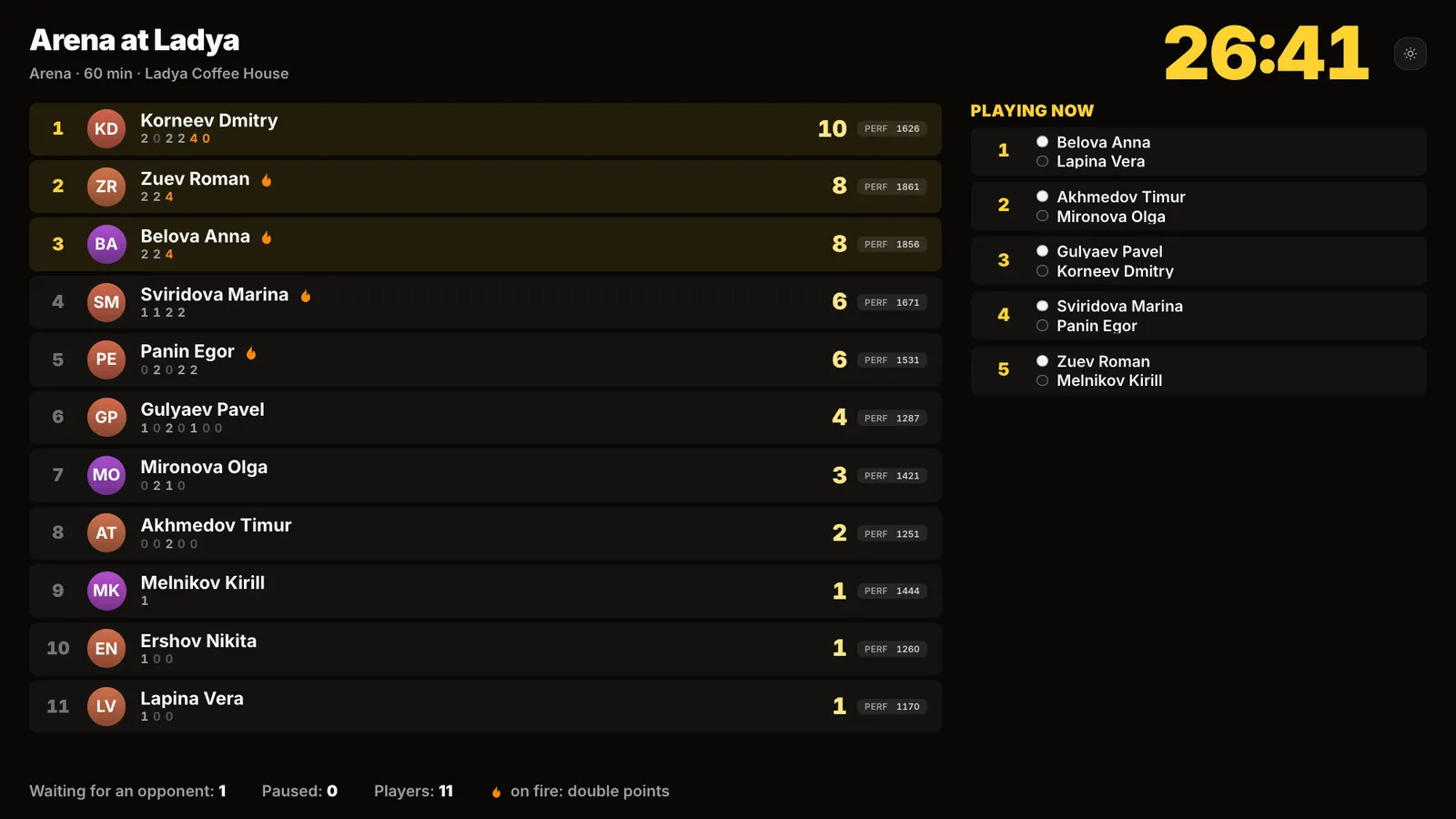
In detail - an over-the-board chess arena.
Two against two on two boards side by side. Partners play different colours, and a piece captured from an opponent is handed to your partner, who may drop it onto their own board. The match ends as soon as the game on either board is over. There are no pairings: participants form pairs, and pairs choose their opponents themselves. Each pair has its own rating that carries over between evenings, while bughouse does not affect personal ratings.
| Players | 4+ (two pairs) |
| Clocks | each board has its own; when the match ends on one, the other clock stops by itself |
| Result | a win, draw or loss for the pair, and the pair rating |
| Best for | a festive evening, a company party, a fun warm-down after a tournament |
Teams of 2-4 play matches across several boards. Each board is an ordinary game, and each round the Swiss system pairs the teams by team score. Teams can be formed in three ways: the organiser assigns them, players form them themselves (the captain invites teammates), or the app splits everyone at random. There are two sets of standings - team and individual.
| Players | 16+ |
| Team | 2-4 people, boards A, B, C, D; A is the captain |
| Result | team standings and individual results by board |
| Best for | a tournament between departments, universities, schools or clubs |
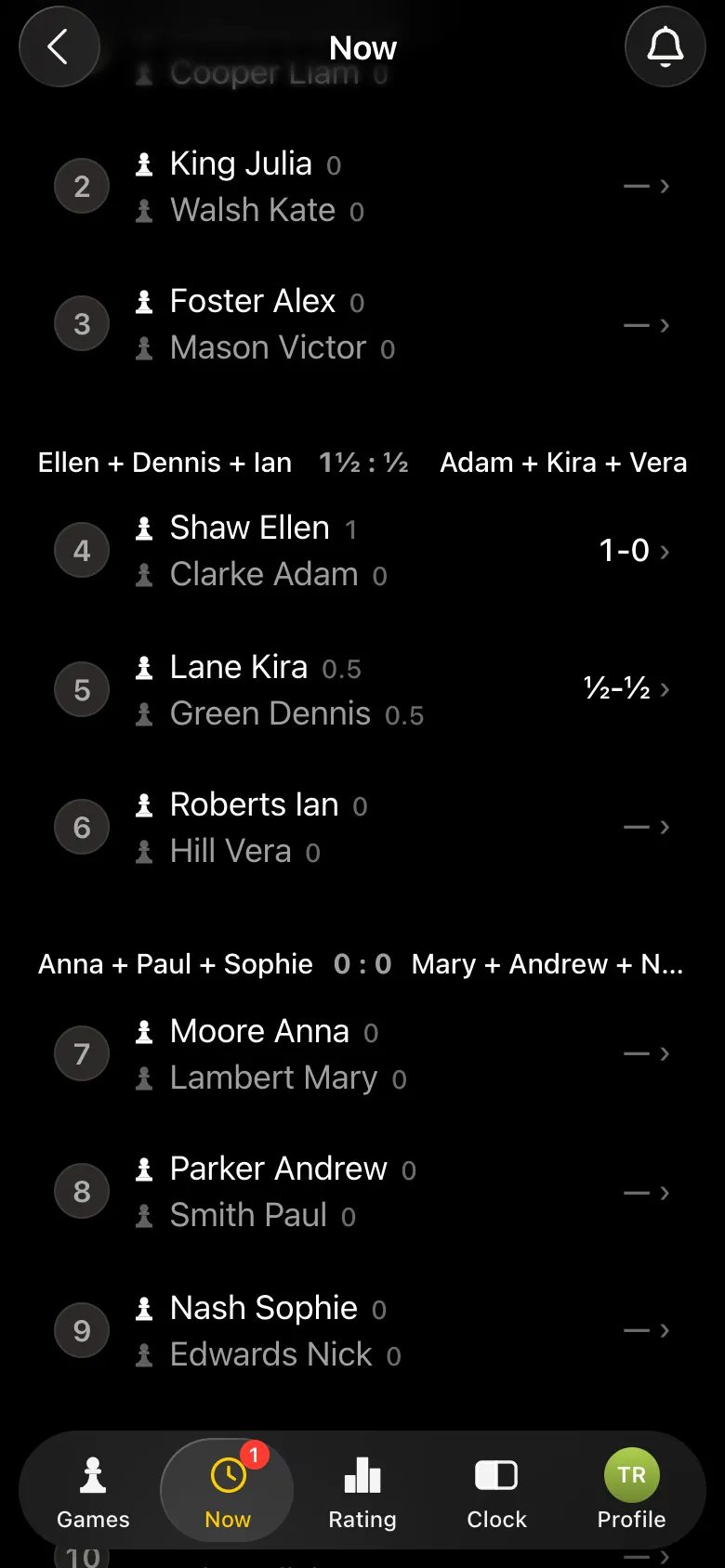
In detail - Team Swiss in the app.
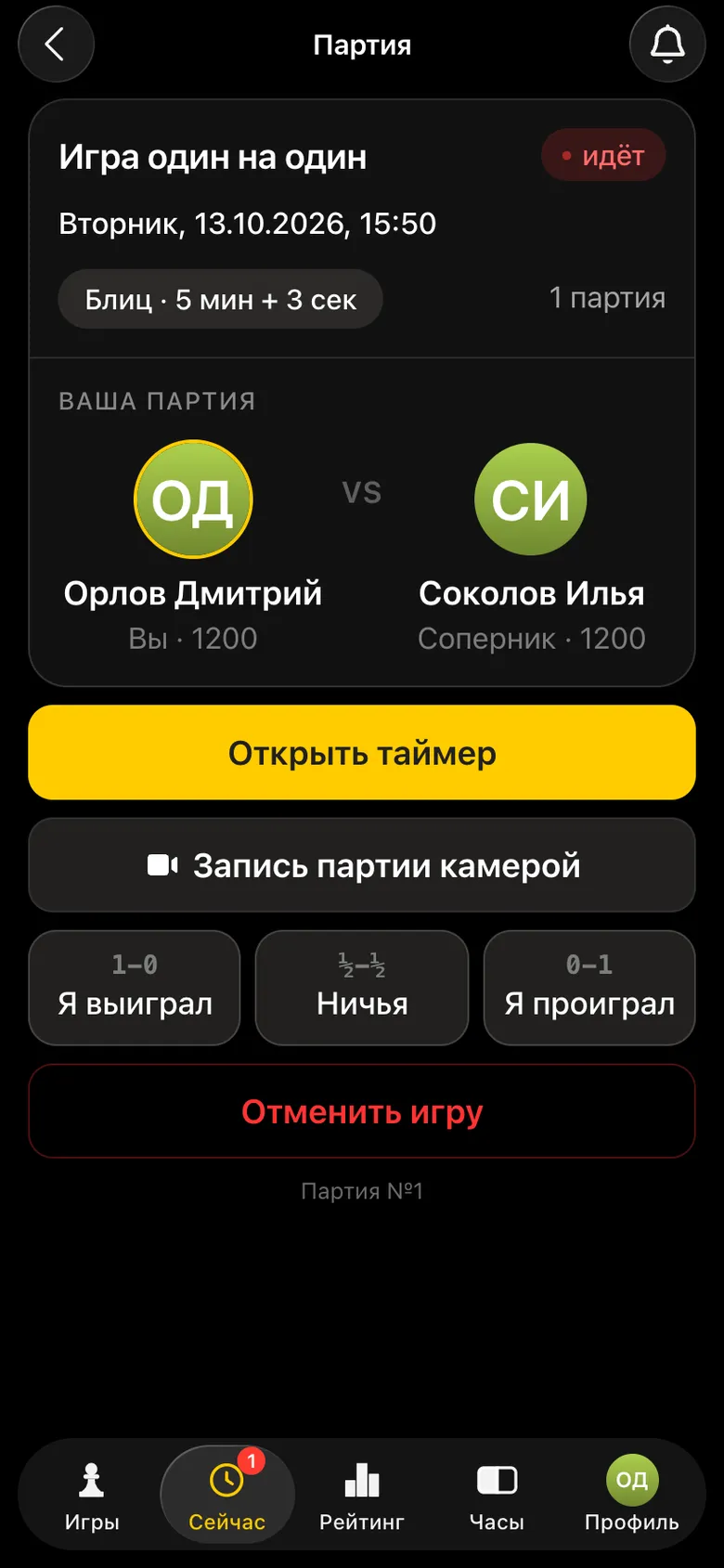
A rated individual game. You create the game, players in your city respond, and you choose an opponent - seeing their rating and your head-to-head score. You can also invite a friend right away: they point their camera at the QR code and sit down at your board. To invite a particular person, use the "Send a one-on-one challenge" button in their profile.
| Format | Players | Who picks the opponent | Limited by | Result |
|---|---|---|---|---|
| Swiss | 8-200 | the app, by score | number of rounds | places by points and tie-breaks |
| Round robin | 4-10 | everyone plays everyone | the line-up | places by points and Sonneborn-Berger |
| Free meetup | any | players choose | nothing, until closing | rating for every game |
| Arena | 4+ | straight after a game, by place in the table | time | places by points scored in the time |
| Bughouse | 4+ | pairs choose their opponents | until closing | pair rating |
| Team Swiss | 16+ | team pairings by score | number of rounds | team and individual standings |
| One-on-one | 2 | you choose from those who respond | a single game | personal rating |
How many rounds and hours a tournament will take with your line-up - the tournament system picker will work it out.
When nothing is running for a player, the Now tab opens the training games. These are short timed runs played solo: between rounds, while waiting for a table or simply on the way somewhere. Results go into the rating - overall and for the venue.
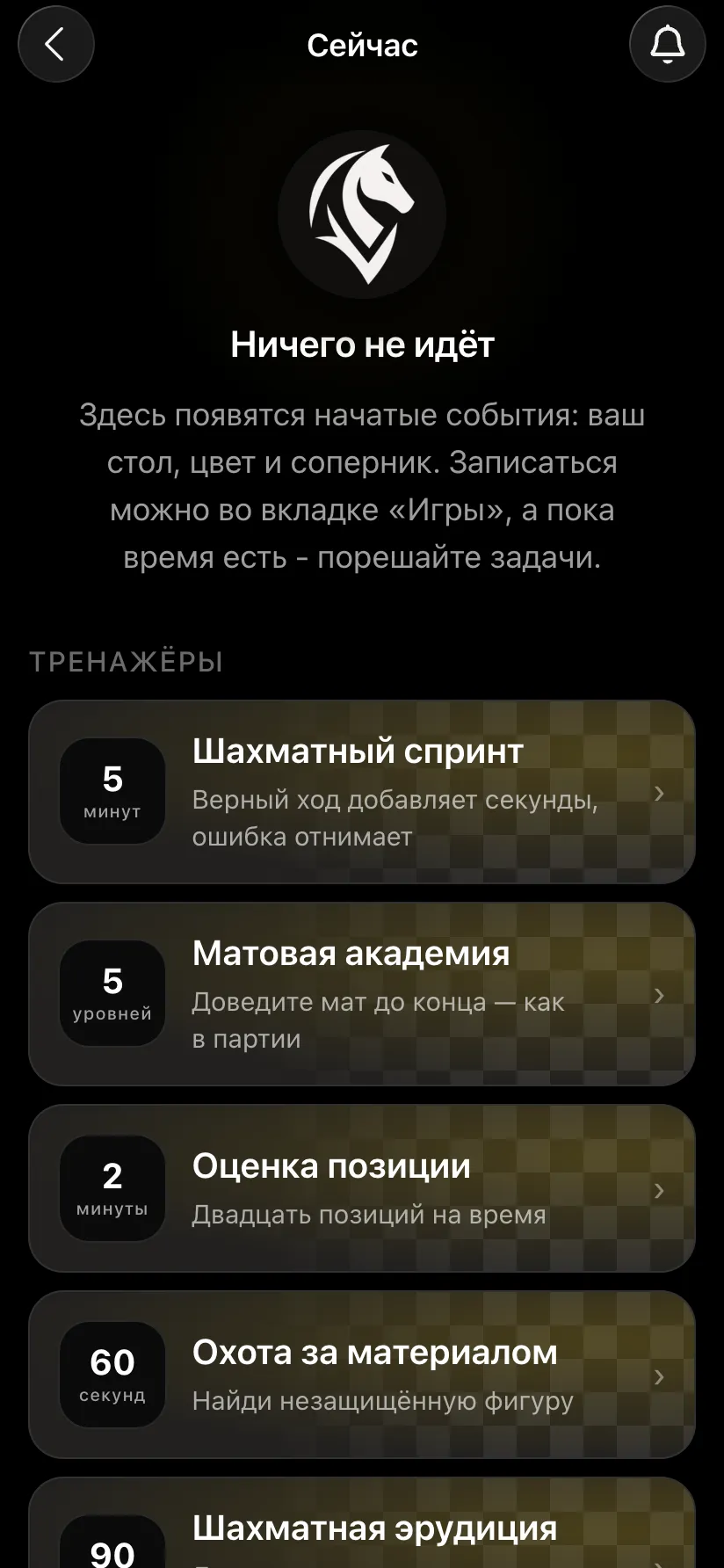
Puzzles one after another, each harder than the last - starting with mate in one. You begin with five minutes; a correct move adds seconds, a mistake takes them away. The further you get, the more points a puzzle is worth. It works brilliantly at a company event: on a signal the whole room starts at once.
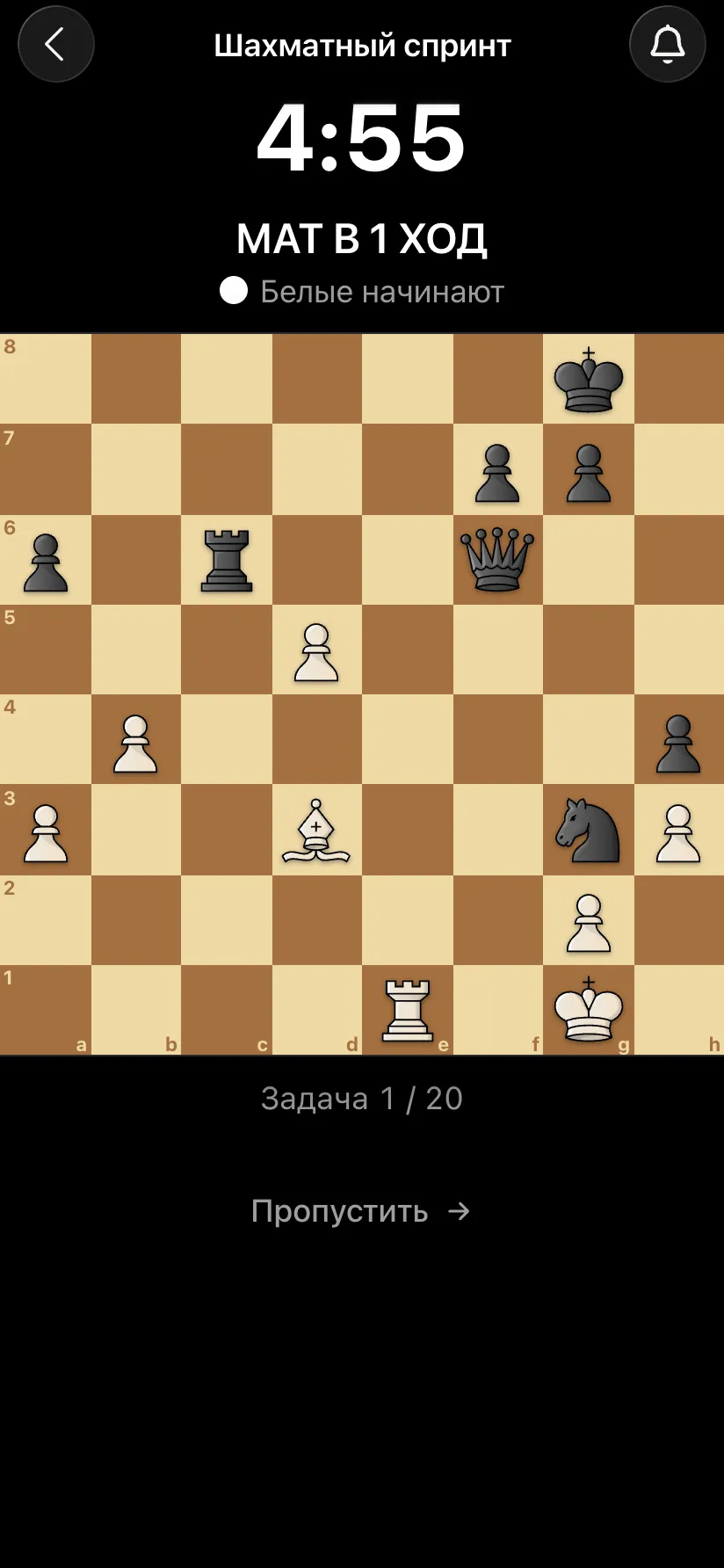
Teaches you to deliver mate: you have pieces and a king, the opponent has only a king and defends with all its might. Five endings in a row - two rooks, queen, rook, two bishops, bishop and knight. A mate adds time, and a wrong move is simply taken back. There is a learning mode.
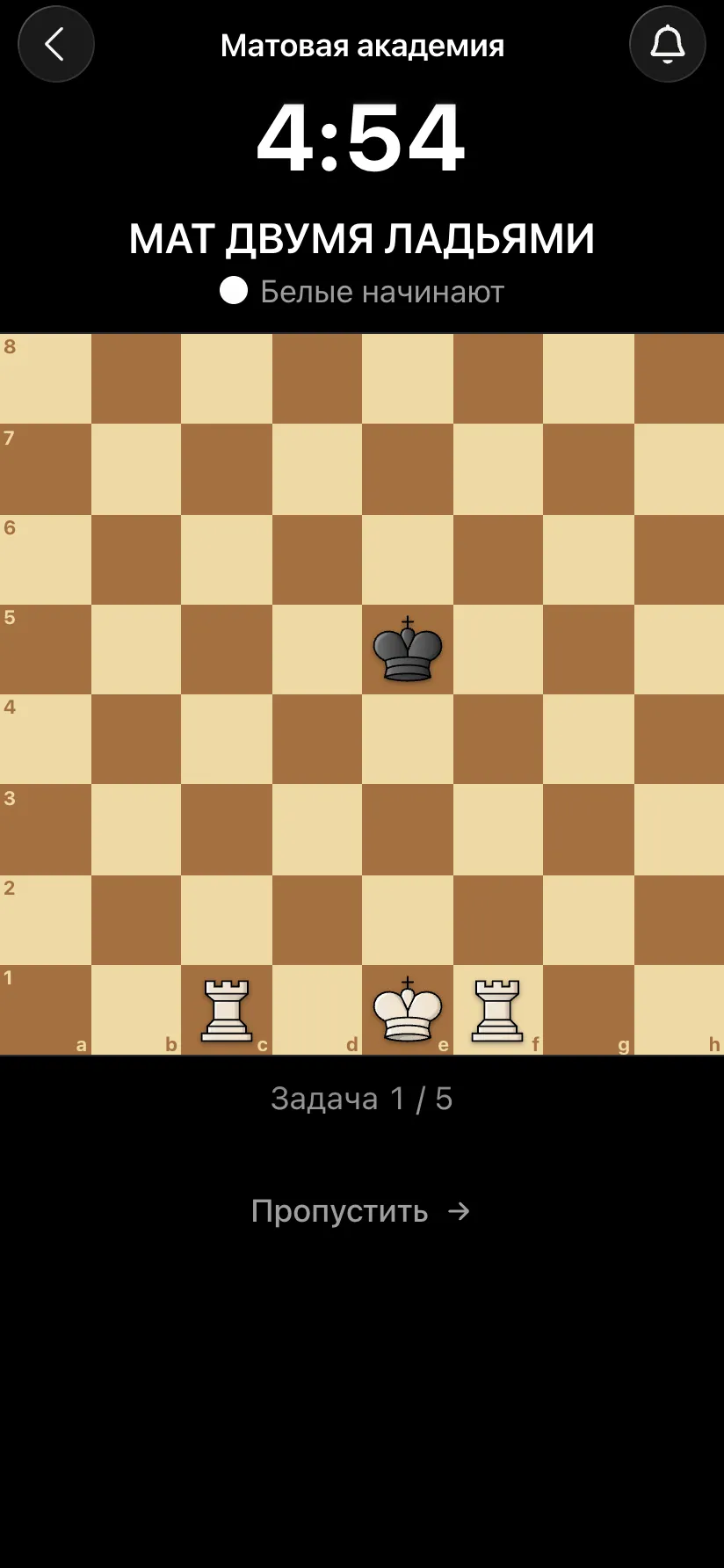
Twenty positions in two minutes and one question: who is better - White, Black, or is it equal. Positions go from easy to hard, with a bonus for speed and for a run of correct answers. It trains what you need in every game: seeing quickly who stands better.
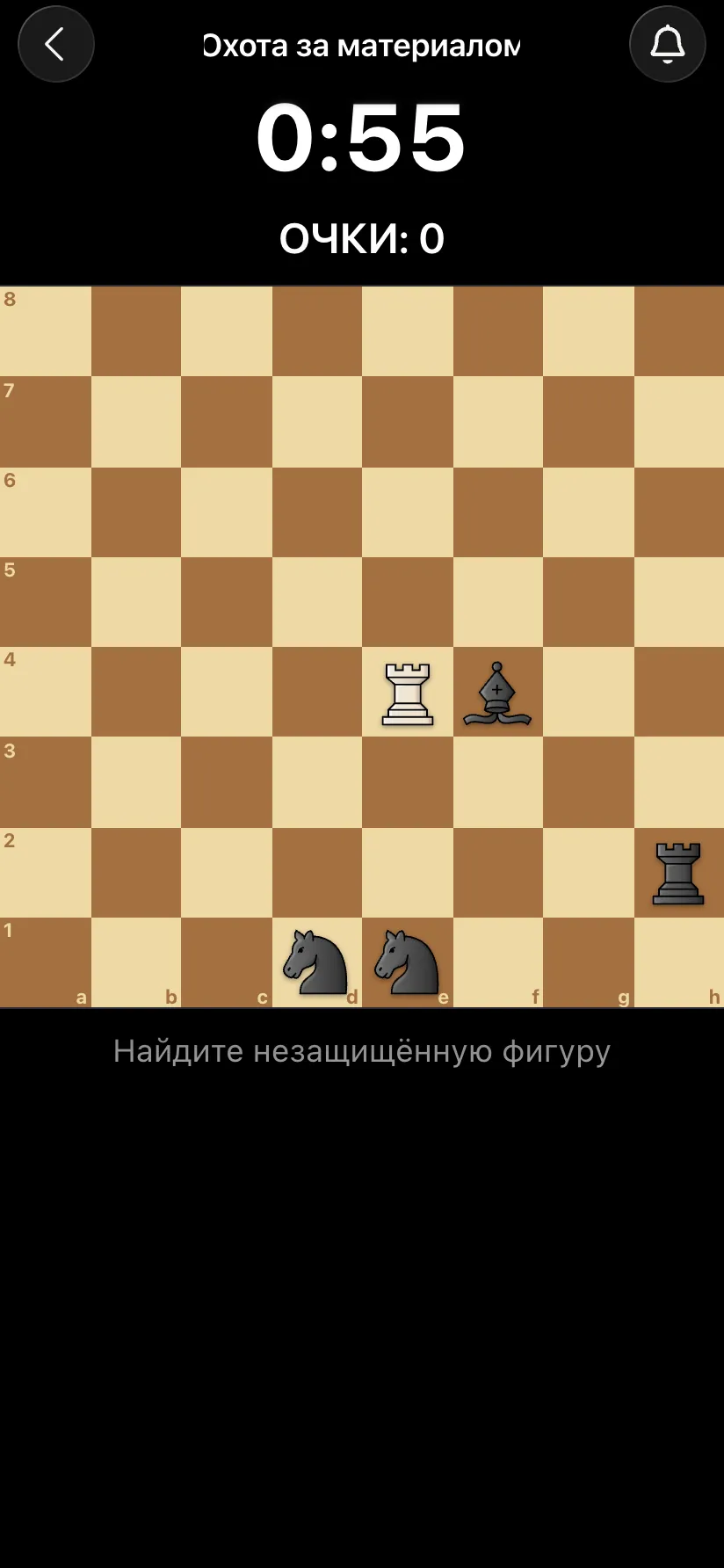
A one-minute arcade game. You have one piece - a queen, rook or bishop - and the opponent has three or four. Find an undefended piece and take it before the opponent takes yours. Points go by the value of the piece: pawn 1, knight and bishop 3, rook 5, queen 9.
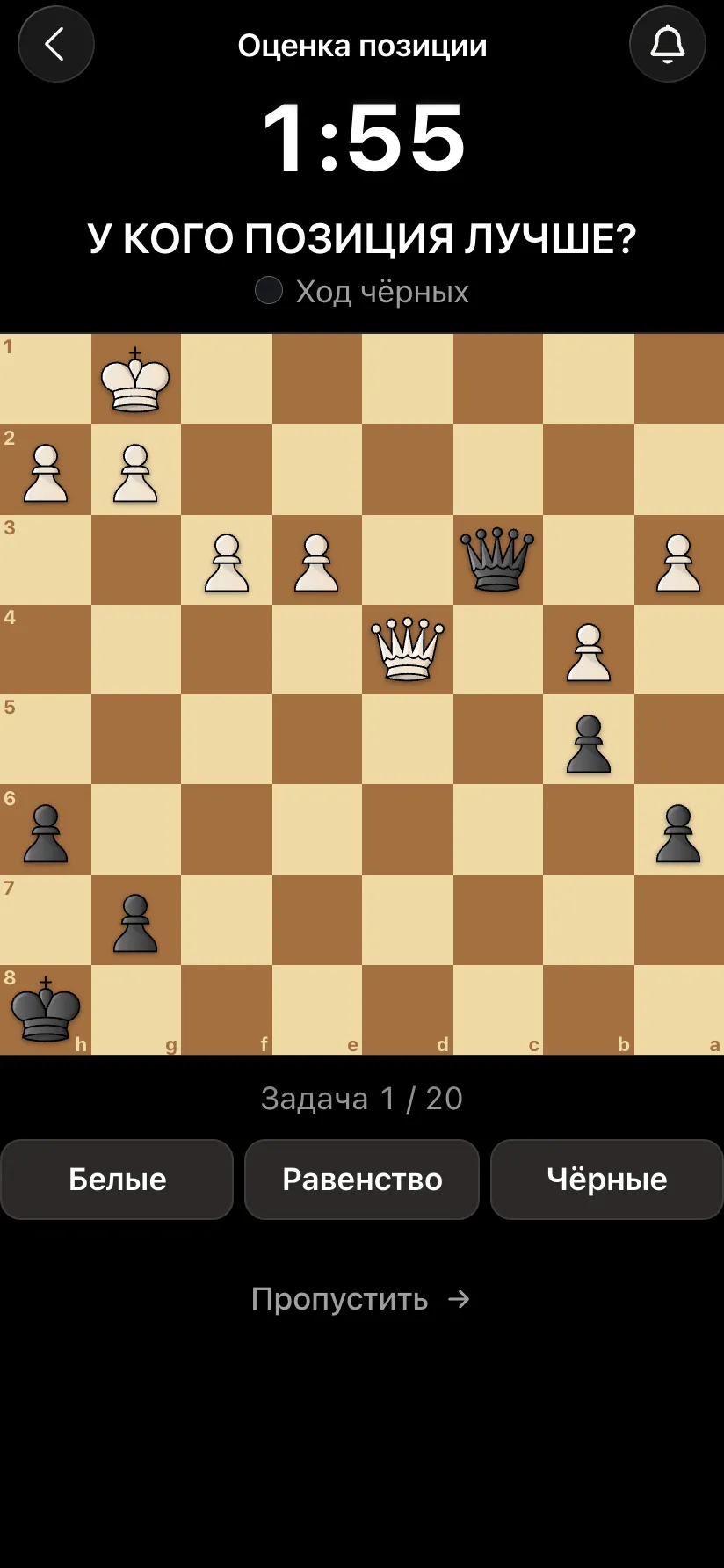
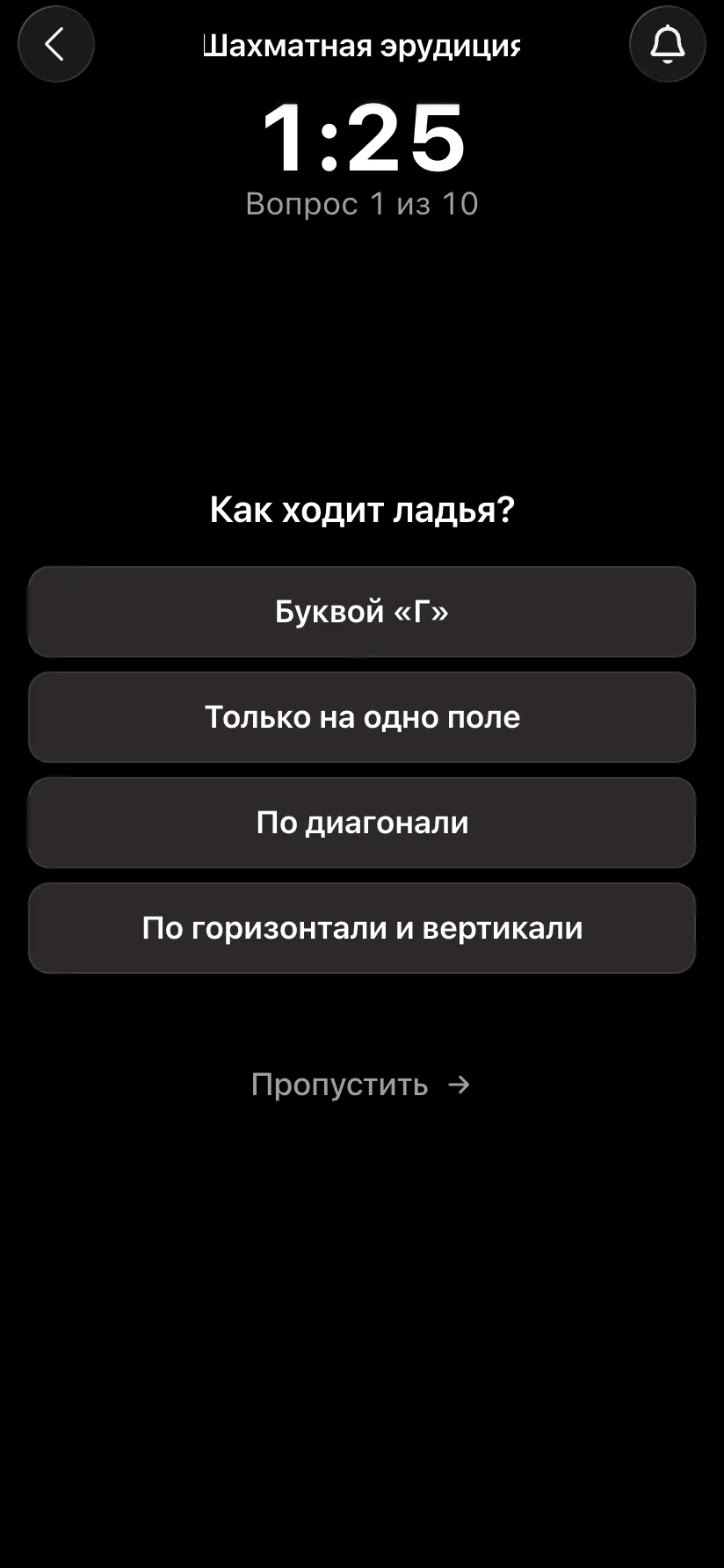
Ten multiple-choice questions with four options, from easy to hard: first the rules (how the rook moves, what castling is), then people, films and books around chess, champions and history, classic games and matches, and rare facts. You have 90 seconds in total; a correct answer adds 5 seconds, a wrong one takes away 10. A good way to brush up on the rules before your first tournament.
We build the app ourselves and add formats at organisers' request - that is how the arena, bughouse and Team Swiss came about. Write to us if you need:
Seven formats: a Swiss-system tournament, a round-robin tournament, a free meetup, an arena, bughouse, a Team Swiss and a one-on-one game.
In a round robin everyone plays everyone, and the number of rounds equals the number of opponents - so it suits 4-10 people. In a Swiss, opponents are matched by score, the organiser sets the number of rounds, and it suits 8-200 players.
An arena has no rounds: it runs for a set time, and a player who finishes immediately gets a new opponent. Scoring is 2/1/0, with a double-points streak and berserk. In a Swiss everyone waits for the round to end.
A two-against-two game on two boards: partners play different colours and pass captured pieces to each other. The match ends as soon as the game on either board is over. Each pair has its own rating.
Every event is attached to a venue and takes its photo, address and description from the venue card. The venue belongs to the organiser: others can hold events there only with your permission.
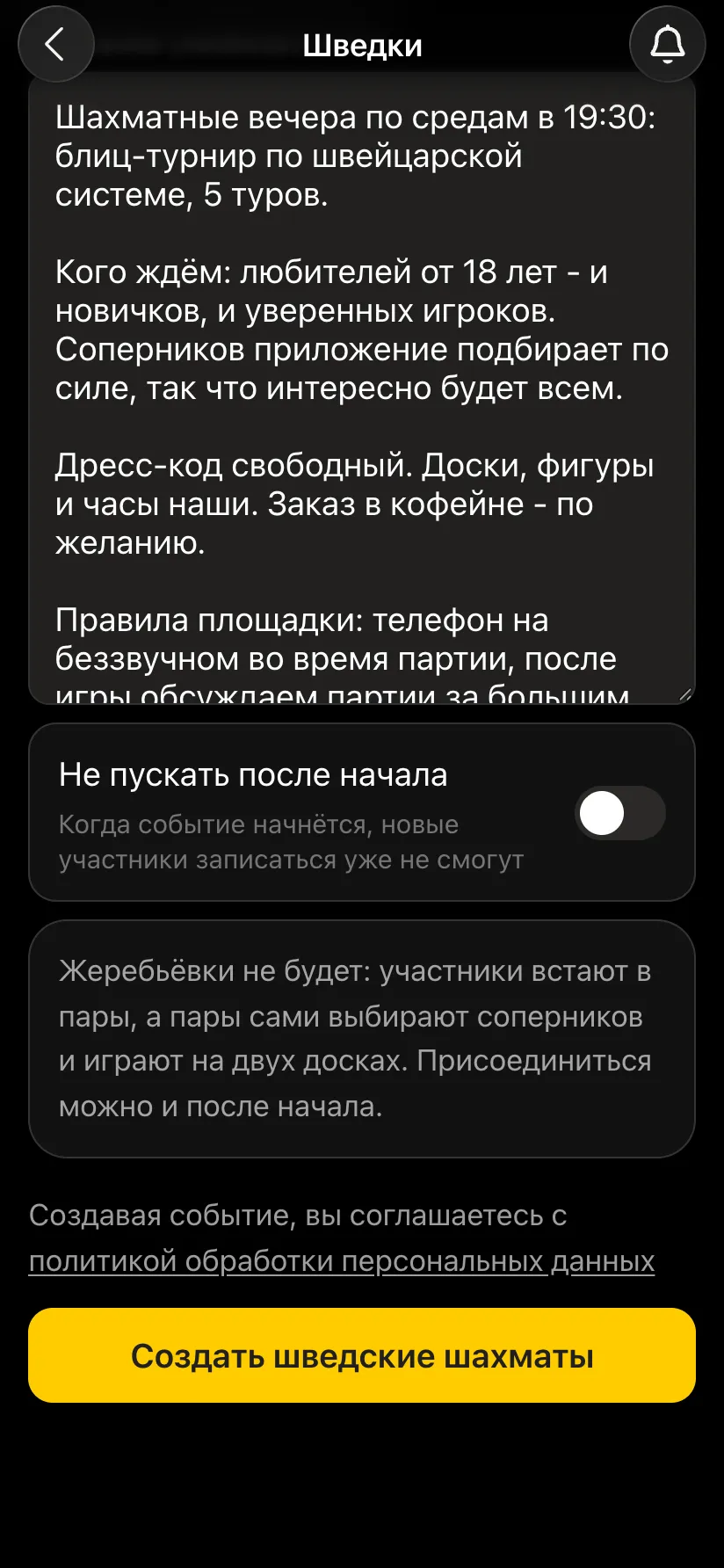
The format of your evenings, who you are expecting (age, beginners or experienced players), dress code, venue rules and how to find the room. A detailed description brings exactly the people you are hoping for.
Chess Sprint (puzzles against the clock), Mate Academy (five basic mates), Position judgement, Material hunt and Chess Trivia (questions from the rules of the game to chess history).
Yes. All formats, venues and training games in the Vibe Chess app are free.
Everything people usually keep in a spreadsheet is already in the app: pairings, points, tie-breaks, round order. Free, with no subscriptions and no cap on the number of players.
many players, one evening: four or five rounds are enough
the fairest format for six to ten players
not a tournament, just an evening of chess - who is free and who is playing is visible in the app
The bot is constantly improved based on real tournaments. If you need a feature that isn't there yet, message the developers right inside the bot with the /support command. Many features appeared exactly because organizers asked for them, and useful ideas get added quickly.
Your own club - how to start a chess club. Broadcasting - a tournament with live game broadcasts, a broadcast checklist. An overview of the bot - what Vibe Chess is.

At the board since childhood: hazy about his rating, precise about every rook he has blundered. Counts an evening as a good one if the opponent stayed to talk afterwards instead of rushing off to check with an engine. Message →
