The organiser needs no separate arbiter's laptop, no pairing program, no electronic boards and no paid subscription. Everything works in one app on ordinary phones:
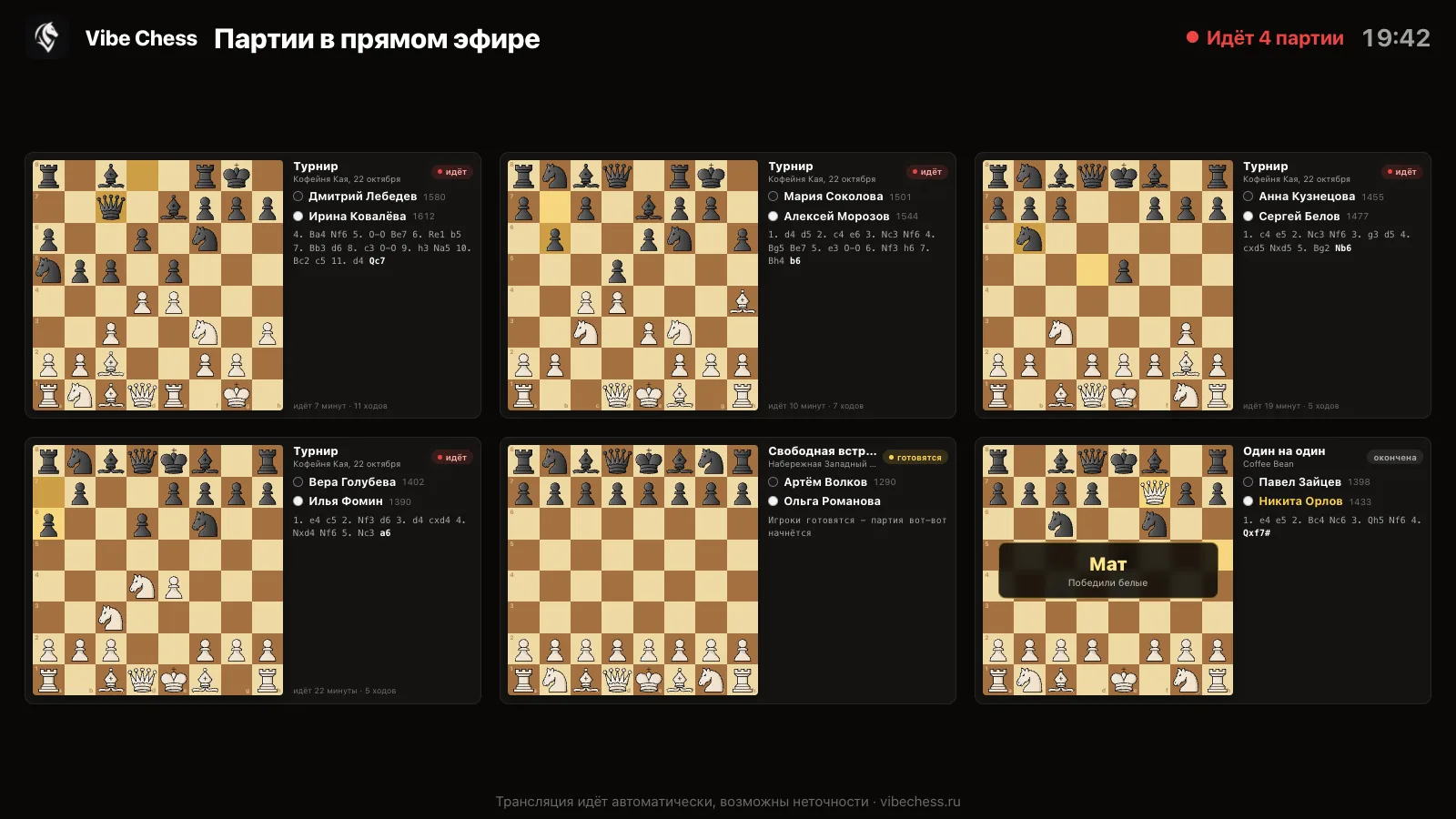
There is no limit on the number of players: the Maximum participants field can be left empty when you create the tournament, and sign-up stays open to everyone. If you want a cap, set it there, and sign-up closes by itself when the places run out.
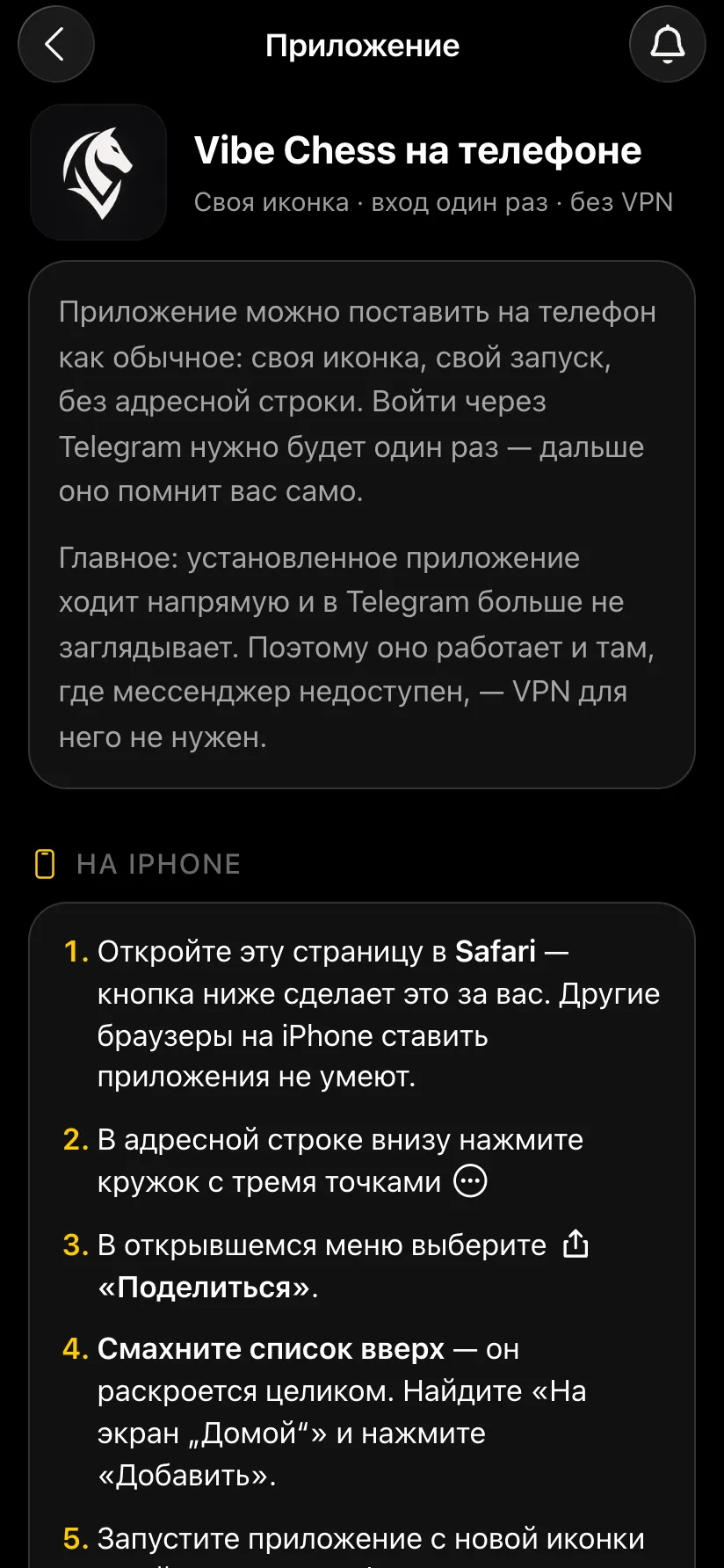
Put Vibe Chess on every phone that will be a camera at a table and on the organiser's phone. The app installs from the browser, without an app store: on an iPhone through Safari - Add to Home Screen, on Android through Chrome - Install app. You sign in once - through Telegram or VK ID. After that the installed app works directly, without Telegram and without a VPN.
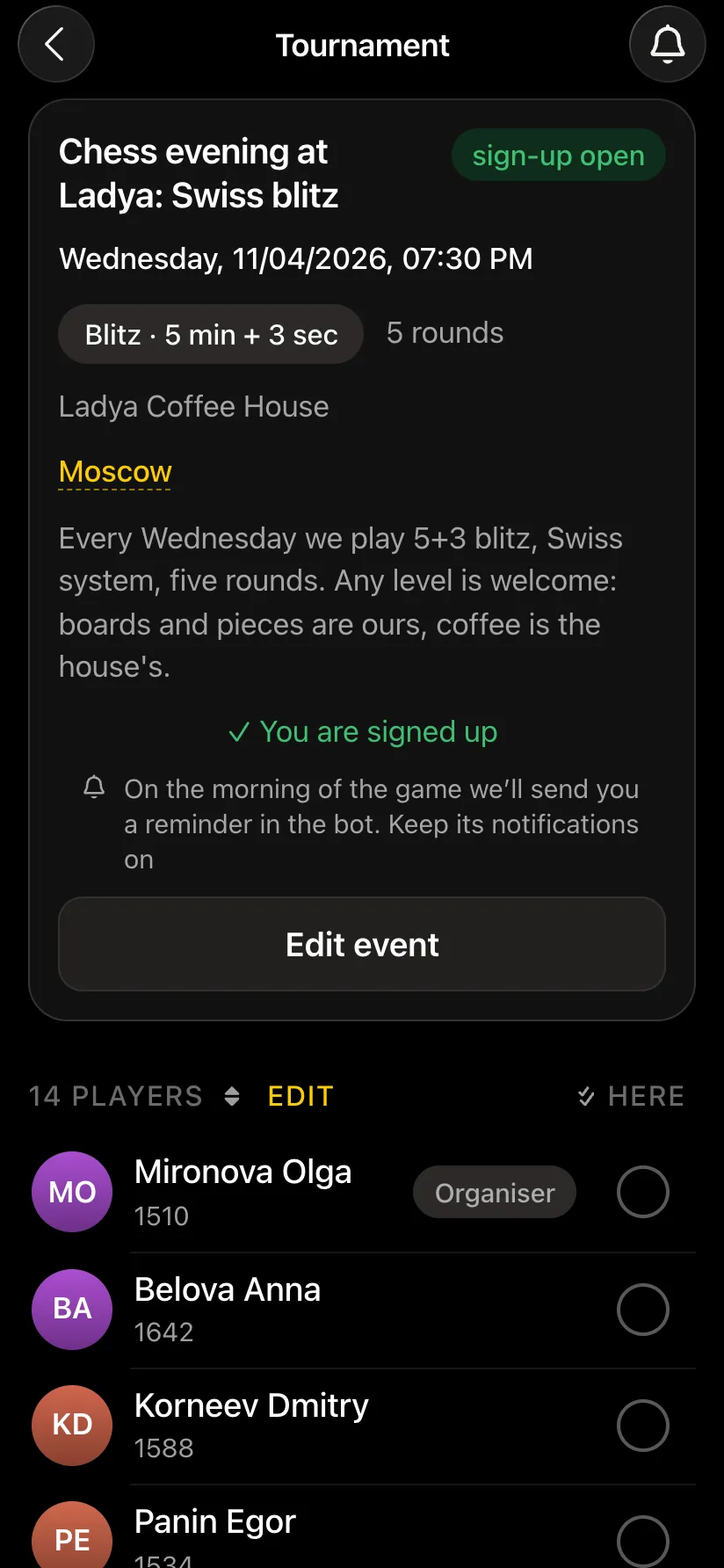
Nothing to buy or renew: the app and the broadcast are free. So go straight to creating the tournament: Games → Create your own game → Swiss system, round robin, team tournament or arena. The tournament can be linked to a club league right away. Enter the name, description, city, venue, date, time control, number of rounds and tables.
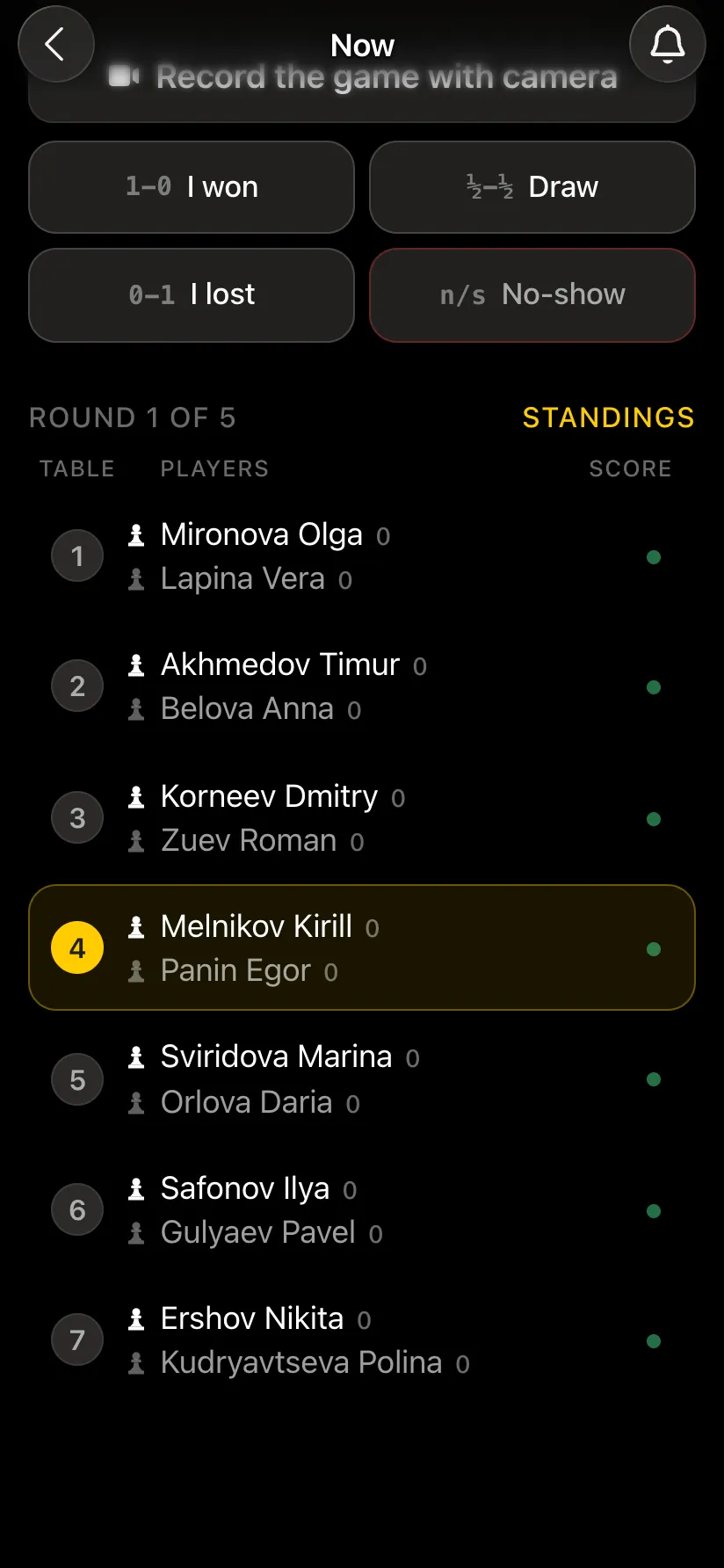
There is no need to load pairings from another program - the app makes them itself by the rules of the Swiss or round-robin system. Your job the day before is to check that everything is ready to start:
Stable internet is the basis of a broadcast. Any will do: venue Wi-Fi or a good mobile network. The main thing is stability without drop-outs at every table, and if every camera uses one venue network, test it under load in advance - with several phones at once.
The day before or an hour before the start, play one trial game exactly as it will be at the tournament: a phone with the clock, a phone with the camera on a stand, ordinary pieces.
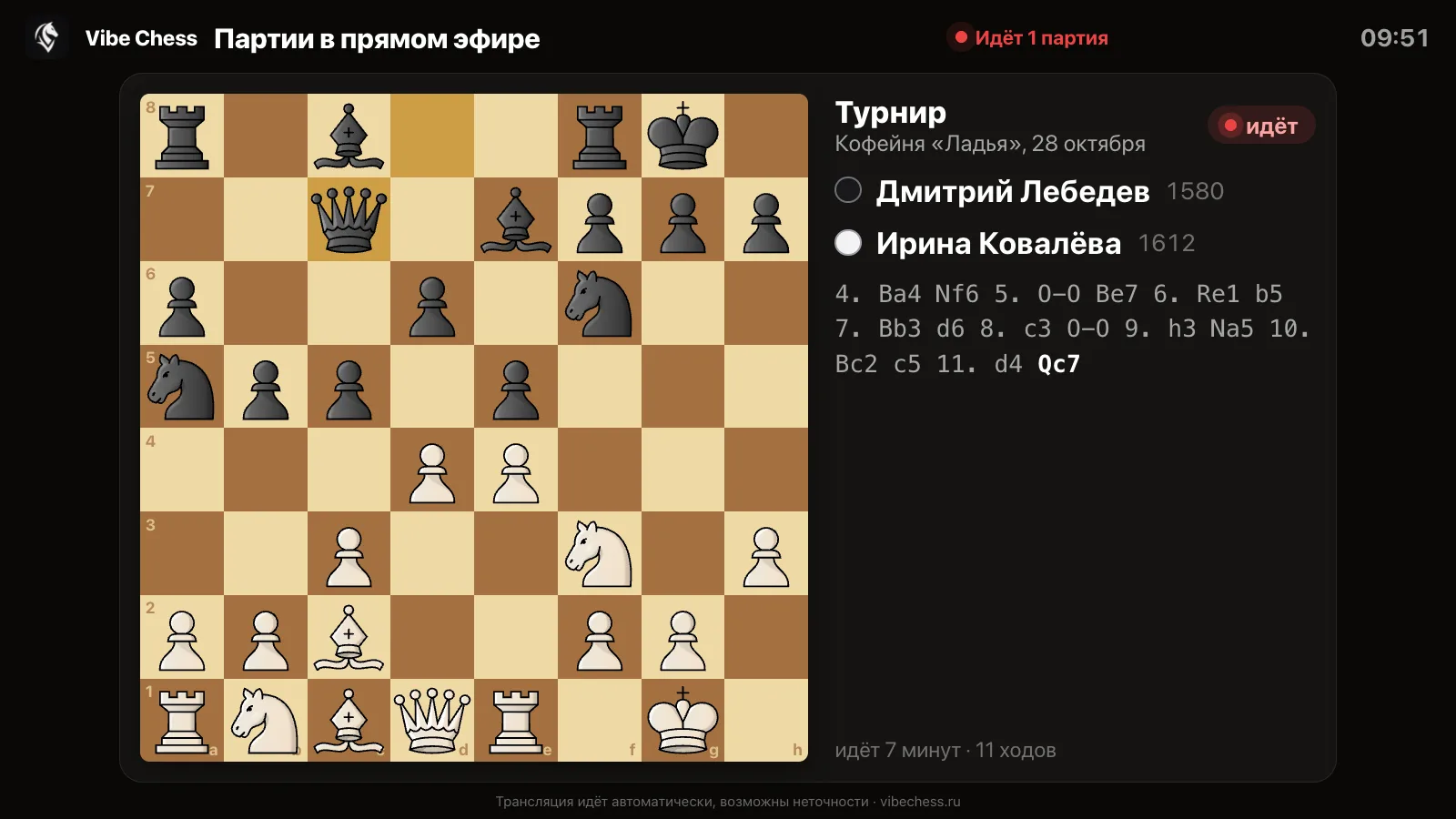
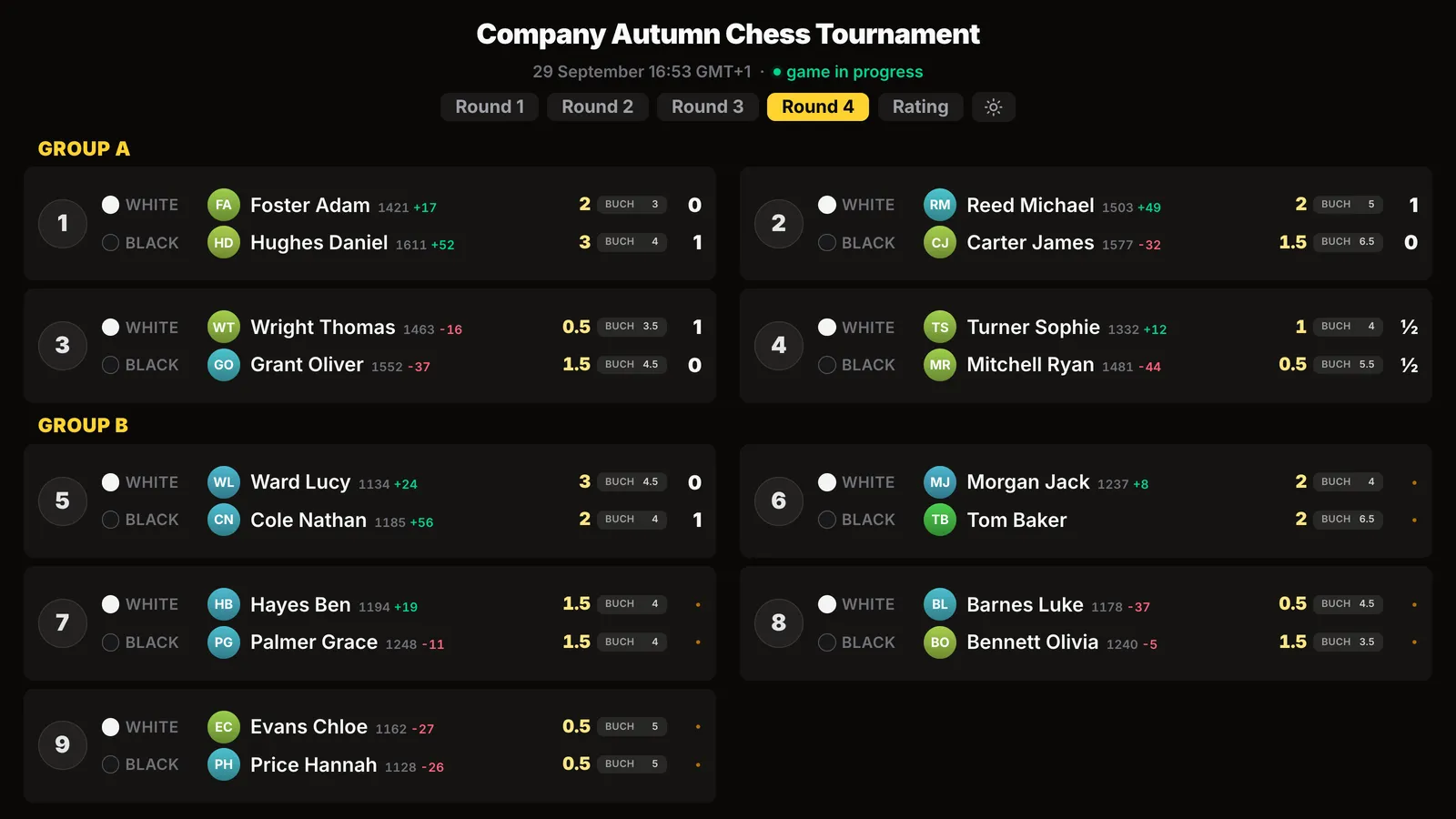
A fan zone turns a tournament into an event on the level of big championships. Fans stay until the end, and players who have finished come to watch the next boards. What it should have:
Where to put the screen, how much room it needs and how not to disturb the players - a fan zone at a chess tournament.
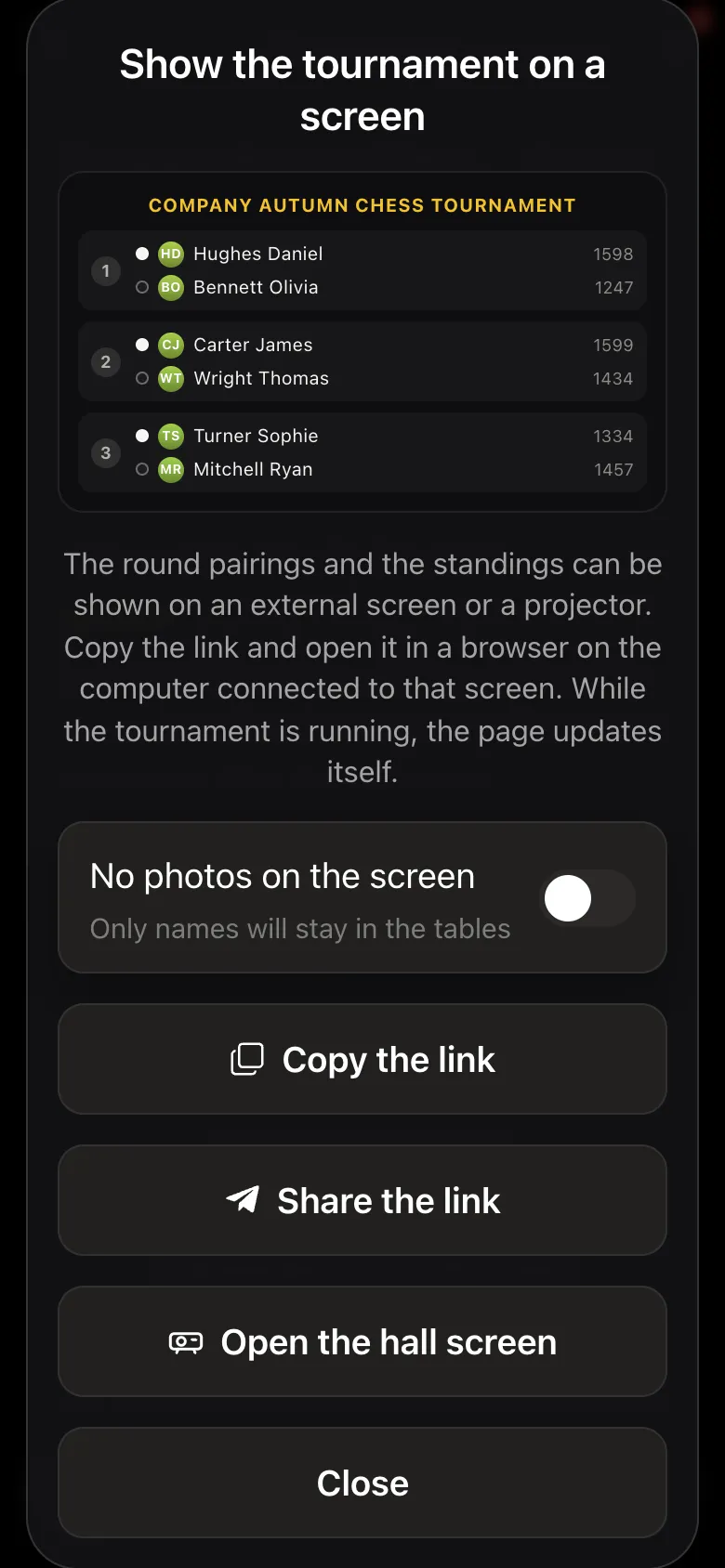
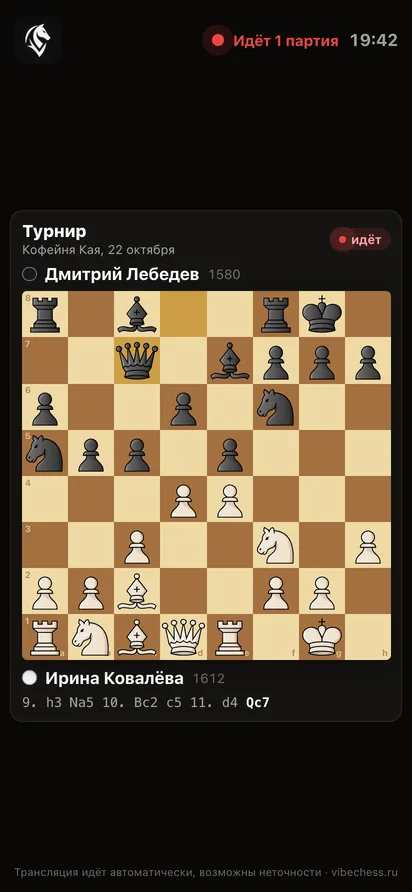
A commentator is the highlight of a broadcast tournament. Even a simple account of "what is happening on board one right now" keeps the hall at the screen and makes the games clear to people who rarely play themselves.
Whom to invite and what to talk about during a round - a chess tournament commentator.
For those who could not come, the broadcast opens at live.playvibechess.com- in a browser on a computer, a TV or a phone, without the app and without signing in. Publish the link on the club's social media, in the players' chat and in the parents' chat if the tournament is for children. A child plays in one city while the parents follow every move from a business trip - that is the real gift of a broadcast.
You can send viewers a guide together with the link - how to watch a chess tournament broadcast.
When the last round is over, the app finishes the tournament by itself and sends every player their result. The organiser keeps the final standings with tie-breaks, the results sheet as a PDF for printing and the prize-giving, a TRF export for the federation and all the recorded games - they can be stepped through and analysed by an engine.
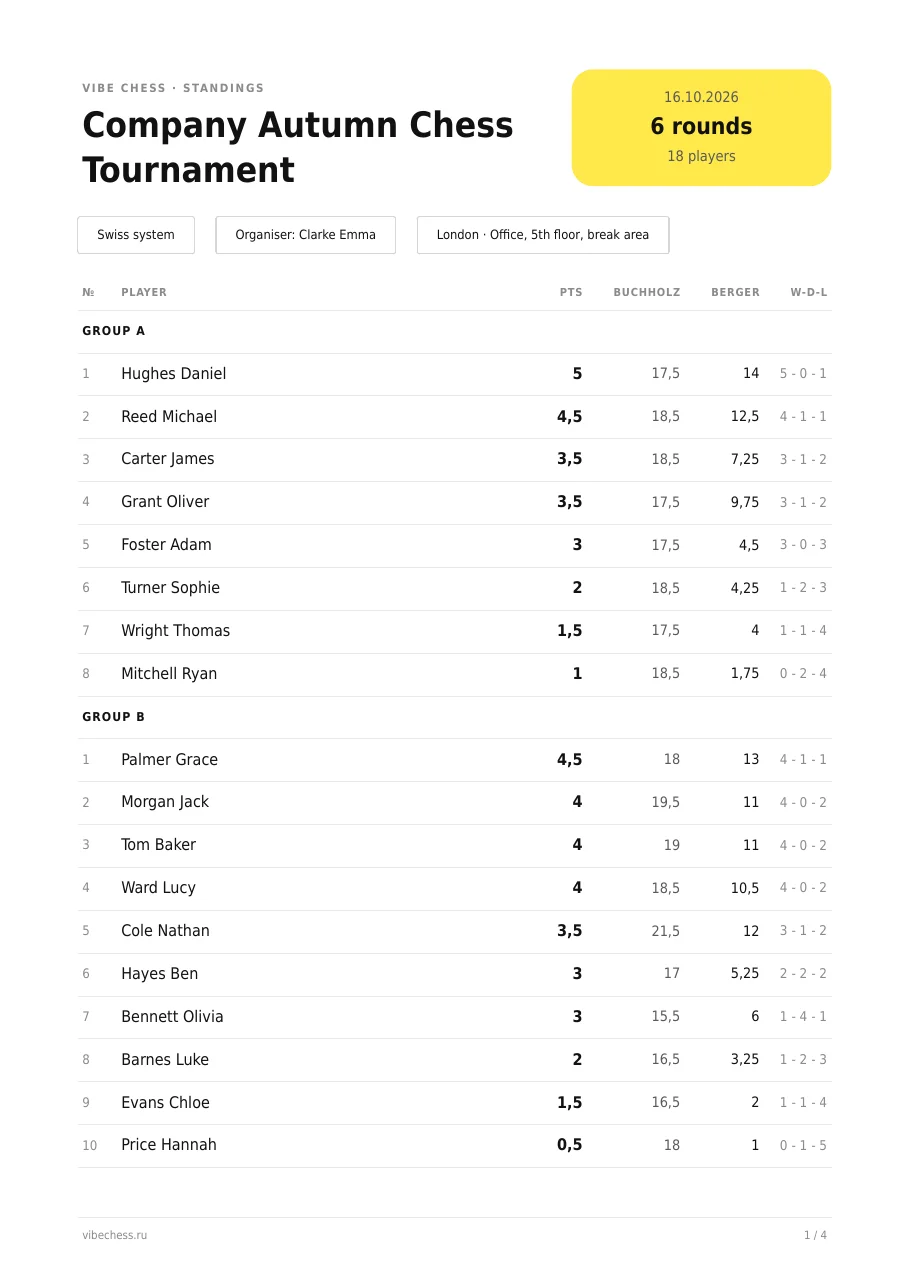
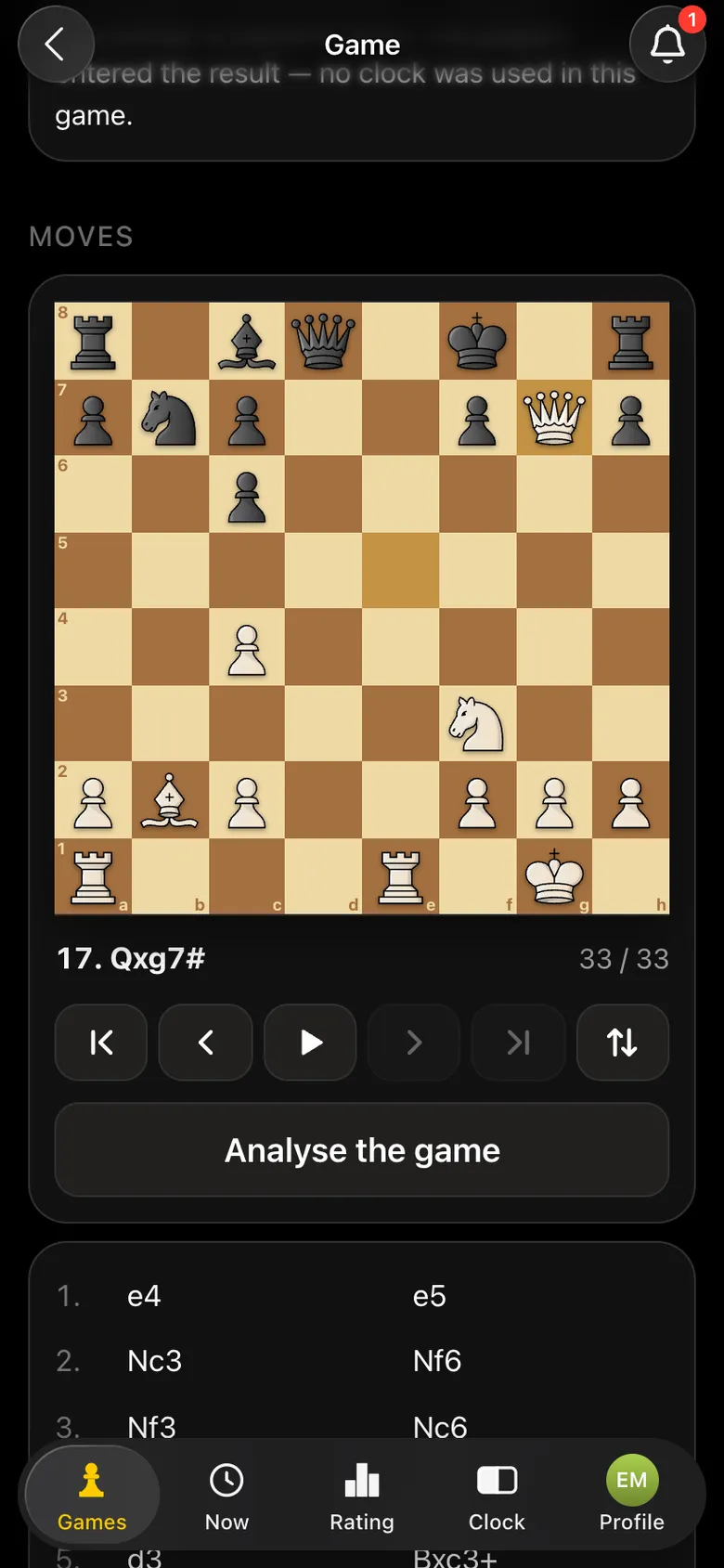
After the tournament players can rate the organiser - good reviews help gather even more people for the next tournament. Publish photos and the results link the same evening - photos and content from the tournament.
| When | What to do |
|---|---|
| A week before | Create the tournament in the app, publish the announcement and the broadcast link, arrange Wi-Fi, invite a commentator. |
| 2-3 days before | Ask players to install the app and sign in, buy or collect stands and power banks. |
| The day before | Check the list, groups and number of tables, charge the phones, do a test run. |
| An hour before the start | Fix the stands, check the internet at the furthest table, open the broadcast and the hall screen in the fan zone. |
| Start | Mark attendance, press Start the tournament, check the round one pairings and the recording at the tables. |
| After the tournament | Results as a PDF, prize-giving, photos and the results link on social media. |
We build the app ourselves and are open to working with organisers, clubs and federations. Write to us if you need:
Install the Vibe Chess app on the phones, create the tournament in advance, check the list and the tables, prepare phones and stands, check the internet, do a test run and set up a fan zone with a screen. The step-by-step checklist is in the article.
No. The Vibe Chess app and the live.playvibechess.com broadcast page are free.
There is no limit: the Maximum participants field can be left empty. A tournament has up to 100 tables - up to 200 people at the boards at once. Need more - write to the developers.
No. The app makes the pairings itself by the rules of the Swiss or round-robin system. The organiser only marks attendance and presses Start the tournament.
Stable Wi-Fi or mobile data at every table. If every camera uses one venue network, test it under load in advance. Have a backup channel and do not rely on the public network of a café or shopping centre.
A separate place for spectators, a screen with the live.playvibechess.com broadcast, a screen with the pairings and standings (Show the tournament on a screen), a QR code with the link and, if possible, a commentator.
A coach, a strong local player, an arbiter or a chess blogger. The moves arrive in the broadcast by themselves, so the commentator only has to explain the games to the audience.
Yes, write to the developers on Telegram: a delay, a separate tournament page and your own broadcast look are set up for your event.
The Vibe Chess app is built for an evening over the board, not for online play: it keeps the sign-up list, the pairings and the table while you deal with people and the venue. All of it free.
score groups, no rematches, no second bye
everyone plays everyone, the app works out the number of rounds
who is free and who is already at a board is shown under Now
The bot is constantly improved based on real tournaments. If you need a feature that isn't there yet, message the developers right inside the bot with the /support command. Many features appeared exactly because organizers asked for them, and useful ideas get added quickly.
How the chess tournament broadcast works. Recording moves - recording a chess game with a phone camera. How to show a game to spectators - demo boards. Connection in the hall - what internet a tournament needs. The platform itself - chess broadcast platform. Your own club - how to start a chess club.

At the board since childhood: hazy about his rating, precise about every rook he has blundered. Counts an evening as a good one if the opponent stayed to talk afterwards instead of rushing off to check with an engine. Message →
