live.playvibechess.com · in real time
Organisers and arbiters run the tournament in the Vibe Chess app, and every game goes out live on live.playvibechess.com. Any format, any number of boards, moves from an ordinary phone camera. Need a delay, your own design or branding for the event - we will make it and agree it with you.
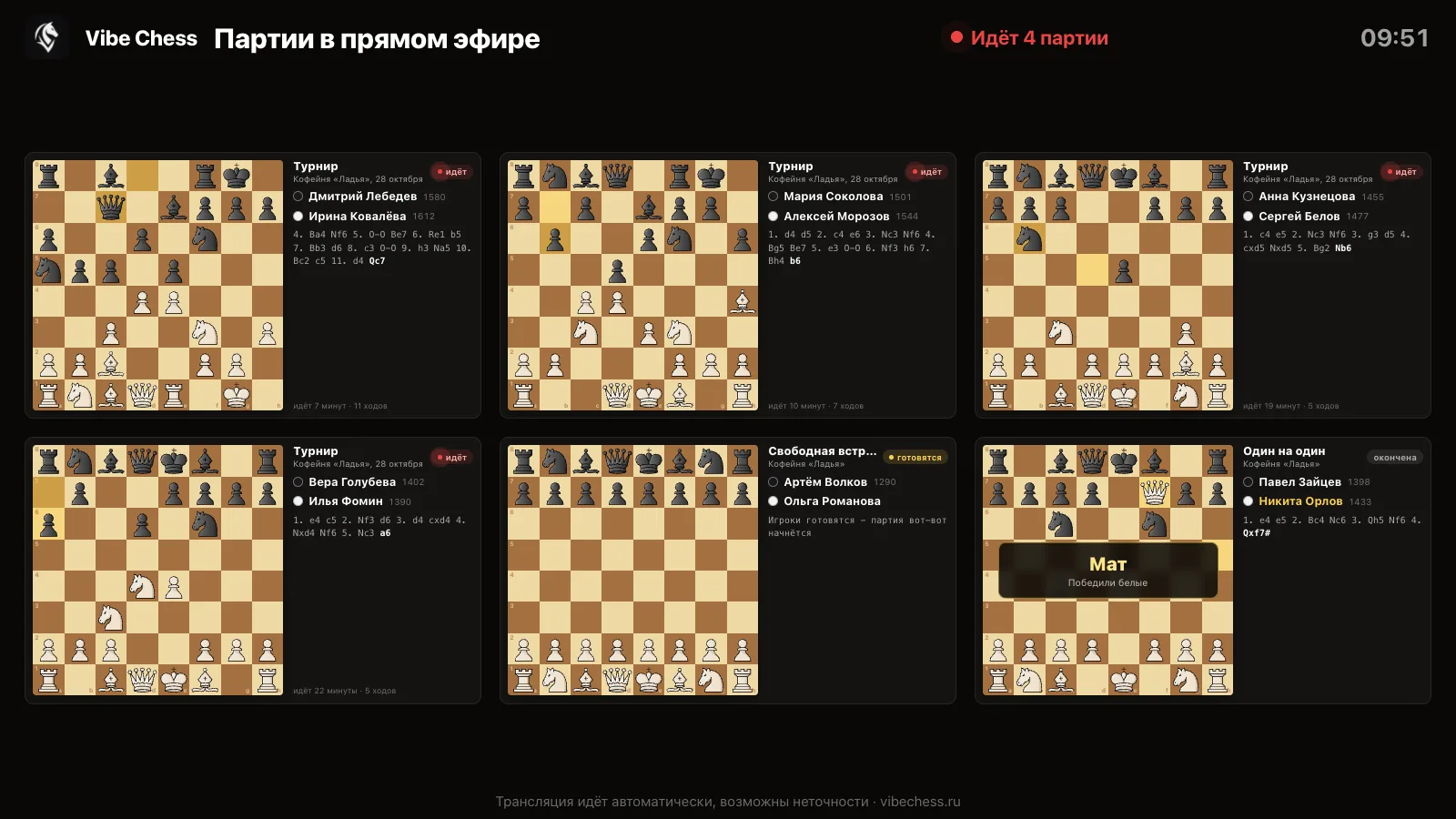
A tournament people can watch is easier to show to players, a sponsor and a venue.
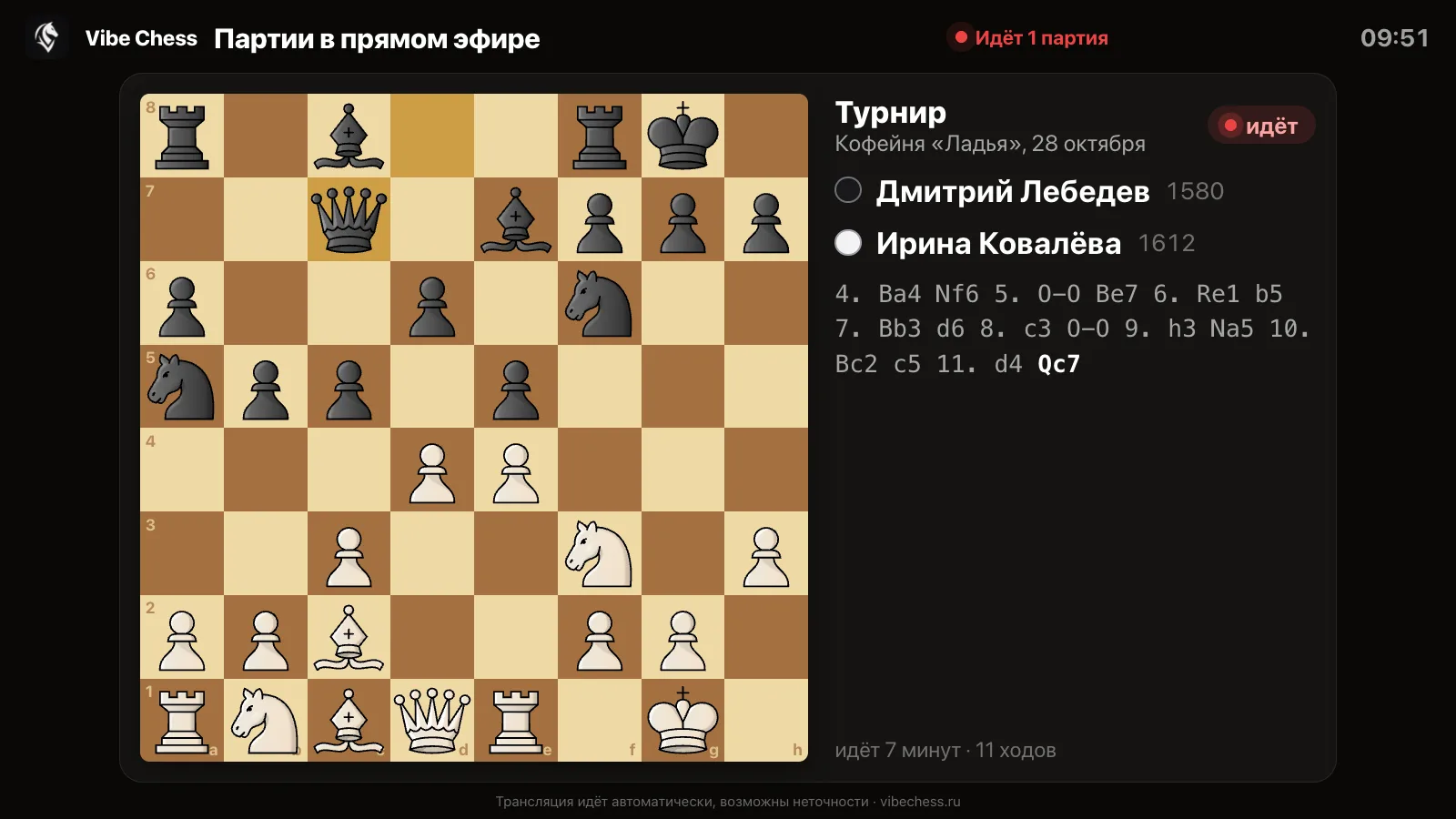
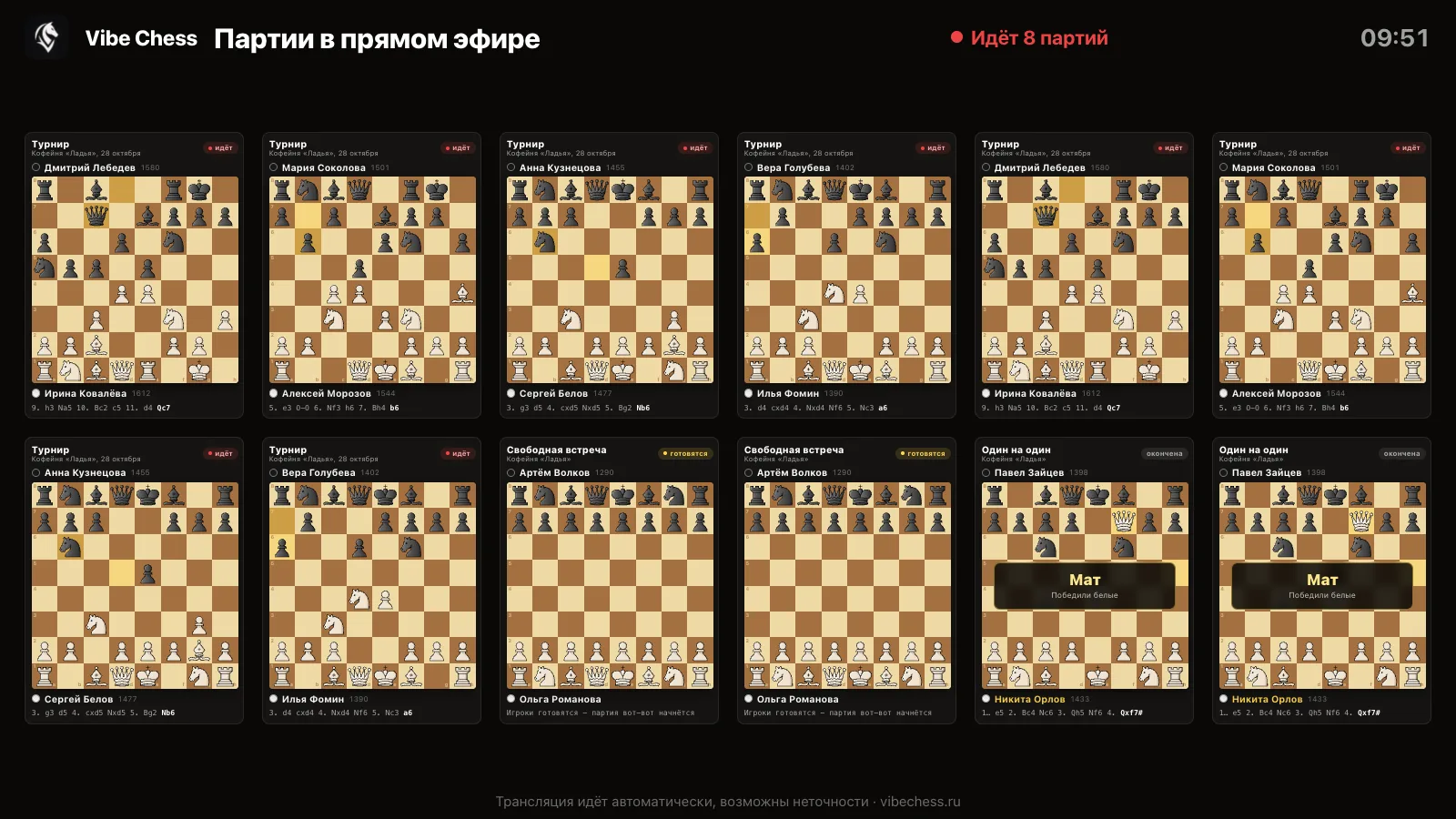
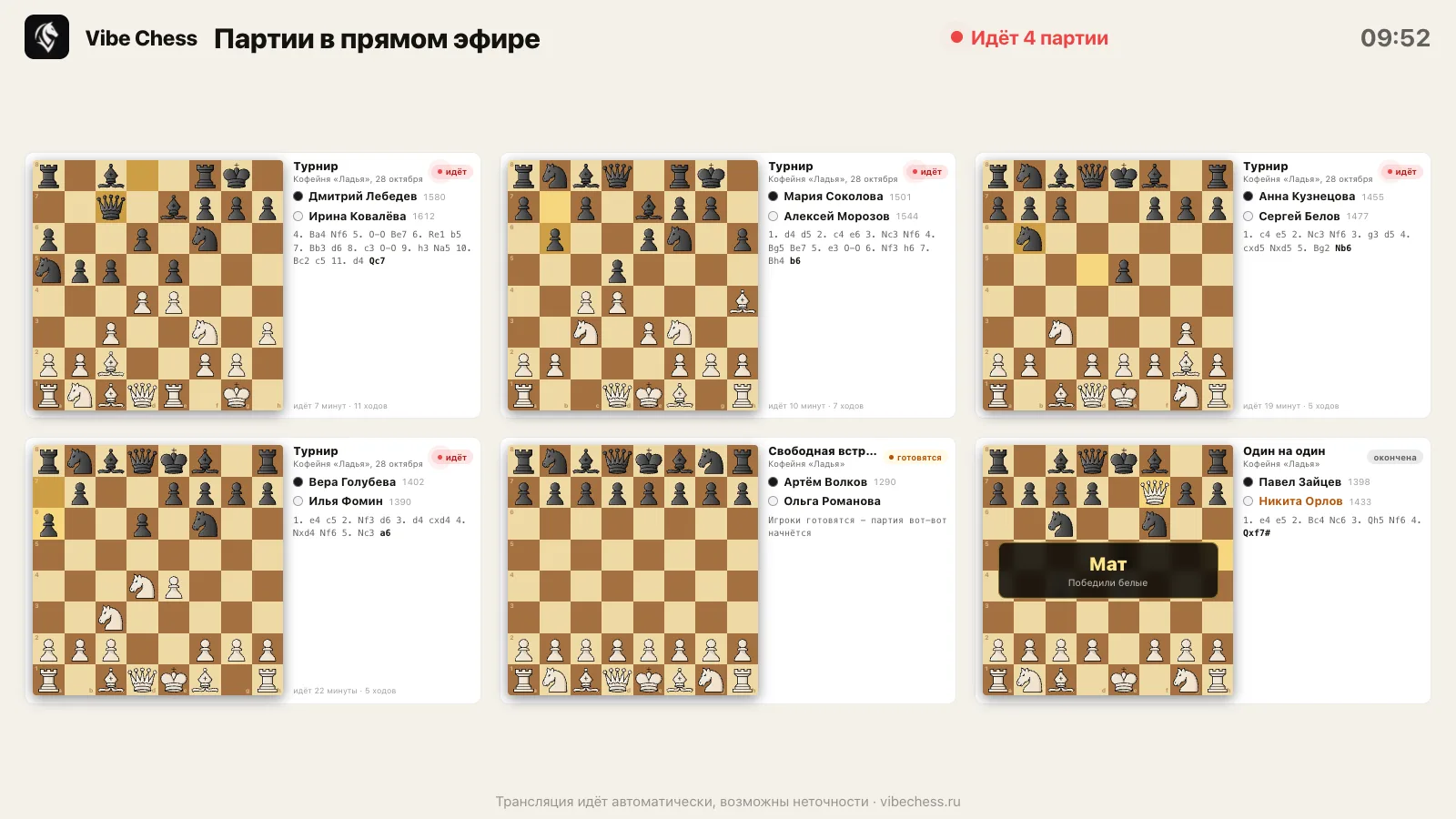
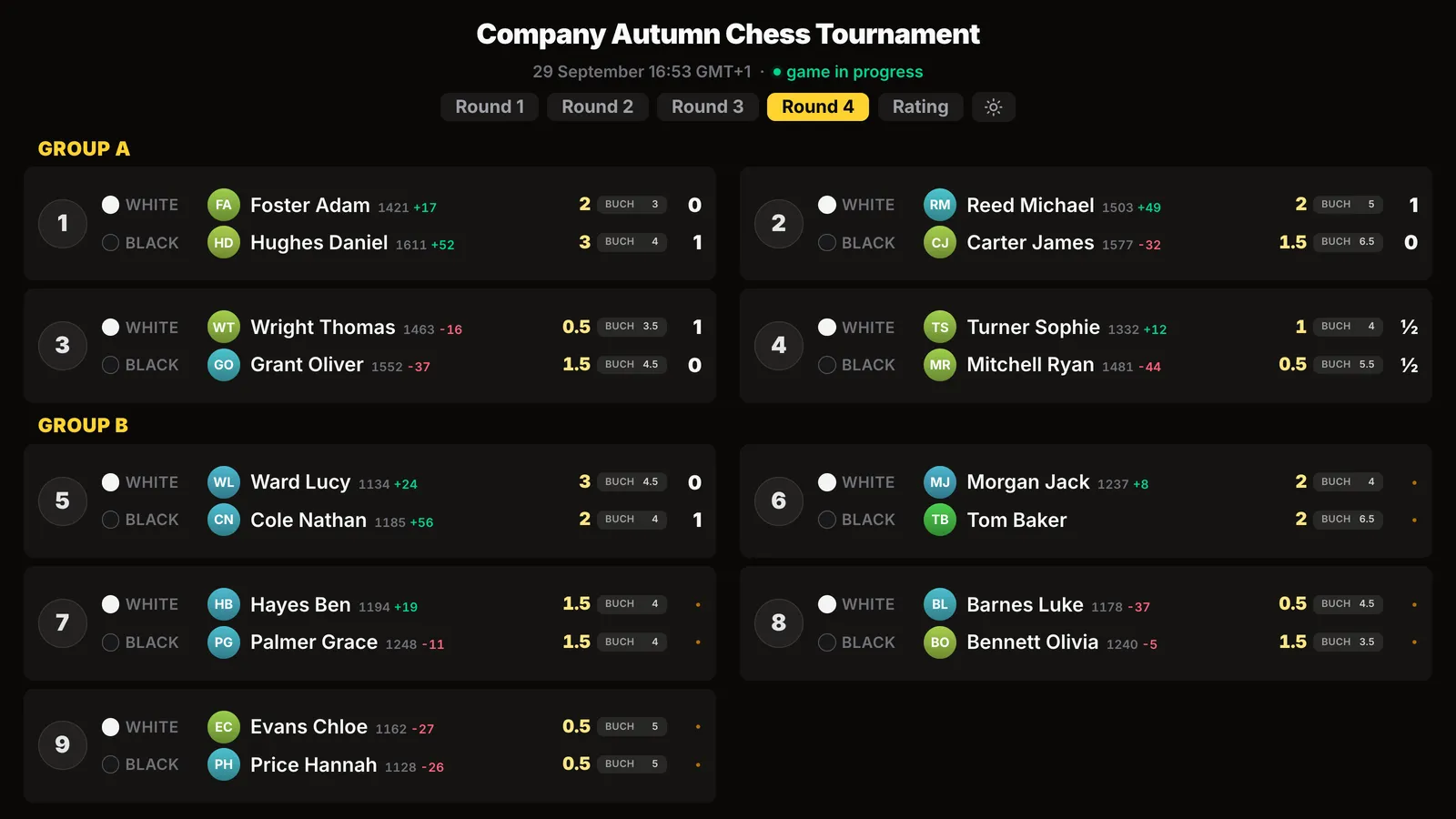
Every game on one screen: where play is going on, where there is a result, where help is needed.
City and regional events broadcast live with no budget for electronic boards.
A club tournament on the hall screen and by link - for those who could not come.
A company championship with the company logo on the meeting-room screen.
Parents follow their child's game on a phone from anywhere in the world.
Any game recorded with a camera in the app goes on air - whatever format the tournament runs in:
How to run a tournament in the app - the organiser's guide.
A move made at the board is visible to every viewer a few seconds later: on the projector in the hall and on a phone anywhere in the world. No operator, no electronic boards and no person copying moves.
Official events and tournaments with prizes often need a delay - so hints from the hall do not reach the board. We set a delay of a few moves or minutes to fit your regulations.
A tournament for a club anniversary, a company championship, a federation final, a sponsor's event - the broadcast display can be designed for the client: in their brand style and with the information they need.
The organiser's, federation's or sponsor's logo on the broadcast screen, brand colours instead of ours.
A separate broadcast page for your tournament only, or only the top boards.
Moves reach viewers a few moves or minutes late - hints from the hall will not reach the board.
A display for a club anniversary, a championship final, a company party - in the event's style.
Which boards to show, in what order, which game to put full screen.
English or Russian (live.vibechess.ru), your own labels and names.
We make and agree all of this for the specific event: tell us which tournament, when and what needs to be shown, and we will suggest an option.
The broadcast is part of the Vibe Chess app: pairings, tables, standings, the clock and game recording in one place. The organiser needs no arbiter's laptop and no separate program.
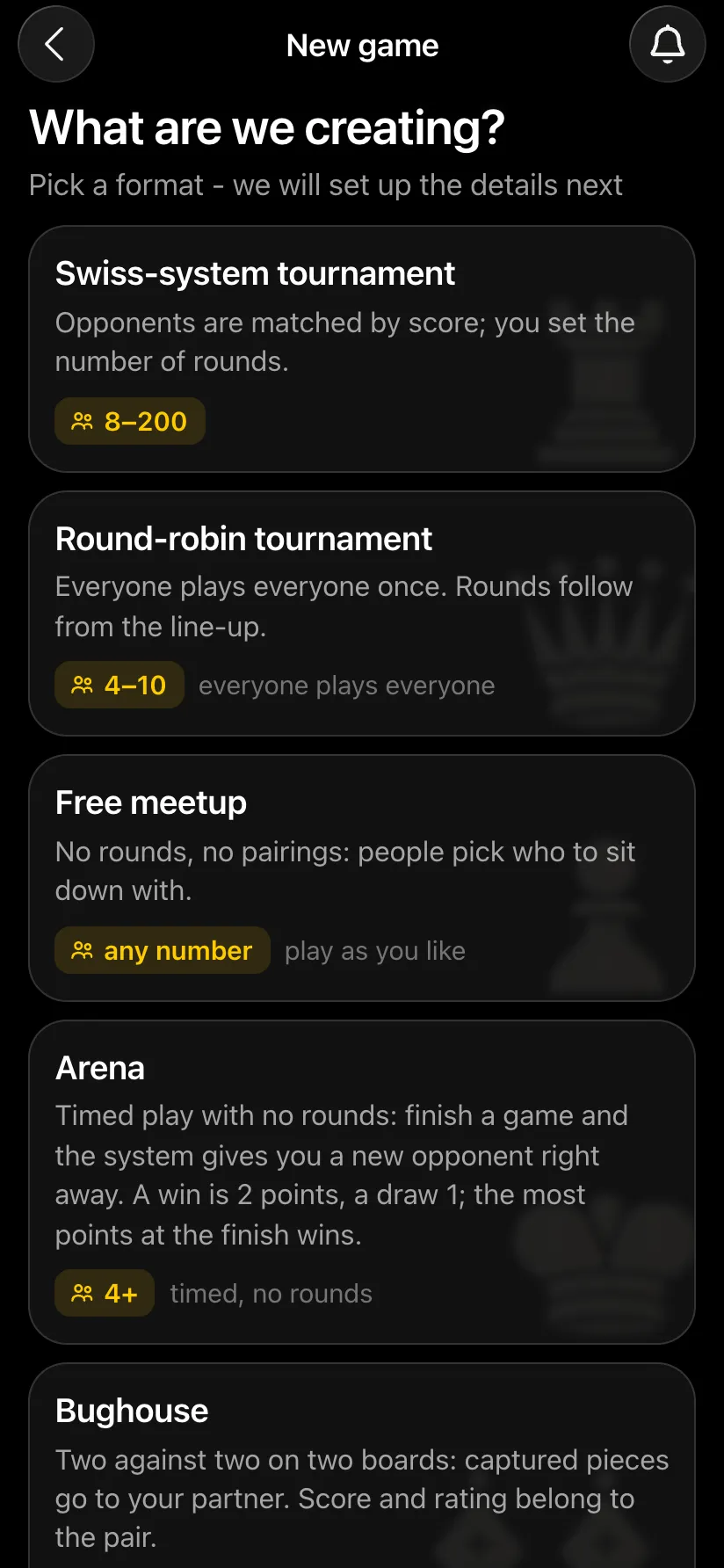
Games → Create your own game → format. Enter the venue, date, time control, rounds and tables - a minute's work.
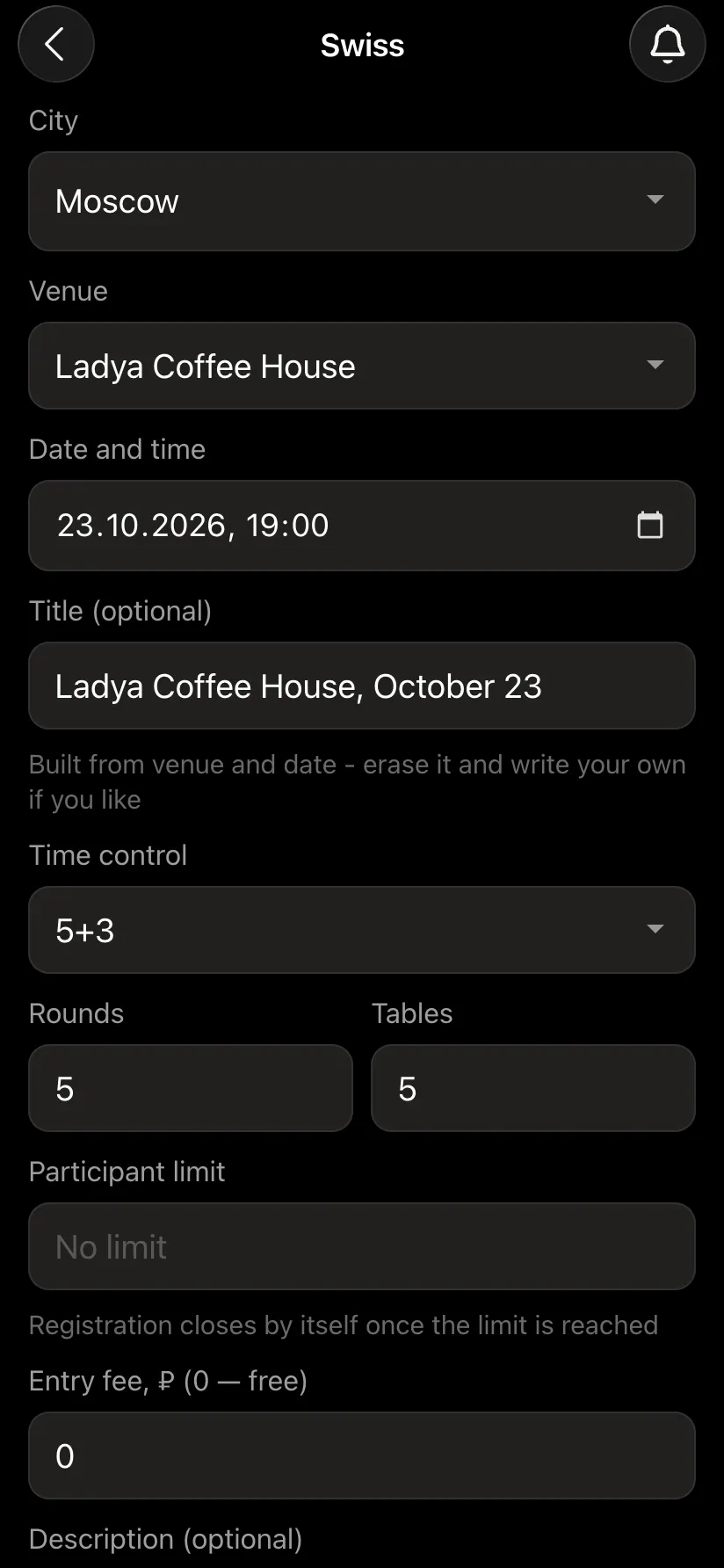
Send out the sign-up link. On the day, mark attendance and press Start the tournament - the app makes the pairings and assigns the tables itself.
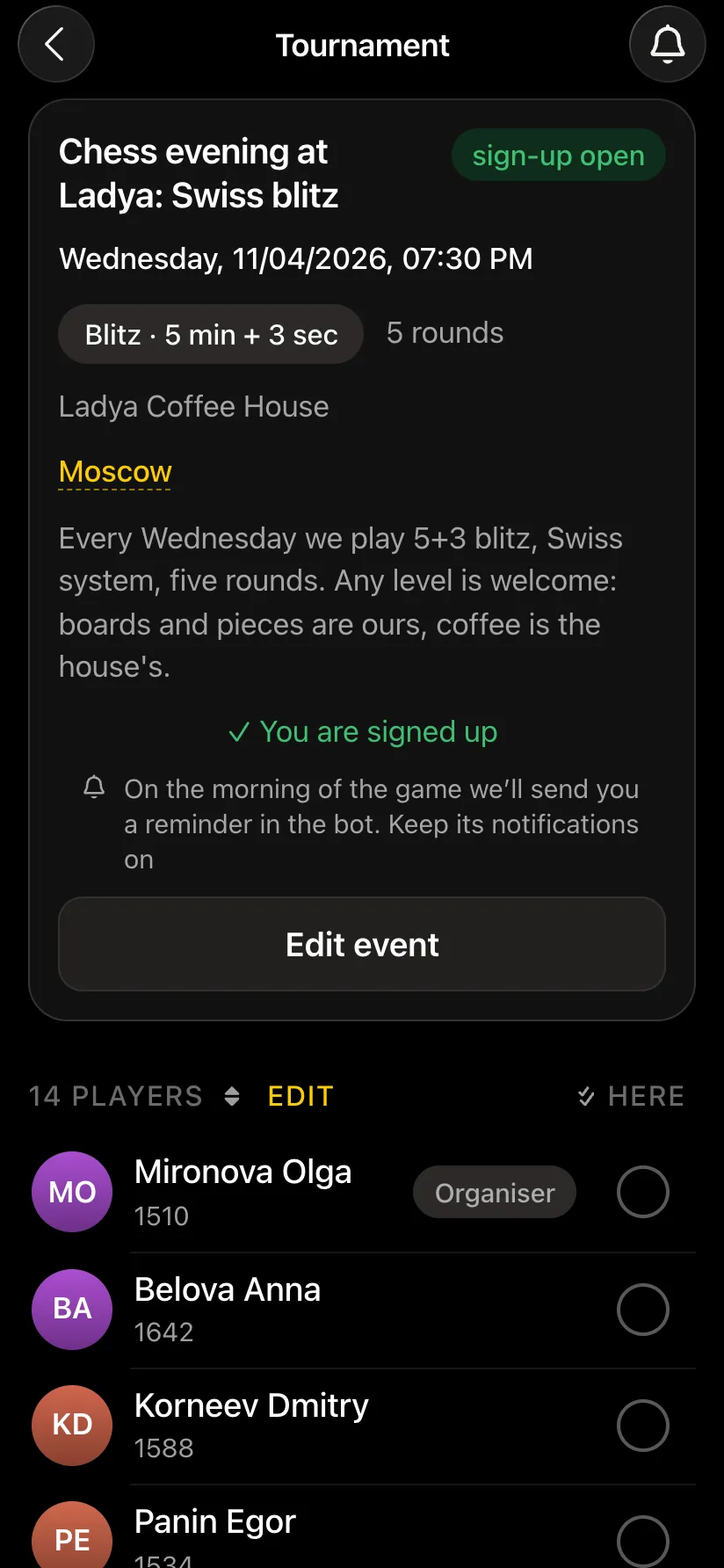
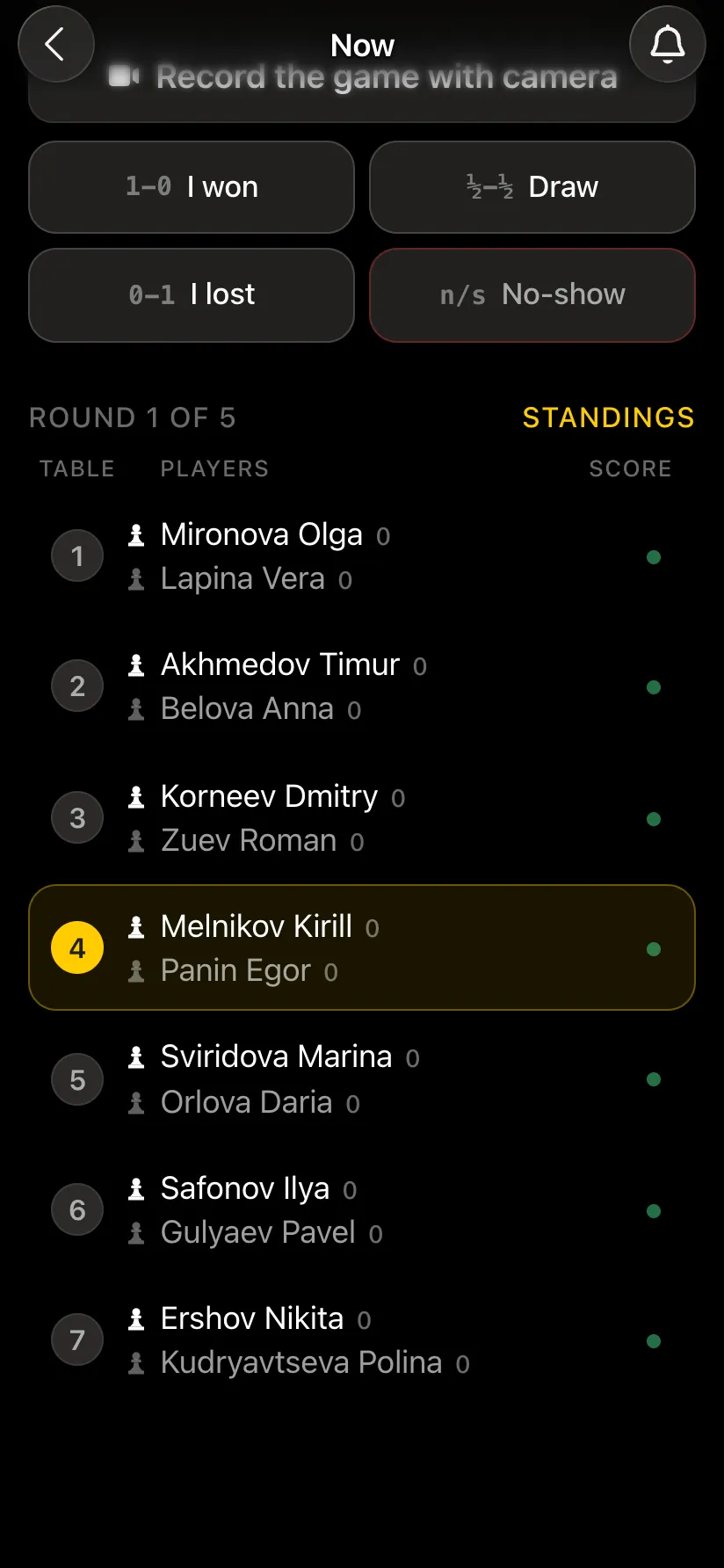
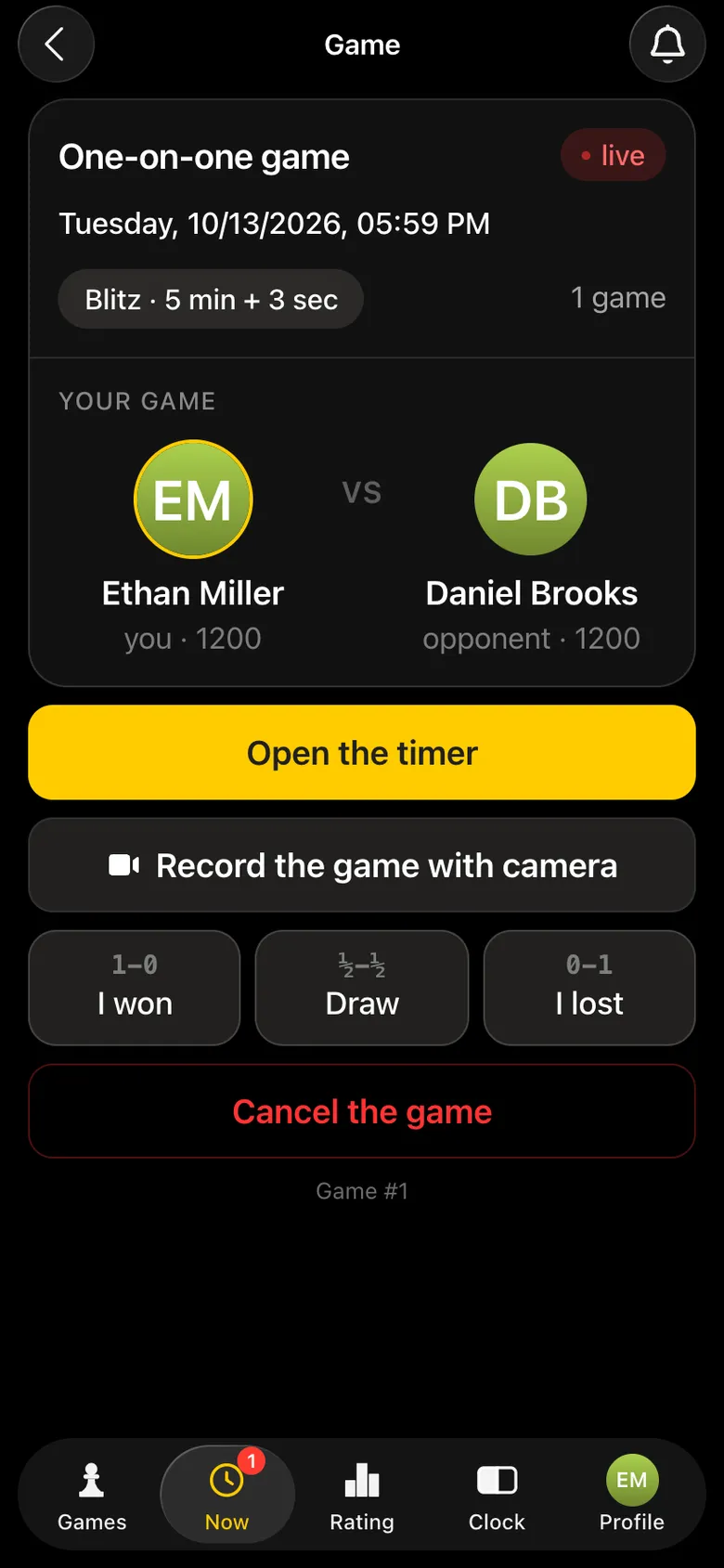
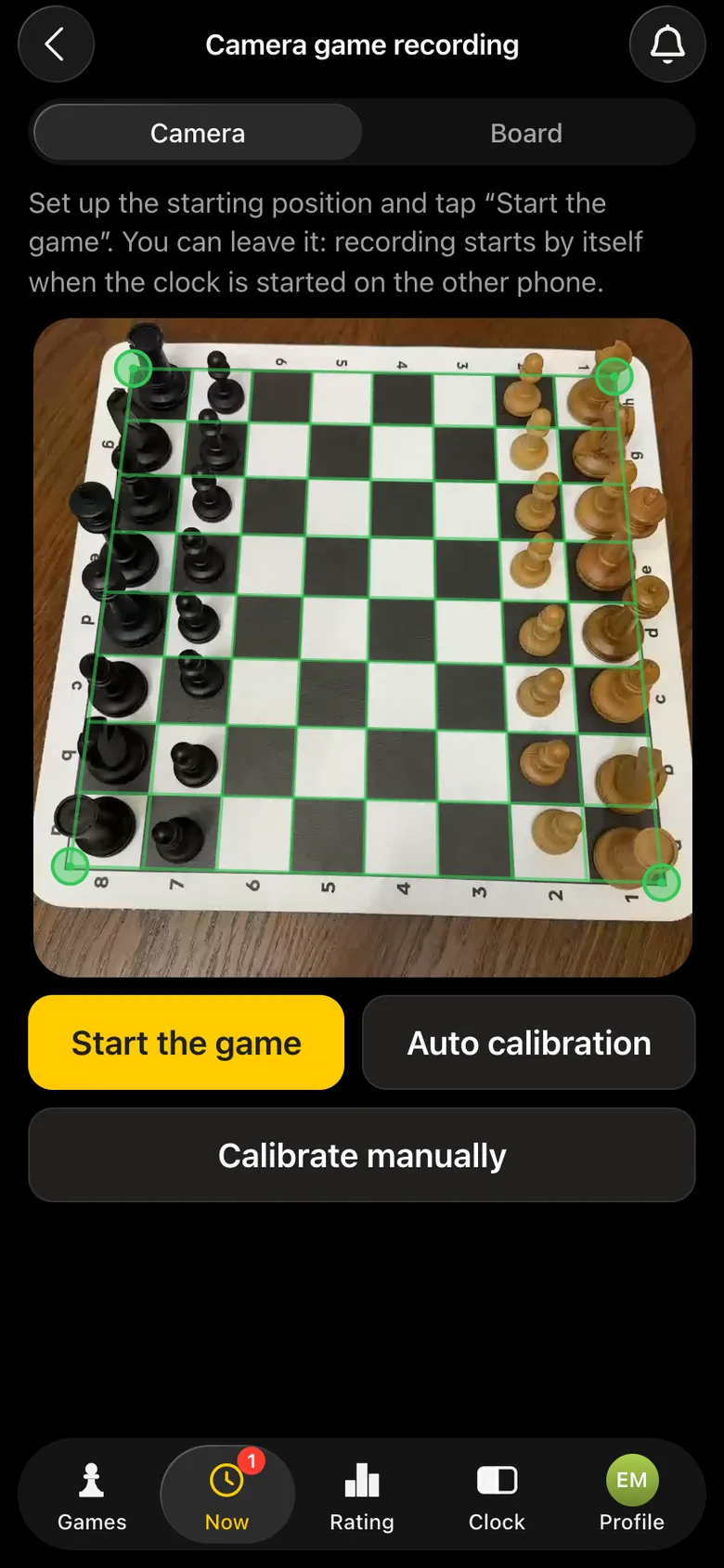
One phone is the chess clock, the second one on a stand - Record the game with camera. The camera finds the board by itself, and the game goes on air at once.
live.playvibechess.com on the screen in the hall and the link for viewers. The results, the standings and the recorded games stay after the tournament.
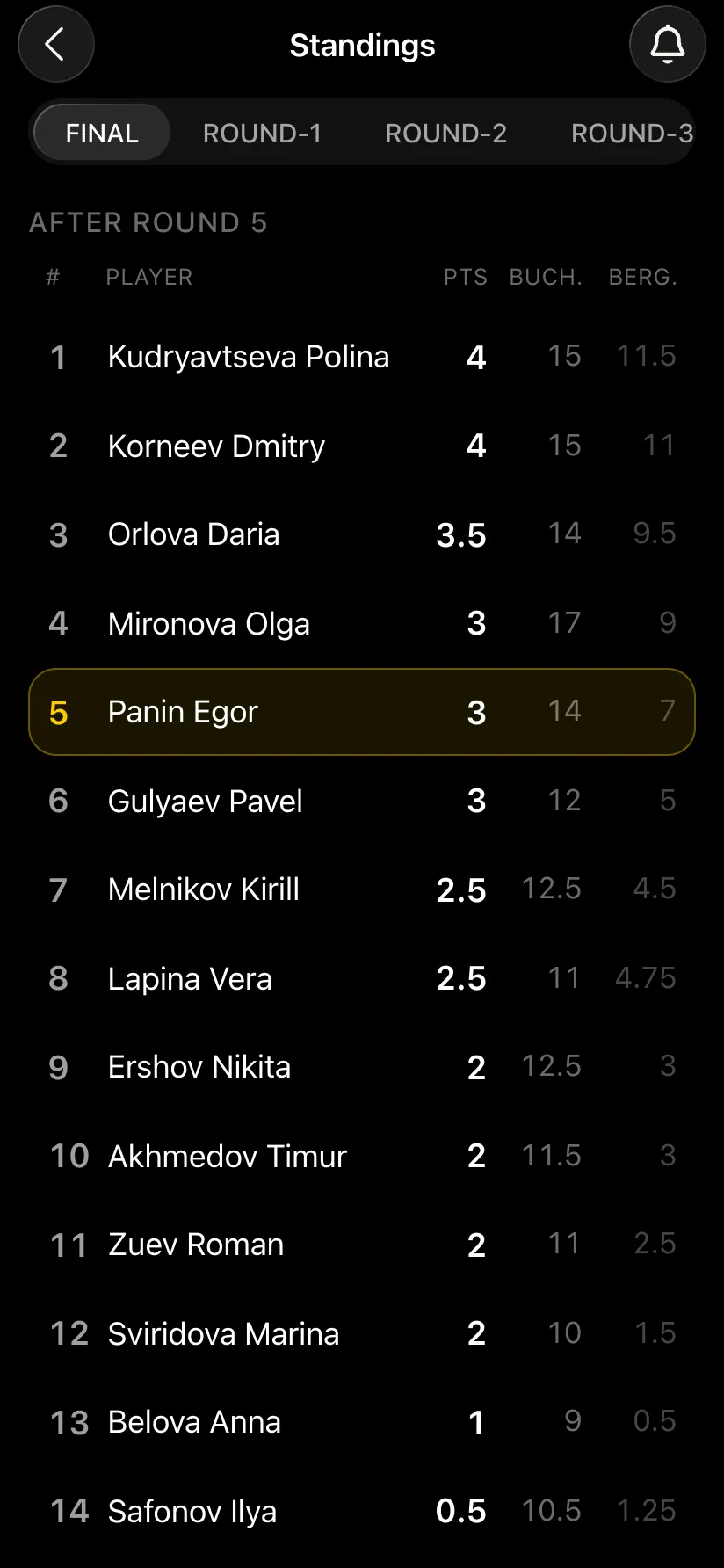
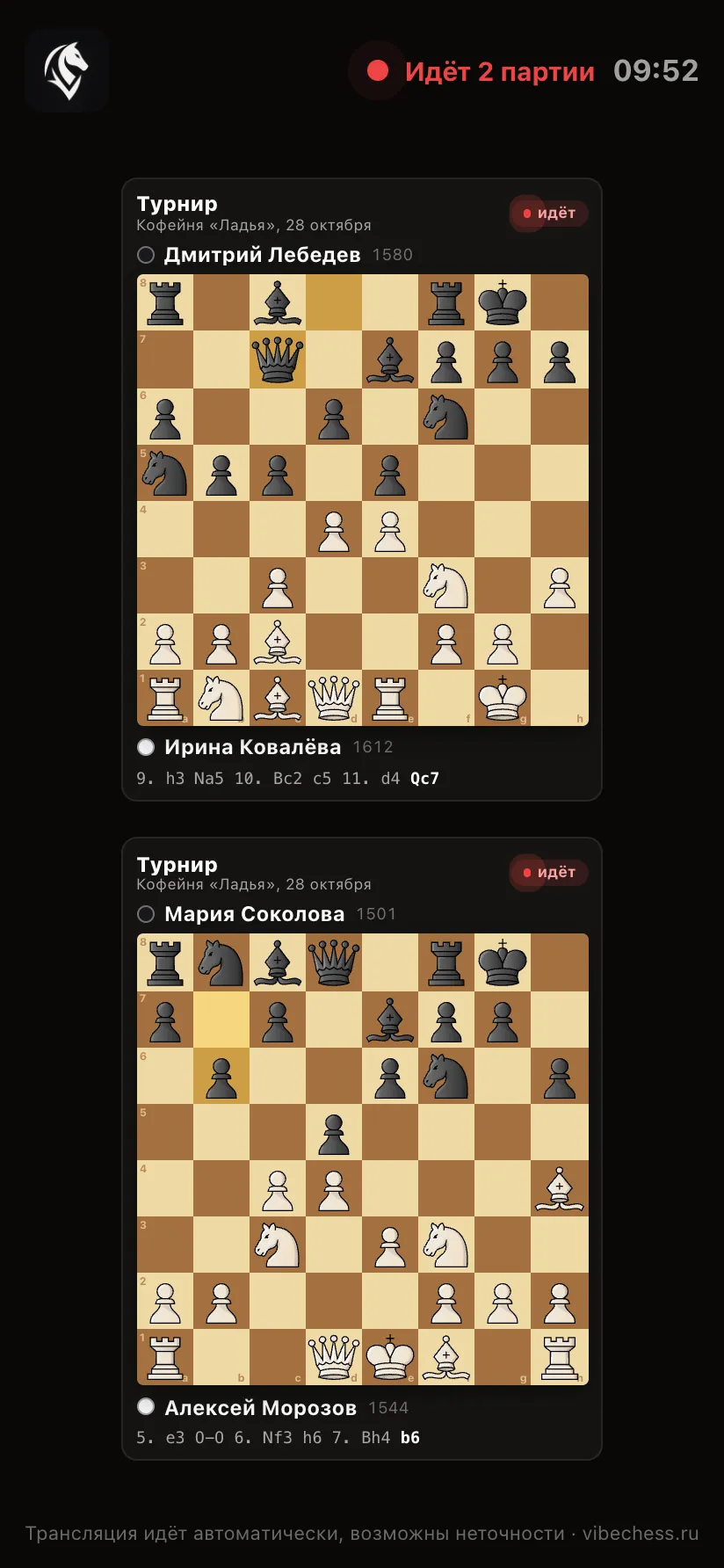
The page lays out the boards to fit the screen itself: one game across the wall, twelve in a grid with no scrolling. There is a light theme for a hall in daylight and a Full screen mode for the projector.
The system works already, and you can try it free - on one game with a friend or at a club tournament:
Which phone to put on the camera - which smartphone suits Vibe Chess, what internet you need - internet for a chess tournament broadcast, preparation step by step - a broadcast checklist.
On the live.playvibechess.com platform (Russian version - live.vibechess.ru). It opens in a browser on a computer, TV or phone, without the app and without signing in.
Yes. A move made at the board is visible to all viewers a few seconds later. If you need a delay, we will set it up for your tournament.
Any: Swiss and round-robin systems, a team tournament, an arena, a free meetup, one-on-one games, a tournament with groups.
Yes: a logo, colours, a separate tournament page, a design for the event, the choice and order of boards. Everything is discussed and agreed - write to us on Telegram.
You can try the system free right now: the app and the standard broadcast are free. Individual terms - branding, your own design, large tournaments - are discussed separately.
No. The moves are recorded by the camera of an ordinary phone on a stand; any boards and pieces will do.
The platform does not limit the number of games. One tournament in the app has up to 100 tables, with no limit on players. More, or several halls - let us discuss it.
More about the platform - a platform for broadcasting chess games, about running a tournament with a broadcast - how to broadcast a chess tournament.
Tell us which tournament, when and what you need: a delay, a logo, your own page, a design for the event. We build the platform ourselves - we will discuss and agree any requirements.
