| Way | How | When it suits |
|---|---|---|
| Challenge a specific person | in their profile - a one-on-one challenge button | you know whom you want to play: a friend, an opponent from the table, a rematch |
| An open game | you create a game with a place and time, others respond, you choose | you want to play but do not know whom - people in your city will turn up |
A challenge is handy for a rematch and for a club ladder, where players challenge those above them: a chess ladder.
Every player's profile has a button to send a one-on-one challenge. After you confirm, the invitation really reaches them - as a notification or a bot message - and the game immediately appears in both players' Games. The opponent confirms it on their side or declines. You agree on the place and time between you: the app does not fill anything in for you.
If you do not have an opponent yet, create an open game: a place, a time and how many games you want to play. Players in your city will see it and can respond. You choose one of those who responded - each shows their rating and their head-to-head score with you. The other responses close by themselves. You can invite a friend with a link to the game.
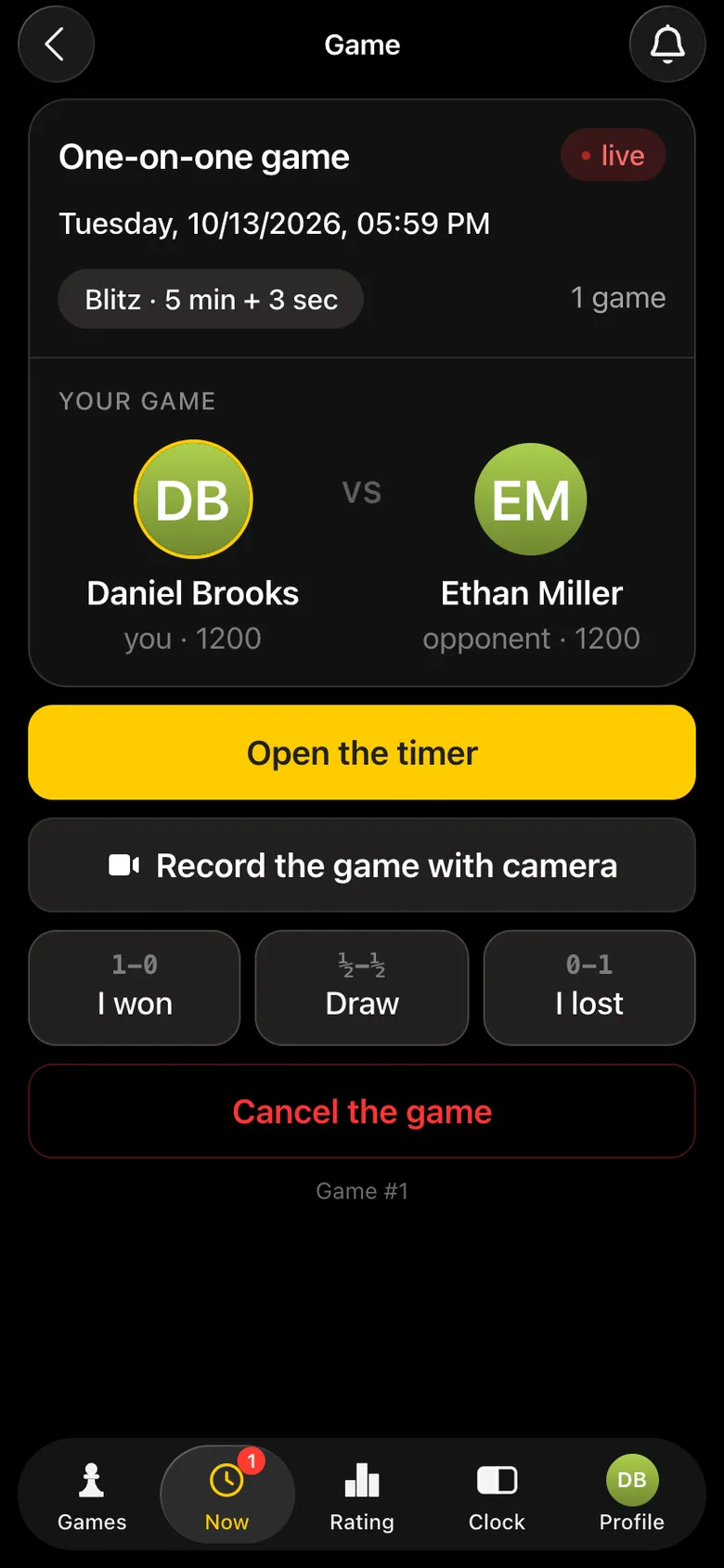
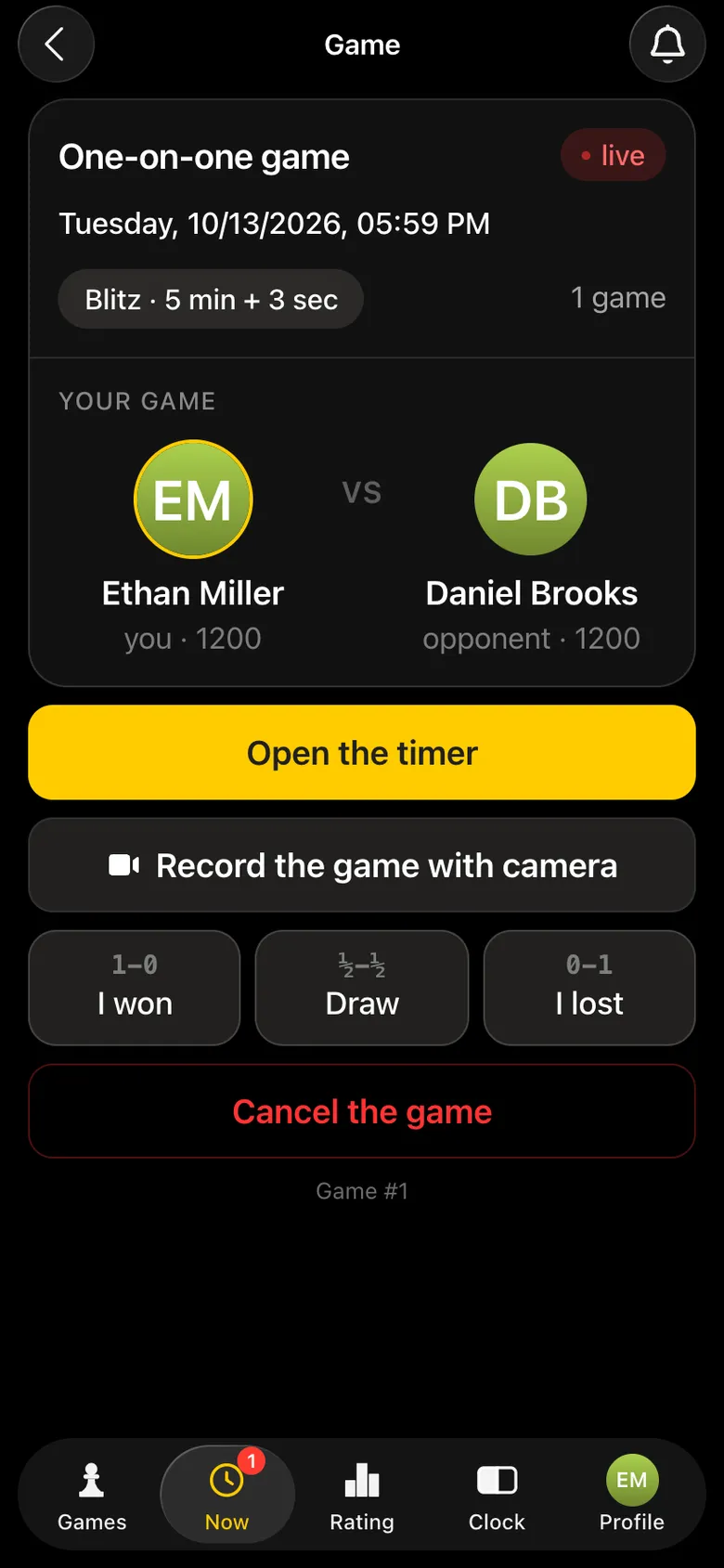
How camera recording works - recording a chess game with a phone camera, how a result is recorded - how chess game results are recorded.
| Format | How it works | What it gives |
|---|---|---|
| One-on-one game | two people, whenever suits them, as many games as they decide | rating for every game |
| Casual meetup | lots of people in one evening, they choose opponents themselves | rating for every game |
| Tournament | pairings by the system, rounds, places | rating and a place in the table |
All three formats count towards the same Vibe Chess rating. More about meetups - a casual chess meetup.
Open their profile in the Vibe Chess app and send a one-on-one challenge. The invitation reaches them as a notification or a bot message, and they confirm the game on their side.
Create an open game with a place and time - players in your city will see it and can respond. You choose one of them.
Yes. One-on-one games with a confirmed result change the Vibe Chess rating, just like tournament games.
The score of all your games against this opponent. It is shown when the opponent responds to an open game and on the game card.
Yes. The game card has Record the game with camera: a phone over the board records the moves, and a mate records the result by itself.
There are no club or arbiter roles in the app: the create button is available to everyone. You can announce a tournament today and run it this weekend.
when there are more than ten players and nobody should be knocked out
when the field is small and fairness matters most
when you simply want to get together and play
The bot is constantly improved based on real tournaments. If you need a feature that isn't there yet, message the developers right inside the bot with the /support command. Many features appeared exactly because organizers asked for them, and useful ideas get added quickly.
More about formats: a chess ladder, a casual chess meetup, bughouse chess and the Elo rating explained.

At the board since childhood: hazy about his rating, precise about every rook he has blundered. Counts an evening as a good one if the opponent stayed to talk afterwards instead of rushing off to check with an engine. Message →
