| Moment | On screen | Why |
|---|---|---|
| While people gather | the players and the club rating | people find themselves on the list and see the tournament is alive |
| A round is on | pairings: table number, White and Black | nobody walks to the wall with a printout |
| Between rounds | the standings after the round | who is leading - that is why people look at the screen |
| Prize-giving | the final standings | a backdrop for the winners' photos |
| What | Where it fits | Features |
|---|---|---|
| TV | a small hall, a café, bright light | a bright picture even in daytime; needs a cable or screen mirroring |
| Projector | a large hall that can be darkened | a big picture; fades in a bright hall |
| A laptop on the arbiter's table | up to 10-15 players | a fallback when there is no screen |
Which screen size and brightness suit your hall and where to put the screen: a projector or a TV for a tournament.
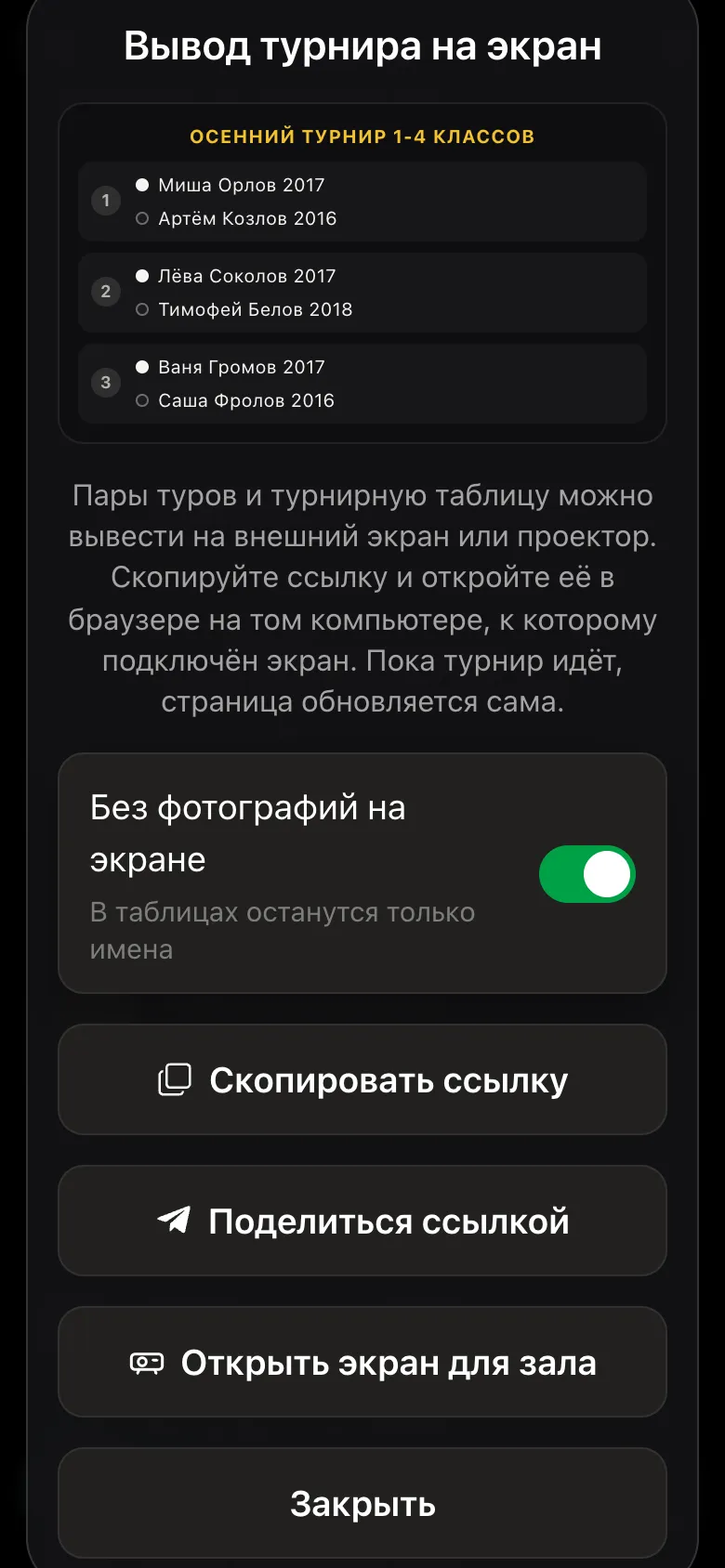
The tournament organiser has a Show the tournament on a screen button in the app. It opens the hall screen or gives a link that can be opened on a TV or on a laptop connected to a projector.
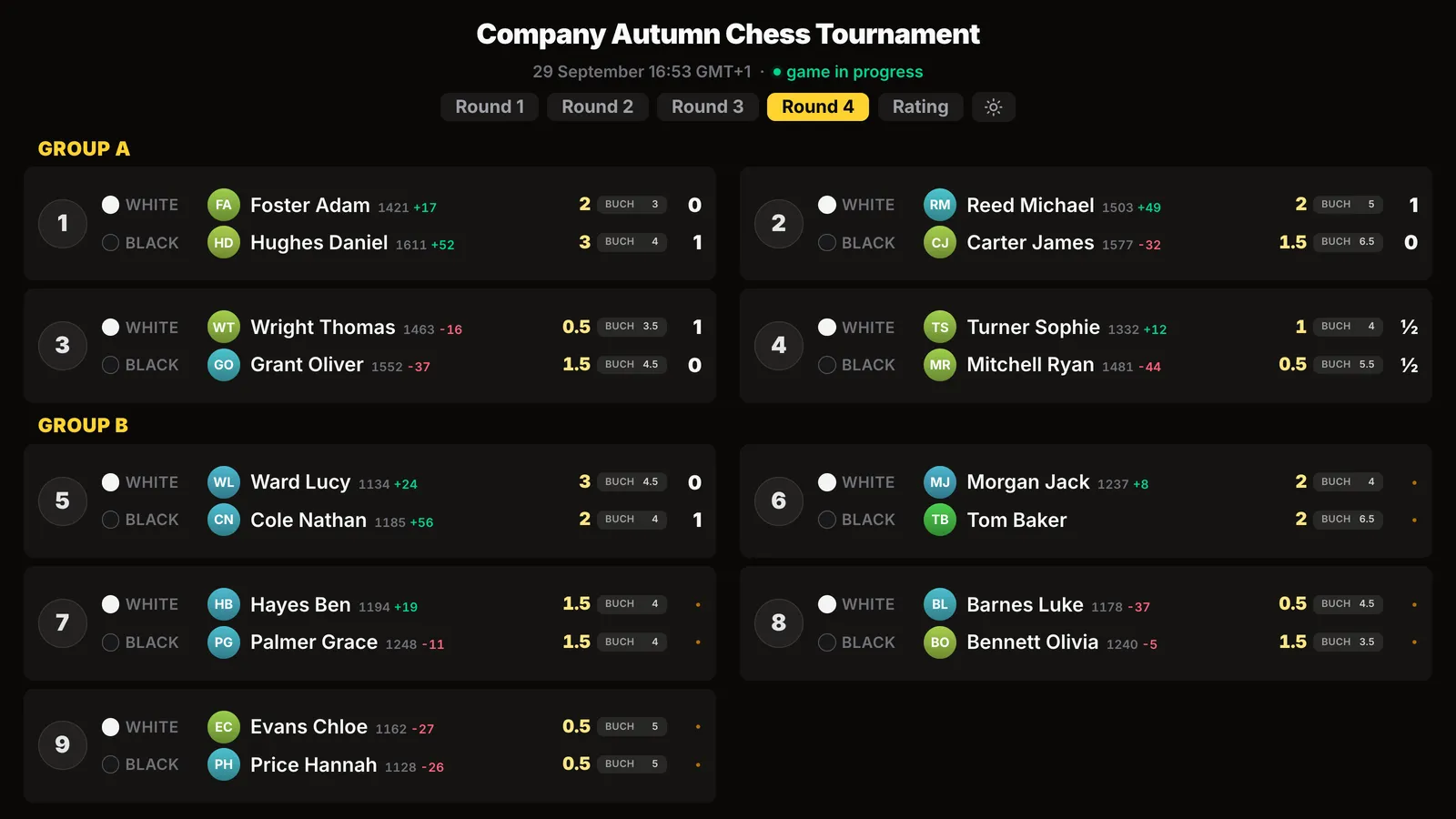
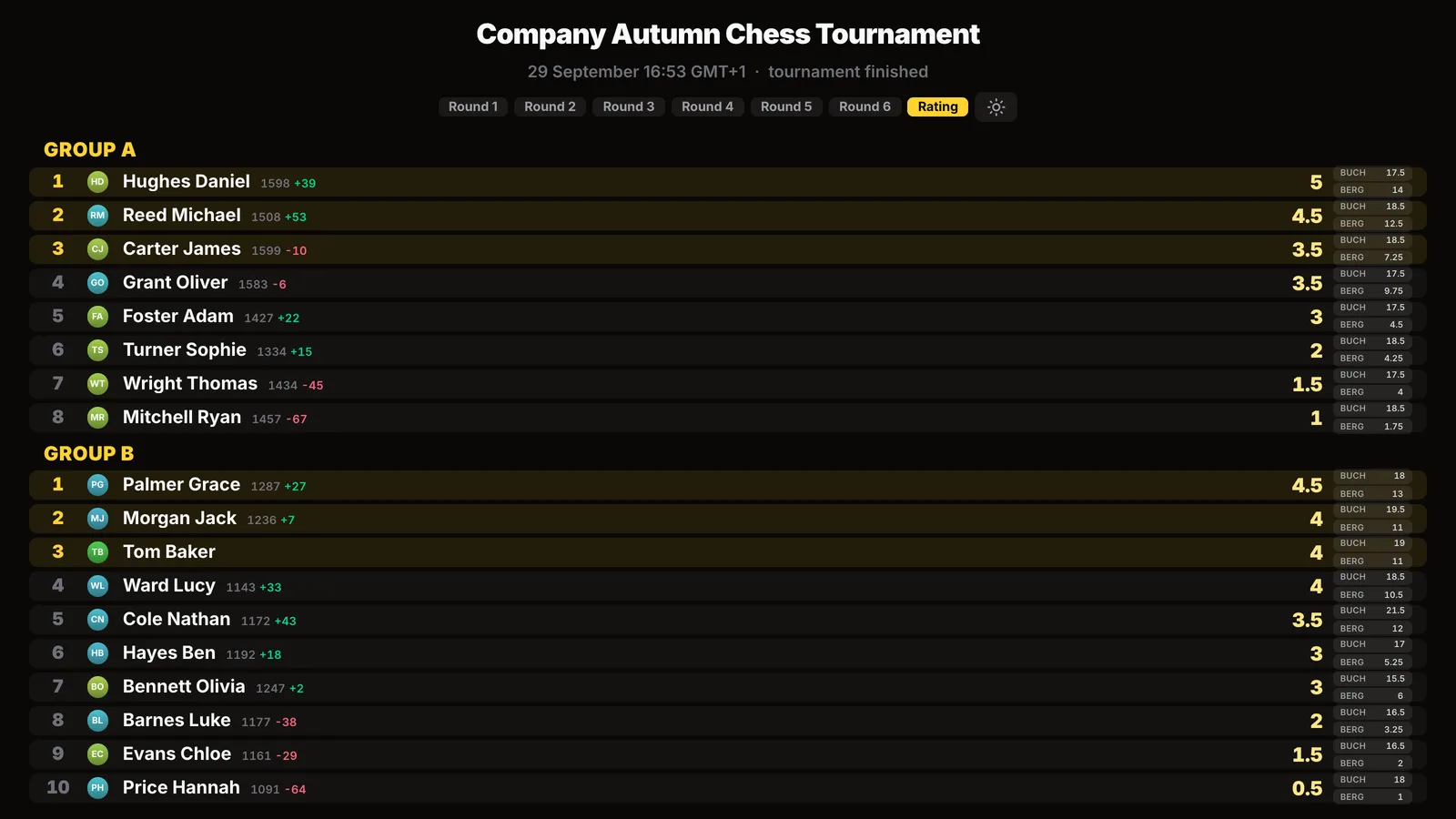
Next to the names on the screen there are circles with photos. At a junior tournament, a company evening or when the hall is being filmed, faces in large size on the wall are not needed. The No photos on the screen switch in the Show the tournament on a screen window removes the circles entirely - only the names remain.
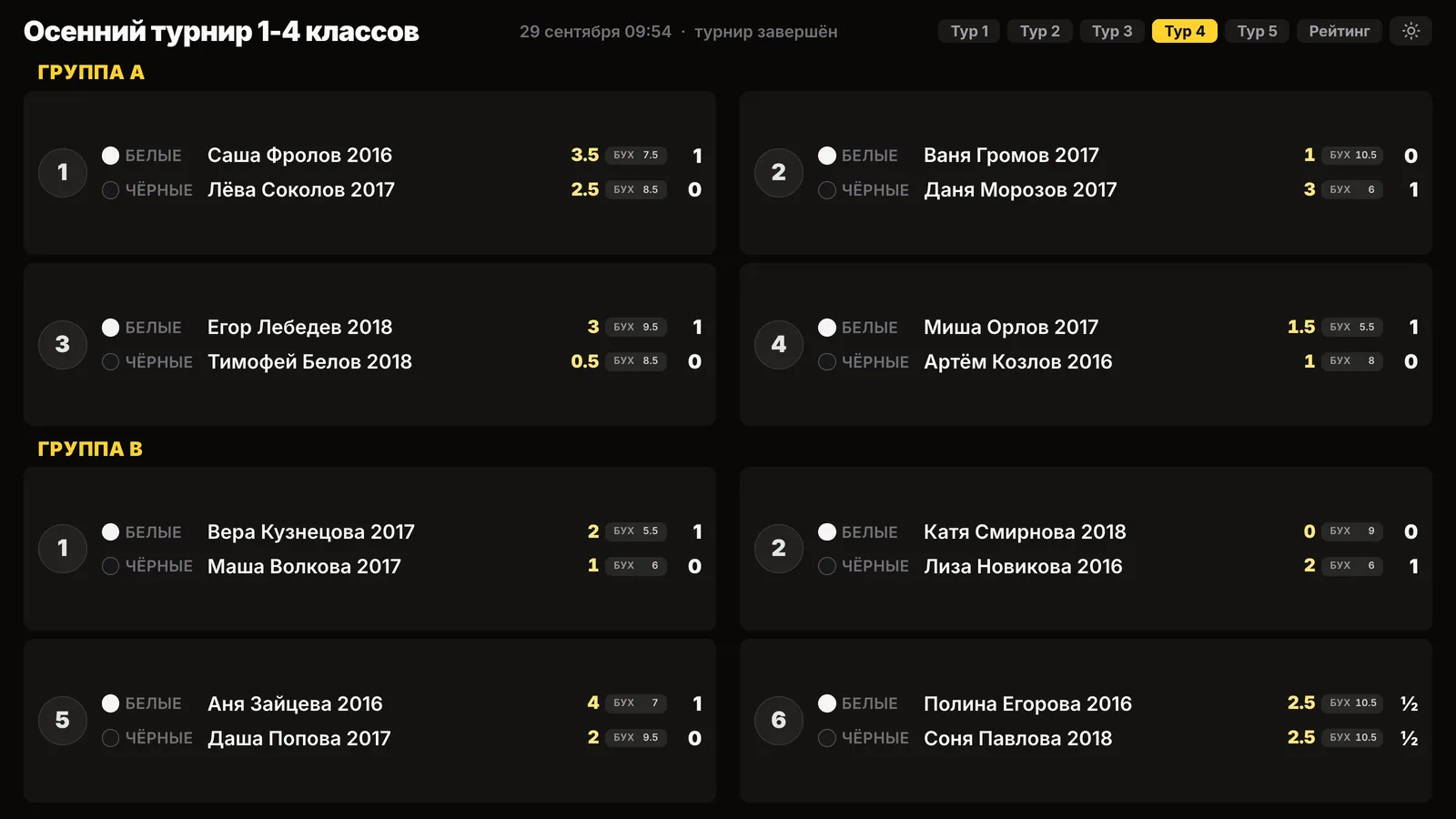
Broadcasting a tournament with children - broadcasting a junior chess tournament.
The hall screen shows the pairings and standings. A broadcast shows the games themselves: the moves from the camera on a board in real time. In a fan zone both work well: the standings on one screen, the top board on the other. How the broadcast works - chess tournament live broadcast.
In the Vibe Chess app - the Show the tournament on a screen button on the tournament card: open the hall screen or copy the link and open it on a TV or a laptop connected to a projector.
No. There is one link for the whole evening: the screen shows the pairings of the current round, and after the tournament - the results.
In a small bright hall - a TV: the picture is bright even in daytime. In a large hall that can be darkened - a projector.
Yes. The No photos on the screen switch removes the photo circles, leaving the names. Handy at a junior tournament.
Yes: the tables run in columns, and the sizes adjust to the screen so everything fits without scrolling.
The Vibe Chess app opens from a link and needs no installation. Setting up a tournament takes a minute: pick the system, set the date, the venue and the time control - the app handles the rest.
The bot is constantly improved based on real tournaments. If you need a feature that isn't there yet, message the developers right inside the bot with the /support command. Many features appeared exactly because organizers asked for them, and useful ideas get added quickly.
More about the app: an online tournament table, a fan zone at a tournament, chess tournament broadcast and how to organise a chess tournament.

At the board since childhood: hazy about his rating, precise about every rook he has blundered. Counts an evening as a good one if the opponent stayed to talk afterwards instead of rushing off to check with an engine. Message →
