Vibe ChessVibe ChessApp

Groups within a chess tournament: one tournament, several sections

Alexey Mudry · updated October 26, 2026
Twenty people came: half have played for five years, half for two weeks. Two tournaments mean two links, two screens and twice the organiser's work. One shared tournament - and the beginners lose everything to the strong players and never come back. Groups within a tournament solve this: one sign-up, one set of rounds and one screen, but each group has its own pairings and table. Below - when to split, how it works and all the rules of groups in the Vibe Chess app.

When to split a tournament into groups

How to splitExampleWhat it gives
By strengthbeginners apart from experienced playersa beginner does not lose every game to the strongest
By ratingunder 1400 and 1400 plus, or by rankclose competition in every group
By ageyounger and older childrena seven-year-old does not play a teenager
By genderboys and girls, men and womenseparate standings and their own winner
Children and adultsa family tournament: each with their ownone evening for the whole family

A worked case - age groups at a junior event: age categories in chess.

How groups work

WhatHow it works
Who plays whomonly within their own group
Roundsat the same time in all groups, one next-round button
Systemone for the whole tournament: Swiss or round robin
Tablesnumbered continuously: group A's tables first, then group B's
Tableeach group has its own, places from first
Winnereach group has its own
Namea letter: A, B, C and onwards
Sign-upone link for the whole tournament; the organiser assigns groups
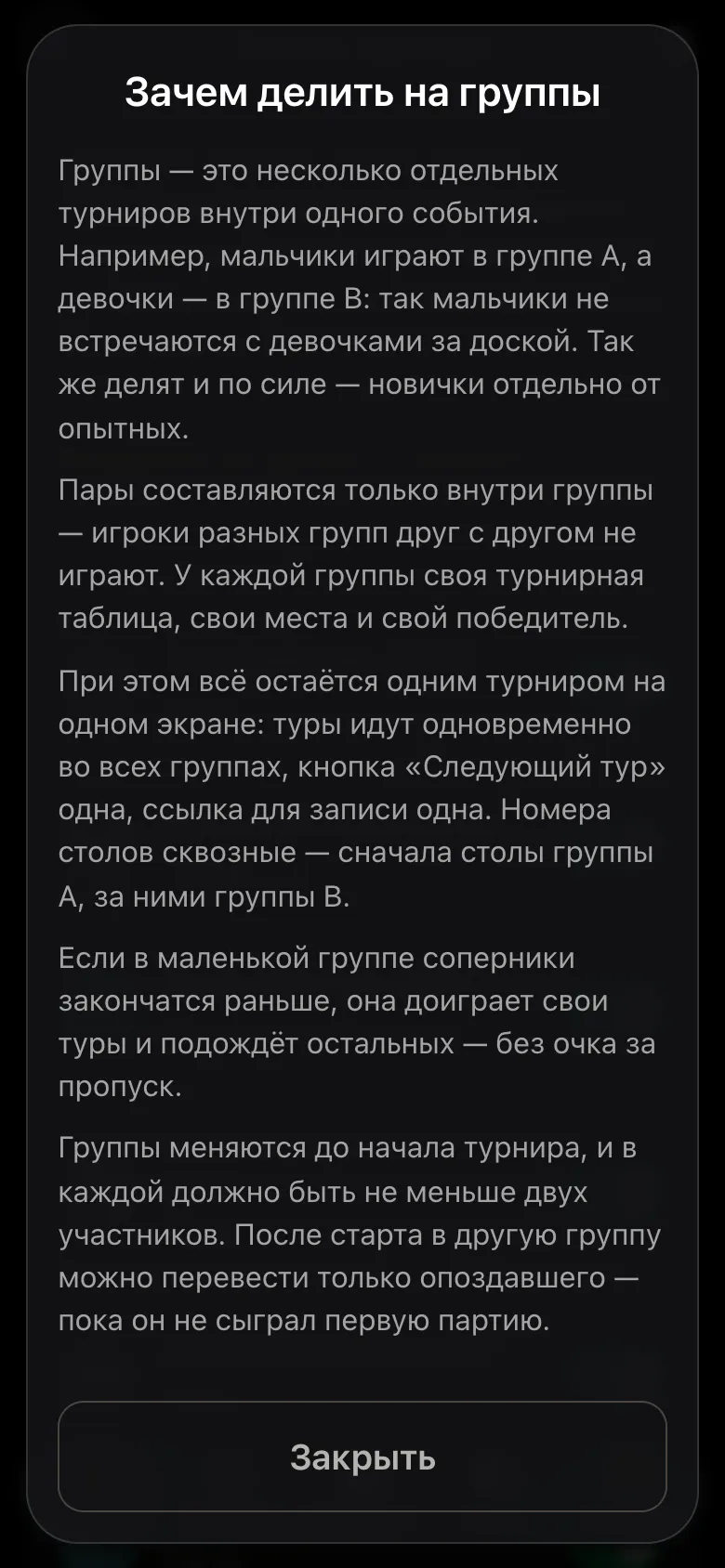
The why-split-into-groups window: pairings only within a group, its own table and winner, rounds at the same time, continuous table numbers
The explanation right in the app.
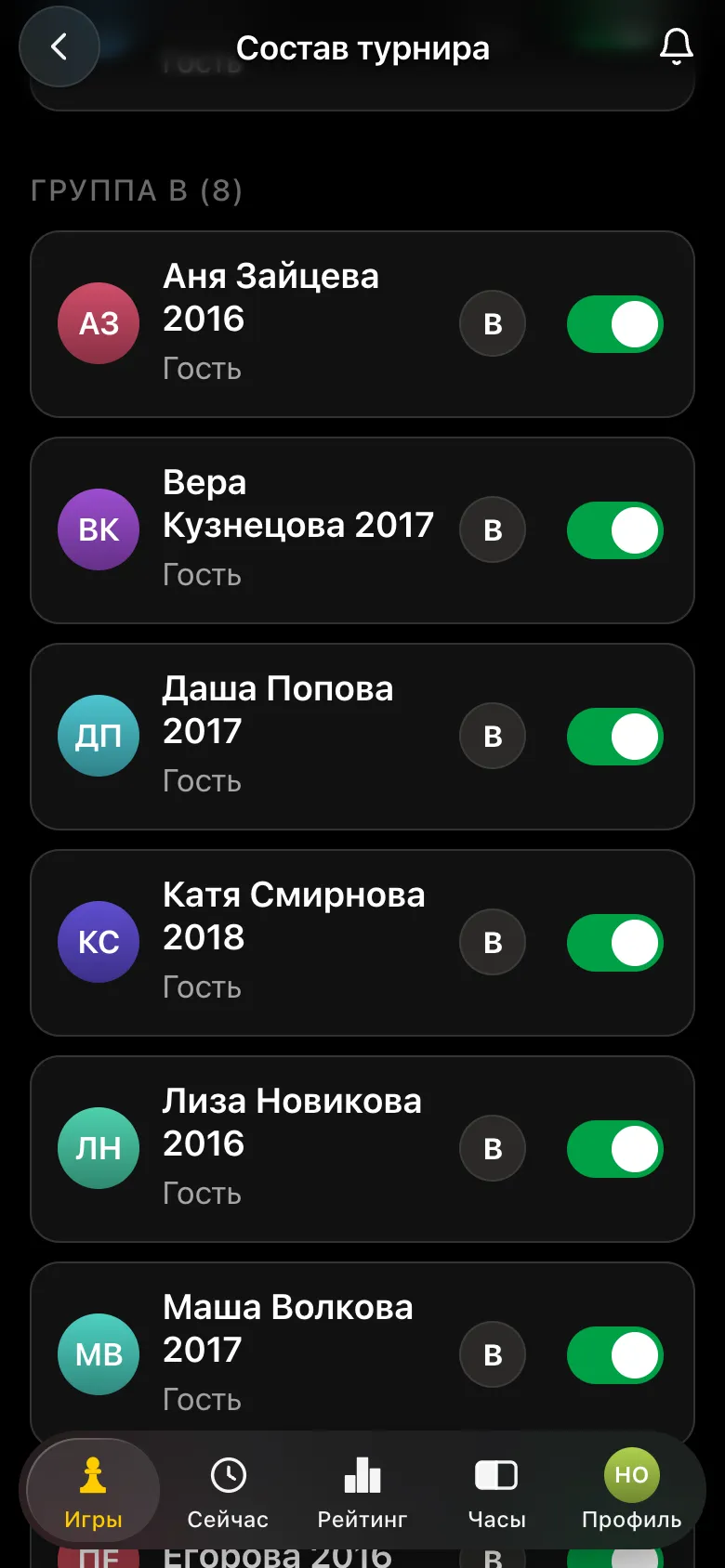
The Player list screen: group B of eight players, each with the letter B and an attendance toggle
The list by group.

What can be changed before and after the start

ActionBefore the startAfter the start
Add or remove a groupyesno
Move a playeryes, anyoneonly someone who has not played a game yet
Add a guest straight into a groupyesyes, into a group still playing
Remove group Anono
Start with a one-person groupno - the start names the group-

Someone who has played even one game is not moved: their points and opponents stayed in the old group, and in the new table they would stand with someone else's tiebreaks. If a group is removed, its players move to the previous one.
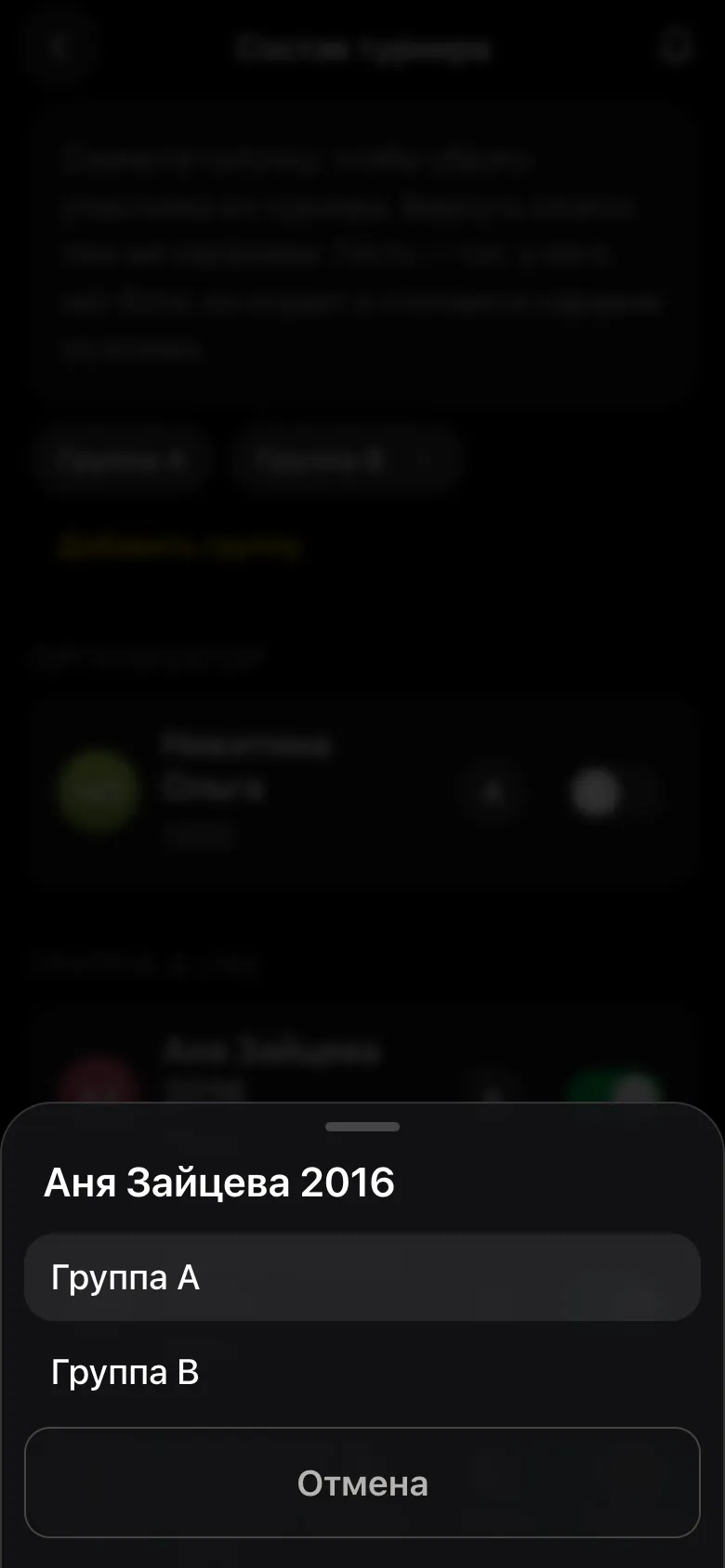
Choosing a group for a guest: Group A or Group B
A group - with one button.

Latecomers and uneven groups

  • • a latecomer to a Swiss signs up themselves and lands in group A - the organiser moves them to the right group straight away, while they have no pairing;
  • • a guest without a phone is added by the organiser straight into the right group;
  • • a small group may finish early: for example, a round robin of four has only three rounds. It waits for the others without a pairing and without a bye point - places are counted within the group, and all its players miss the same rounds;
  • • the number of rounds of the tournament - by the longest group.
Try to make groups of at least six for a Swiss: in a very small group new opponents run out fast. How to work out the rounds - how many rounds in a Swiss system.

Hall screen, results and reports

  • • the hall screen shows the round's pairings and the table in blocks by group;
  • • results go to every player, and the PDF sheet has a heading for each group;
  • • the card of a finished tournament shows the winners of all groups;
  • • TRF for the federation is exported as a separate file per group: for rating they are different tournaments.
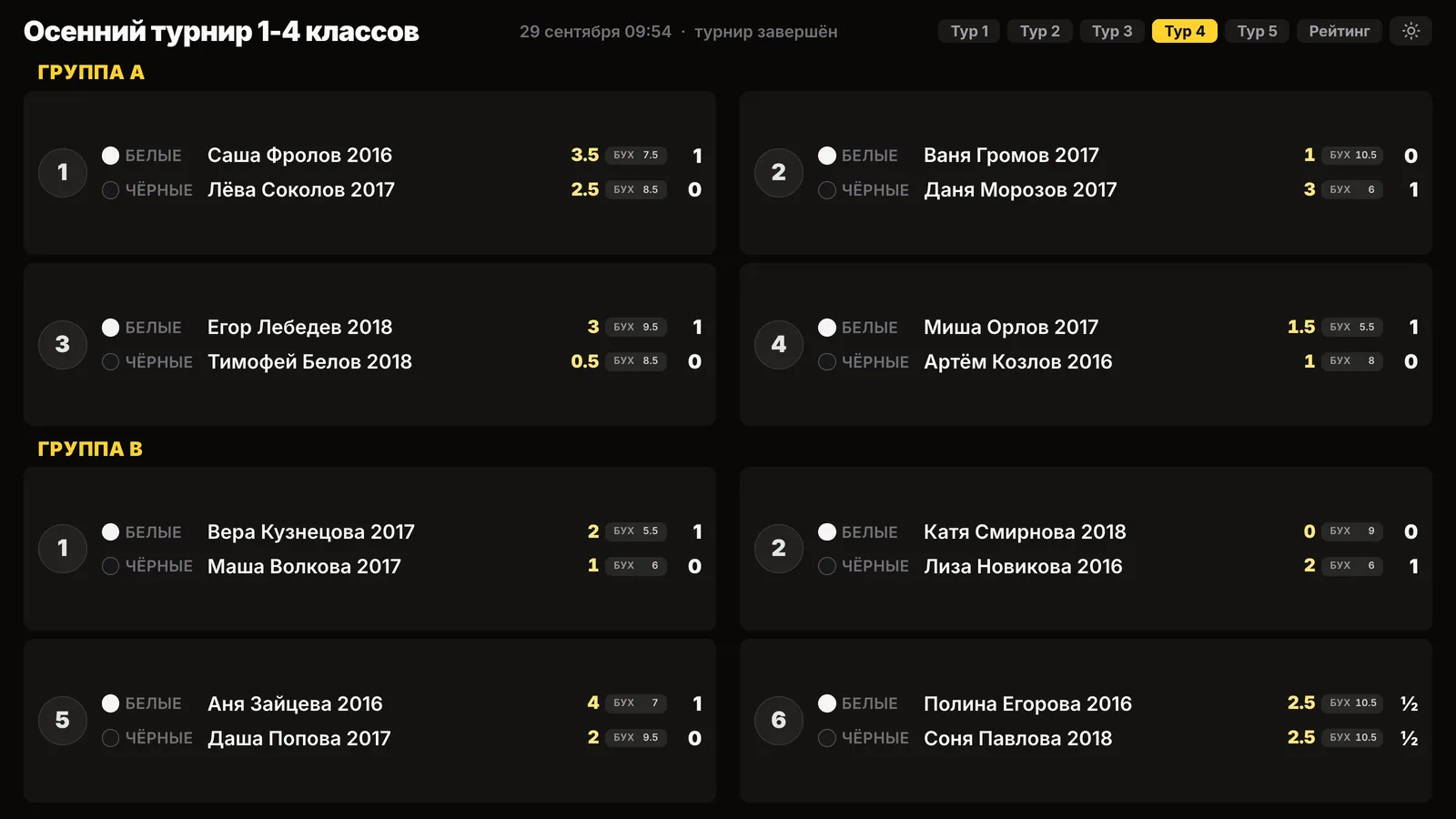
The hall screen on a projector: round four pairings, group A and group B separately, names only, no photos
Pairings by group on the hall screen.

More - the tournament hall screen, tournament results as PDF, the arbiter's report after a tournament.

Where there are no groups

  • • a casual meetup - it has no pairings or rounds, players choose their own opponents;
  • • a league tournament - league points are counted by place in the tournament, and with groups that would be a place in a group; for different levels a league has divisions.

Need groups where they are not available yet - write to the developers, the link is at the bottom of the page. About divisions - a chess club league.

Beginners and experienced players - in one tournament

Create a tournament in Vibe Chess and split it into groups: one sign-up link, separate tables and winners. Free.

Frequently asked questions about groups

How do I split a chess tournament into groups?

In the Vibe Chess app, on the Player list screen tap Split into groups and choose a group letter for each player. Pairings are made only within a group.

Do players from different groups play each other?

No. Groups are separate: pairings, table, places and winner are each group's own. Only the rounds, tables and screen are shared.

Can I move a player to another group after the start?

Only someone who has not played a game yet, such as a latecomer, and only into a group that is still playing.

What if one group has fewer people?

It may finish earlier and wait for the others without a pairing and without a bye point. The tournament's number of rounds follows the longest group.

How many groups can I make?

As many as you need: A, B, C and onwards. Each must have at least two players, otherwise the tournament will not start.

A tournament without a paper crosstable

Everything people usually keep in a spreadsheet is already in the app: pairings, points, tie-breaks, round order. Free, with no subscriptions and no cap on the number of players.

Swiss

many players, one evening: four or five rounds are enough

Round robin

the fairest format for six to ten players

Free meetup

not a tournament, just an evening of chess - who is free and who is playing is visible in the app

How the tournament runs
  1. 1Set up the event: date, venue, time control
  2. 2Send the link - players register themselves
  3. 3Pair each round with one tap and enter the results
  4. 4Standings and the TRF export are produced automatically

More than a bot: the app, FIDE rules and a TRF report

  • The app. Besides the bot there is an app - inside Telegram and simply at playvibechess.com/app: what is on in your city, the player list, a live table, the current round, your profile and game history - everything that is awkward to read as chat messages.
  • Pairings by FIDE rules. Pairings are computed by bbpPairings, an open-source engine implementing the Dutch system: score groups, floats on an odd field, colour alternation, no rematches, and no player gets a bye twice.
  • A TRF report. A finished tournament exports as a single file in the FIDE data exchange format - the one arbiter software and federations accept. Your profile stores the FIDE ID, national federation code, title, sex and date of birth for it.
  • Free. All of the above, with no subscriptions, paid plans or limits on the number of tournaments and players.

Full overview

Missing a feature? Message the developers

The bot is constantly improved based on real tournaments. If you need a feature that isn't there yet, message the developers right inside the bot with the /support command. Many features appeared exactly because organizers asked for them, and useful ideas get added quickly.

Alexey Mudry
Alexey Mudry · hosted 37 events for Vibe Chess · 157 reviews · rating 5.0

At the board since childhood: hazy about his rating, precise about every rook he has blundered. Counts an evening as a good one if the opponent stayed to talk afterwards instead of rushing off to check with an engine. Message →