There is a lot of chess tournament software, and each job has its own right answer. On this page we go through eight solutions available in 2026: what to choose for a FIDE-rated tournament, what for a school or corporate one and what for an online format. With no advertising and no “best program overall”: each has its own scenario, price and operating system.
Each program was built for its own job: some are FIDE-certified for rated tournaments, others are for quick school and corporate events with nothing to install. Under most of them runs the same open pairing engine - bbpPairings.
Heinz Herzog, Austria, swiss-manager.at
Desktop, Windows 7+ (Windows 10 recommended) · 24 languages, Russian among them
The de facto standard for large opens: up to 2,000 players and 23 rounds in a Swiss, and up to 1,500 players / 50 teams / 300 teams in the team formats. Used in 180+ federations, with more than 600,000 tournaments generated. One-button integration with chess-results.com. Chief arbiter Denyapkin wrote the Russian federation's arbiter handbook around Swiss-Manager.
Price: Light - 75 EUR, Full - 150 EUR (lifetime, with no paid updates)
Luigi Forlano, Italy, vegachess.com
Desktop: Windows, Linux, macOS · 8 languages, Russian among them
It supports Dutch, Dubov, Burstein and Lim (the endorsement request for Lim is in progress). Tie-breaks: Buchholz, Sonneborn-Berger, ARO. It is the standard in Italy, New Zealand, Australia and Spain. Export to XML, TRF for FIDE and HTML.
Price: Linux - free, Windows up to 30 players - free, above 30 - $50 one-off
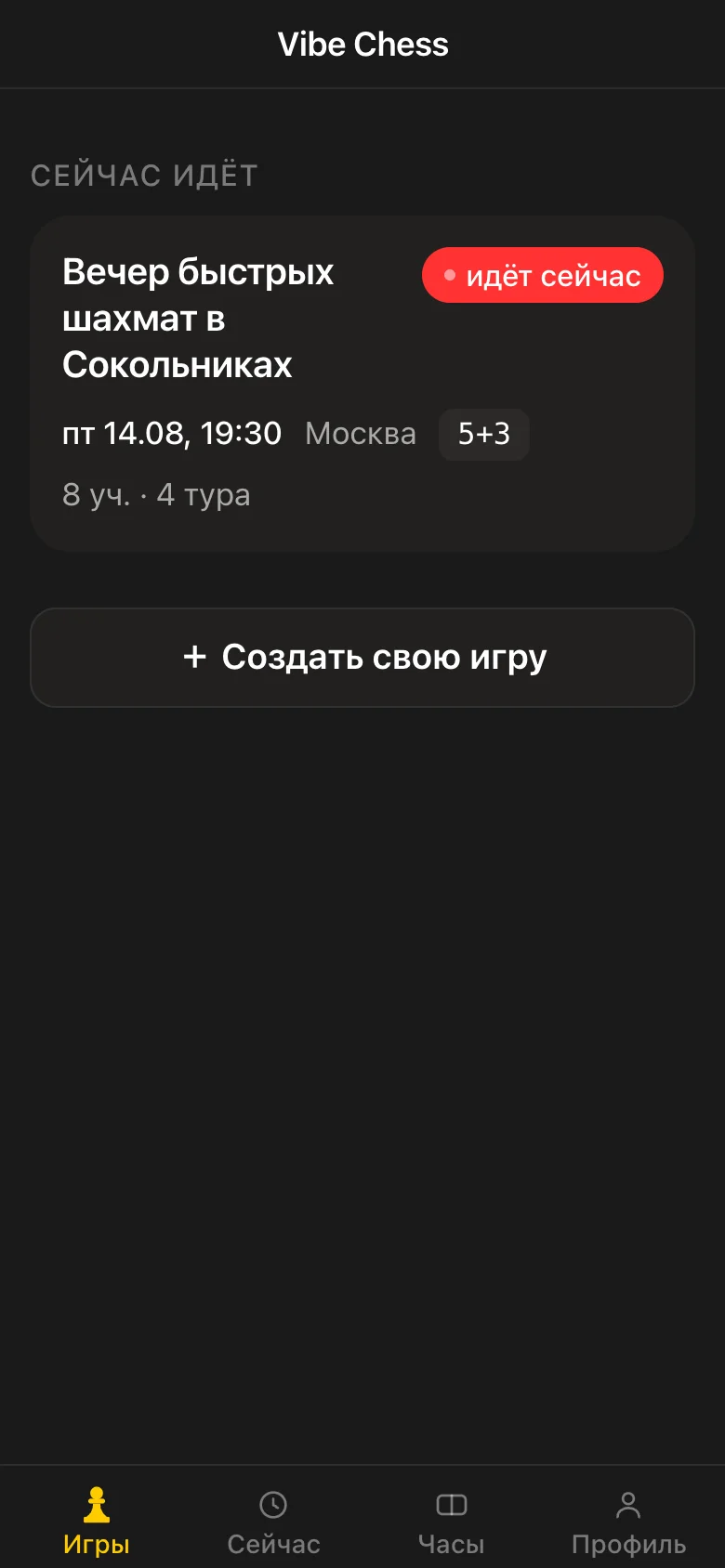
vibechess.ru, the app and the Telegram bot @vibechessbot
An app inside Telegram plus a bot, with nothing to install · 11 languages (the interface follows your Telegram settings)
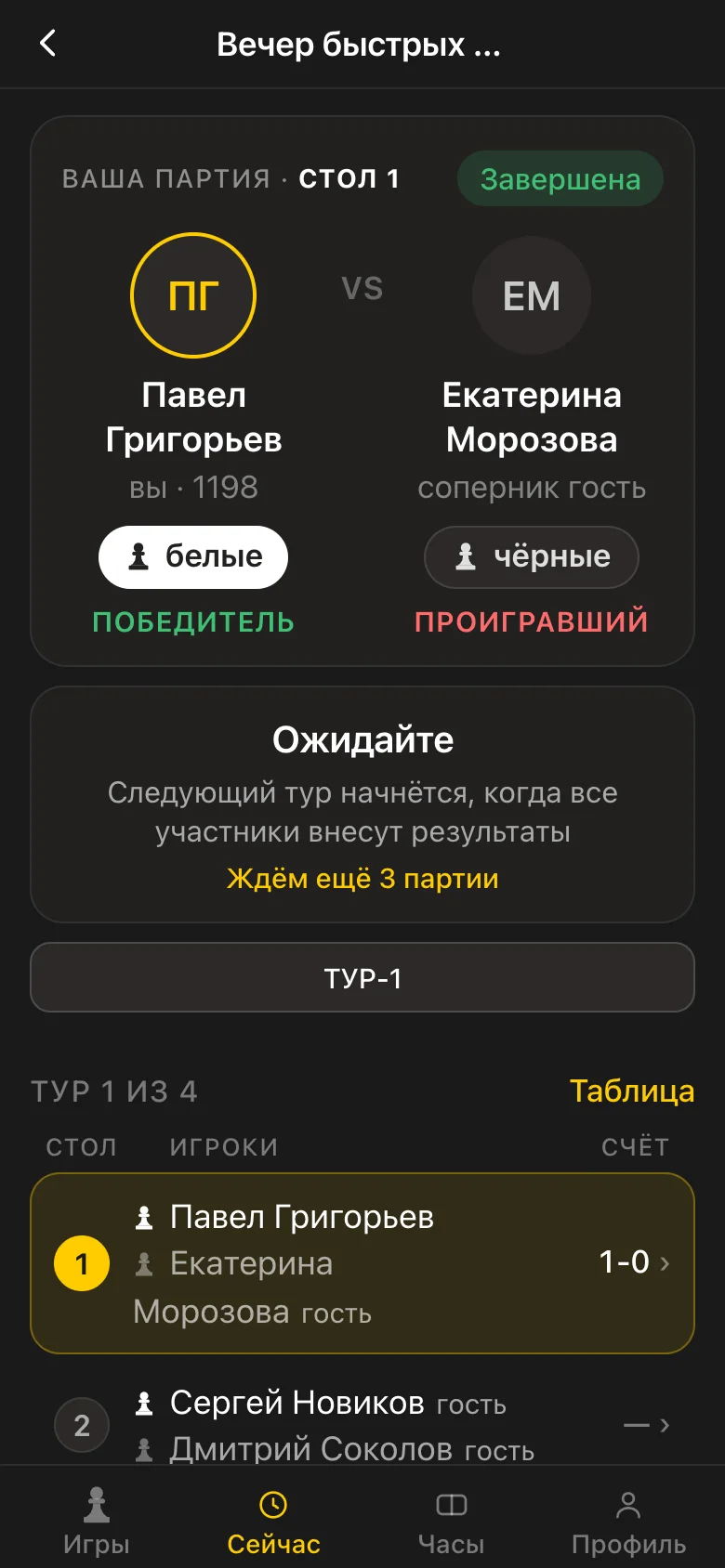
Two formats: Swiss and round robin. The pairs for each round are calculated by bbpPairings - an open engine implementing the Dutch system under FIDE rules: score groups, floats with an odd field, colour alternation, no repeat meetings, and no player gets a bye twice. A finished tournament is exported as a TRF report, which arbiting software and federations accept. A live table with Buchholz, results entered by the players themselves at the touch of a button with disputes going to the organiser, guests without Telegram, a chess clock, and a profile with a FIDE ID, a federation code and a title. It has no endorsement from the FIDE pairing programs commission: the Dutch rules are followed, but no certificate was issued.
Price: Free, with no subscriptions and no limits
Roberto Ricca, secretary of the FIDE SPP Commission
A Java engine (JVM 7+ required) · English
The reference implementation of the Dutch System. Every other FIDE program is tested against JaVaFo. It is included in Annex 3 of the FIDE Handbook. It is used as the pairing engine in Vega, optionally in Swiss-Manager, and in Tornelo and Playmixs.
Price: Free
Tornelo Pty Ltd, Australia
Cloud SaaS, accessed through a browser · Multiple
The best solution for hybrid tournaments online plus over the board with DGT boards. Its live cheat detection is approved by the US Chess Federation. A “Call arbiter” button for online players and real-time synchronisation between the hall and remote participants.
Price: Free for tournaments. Transaction fees of AUD $0.25 + 2.75% on paid registrations, capped at $15 a player
Lichess.org, open-source
Web, a free game server · Multiple, Russian among them
The Swiss system in a browser. Tournaments are created by a team leader. The default tie-break is Sonneborn-Berger. A round starts automatically once every pair is ready, and a bye is worth 1 point. Entirely open source, and you can look at it on github.com/lichess-org.
Price: Free
Russian, since 2017
Web + Desktop · Russian
A domestic service: Swiss, round robin, knockout, double elimination, arena and simultaneous displays. Integration with the FIDE, Russian federation and Lichess databases. Live tables for websites and TV screens. Since 2017 it has run more than 20,000 tournaments, from school events to major ones.
Price: Free offline, 5 ₽ a player on the budget plan, 30 ₽ a player commercial (for tournaments with an entry fee above 1,500 ₽)
Poland, chessarbiter.com
Desktop · Polish, English
Popular in Poland: individual and team tournaments, Swiss, round robin and knockout. It supports free (manual) pairing, an unlimited number of players and rounds, and working on several tournaments at once. There is a mobile version on Google Play.
Price: Paid (distributed by the Polish federation)
FIDE endorsement is governed by chapter C.04.A of the FIDE Handbook and by the Systems of Pairings and Programs Commission (SPPC). Without that status a program has no right to process tournaments for FIDE rating through the Dutch System. For unrated tournaments (amateur, school, corporate) endorsement is not required.
The current 2025-2026 list is on the FIDE SPP page spp.fide.com/endorsed-tournament-managers:
The Vibe Chess app, Vega Free or Lichess Swiss
Free, nothing to install, registration in one click, automatic Buchholz.
The Vibe Chess app or Playmixs (5 ₽ a player on the basic plan)
Convenient registration by link, a mobile arbiter view, PDF records and CSV export.
Swiss-Manager Full or Vega ($50)
Only FIDE-endorsed software is accepted for the official rating. TRF export is built in.
Lichess Swiss (free), Chess.com Swiss, or Tornelo for a hybrid
The playing platform and the pairing in one service. For a serious hybrid with DGT boards, Tornelo.
Swiss-Manager plus the Vibe Chess app for registration, or Tornelo Hybrid
High capacity, a team mode and paired export of results. Registration through a Telegram bot gathers players faster than a form does.
Swiss-Manager or leagues in the Vibe Chess app
In Vibe Chess a league has its own rating apart from the global one, divisions, season points for places and closing a season with a snapshot of the table. Swiss-Manager is for official team championships rated by FIDE.
It ran from 30 September to 13 October 2025 at the Botvinnik Central Chess House on Gogolevsky 14. A round robin, 11 rounds, at a control of 90 minutes plus 30 seconds a move with 30 seconds added for every move. The chief arbiter was international arbiter Mikhail Kryukov. By the federation's standard practice the pairing and the records were kept in Swiss-Manager. The winners were Arseniy Nesterov (men) and Polina Shuvalova (women).
The first-round pairing was done in Swiss-Manager - confirmed by the federation's own publication. It is the standard solution for every Russian federation tournament: Swiss or team system, FIDE-endorsed, with TRF export.
The official methodological guidance on working with Swiss-Manager was prepared by international arbiter Konstantin Felixovich Denyapkin on 18 September 2018 (a PDF of about 8.8 MB, available at ruchess.ru). It covers creating a tournament, importing players, pairing, exporting to the FIDE and federation databases and a walkthrough of the typical mistakes. It is still the current document for training arbiters.
Swiss-Manager and Playmixs / chessresults.ru dominate the Moscow and regional festivals. The latter has run more than 20,000 tournaments since 2017, from school events to major ones, with integration of the FIDE, Russian federation and Lichess databases.
Swiss (an open), round robin, knockout, team or Scheveningen. It affects the choice of software and of pairing algorithm.
Full name, rating (national, FIDE or internal), federation (for an international report) and age group if you need one. If somebody has no rating, assign a provisional one.
School or corporate: the Vibe Chess app or Vega Free. With FIDE rating calculation: Swiss-Manager or Vega Paid. Online: Lichess or Tornelo.
In the software, give the name, the system (Dutch/Dubov/Burstein/Lim), the number of rounds by the formula ⌈log₂(N)⌉, the time control and the tie-break order.
From CSV, a federation API, the FIDE database or through a Telegram bot link. Check the FIDE ID and the Federation - without them the FIDE TRF will reject the file.
The software splits the players into S1 and S2 by rating, forms the pairs No. i from S1 vs No. i from S2 and alternates the colours. Publish the pairings.
Into the software: 1 for a win, ½ for a draw, 0 for a loss, + for a win by default. Save the file (older builds of Swiss-Manager do not autosave).
The software takes account of the colours, the repeats and the downfloaters by itself and handles the PAB for an odd field. At the end, export to PDF/HTML/TRF and publish on chess-results.com.
Drawn from Denyapkin's handbook and the FIDE Arbiters Commission - what most often goes wrong.
Before the pairing you have to “update ratings from FIDE / the federation” - otherwise the seedings will be wrong and the TRF will be rejected.
A player with no flag and no FIDE ID will not make it into the national or international report. Check before round one.
Older builds of Swiss-Manager do not autosave. Save by hand after every round.
A half-bye, a full bye and a zero-point bye are different things. Confusing them leads to an error in the Buchholz calculation.
The Dutch does not guarantee alternation when there are a lot of draws - a third colour in a row can arise and has to be caught by hand.
Before sending it to FIDE, run it through the FPC (Free Pairings Checker) - otherwise the file will come back with an error.
Regenerating automatically will wipe the edits. Always mark manual pairings.
The checksum will not match when you send it. The standard is UTF-8 for Russian names.
In Swiss-Manager Russian is enabled through Extra → Language → Russian. Otherwise it defaults to German.
If a player is going for a norm, you need their Federation, FIDE ID, rating and exact date of birth.
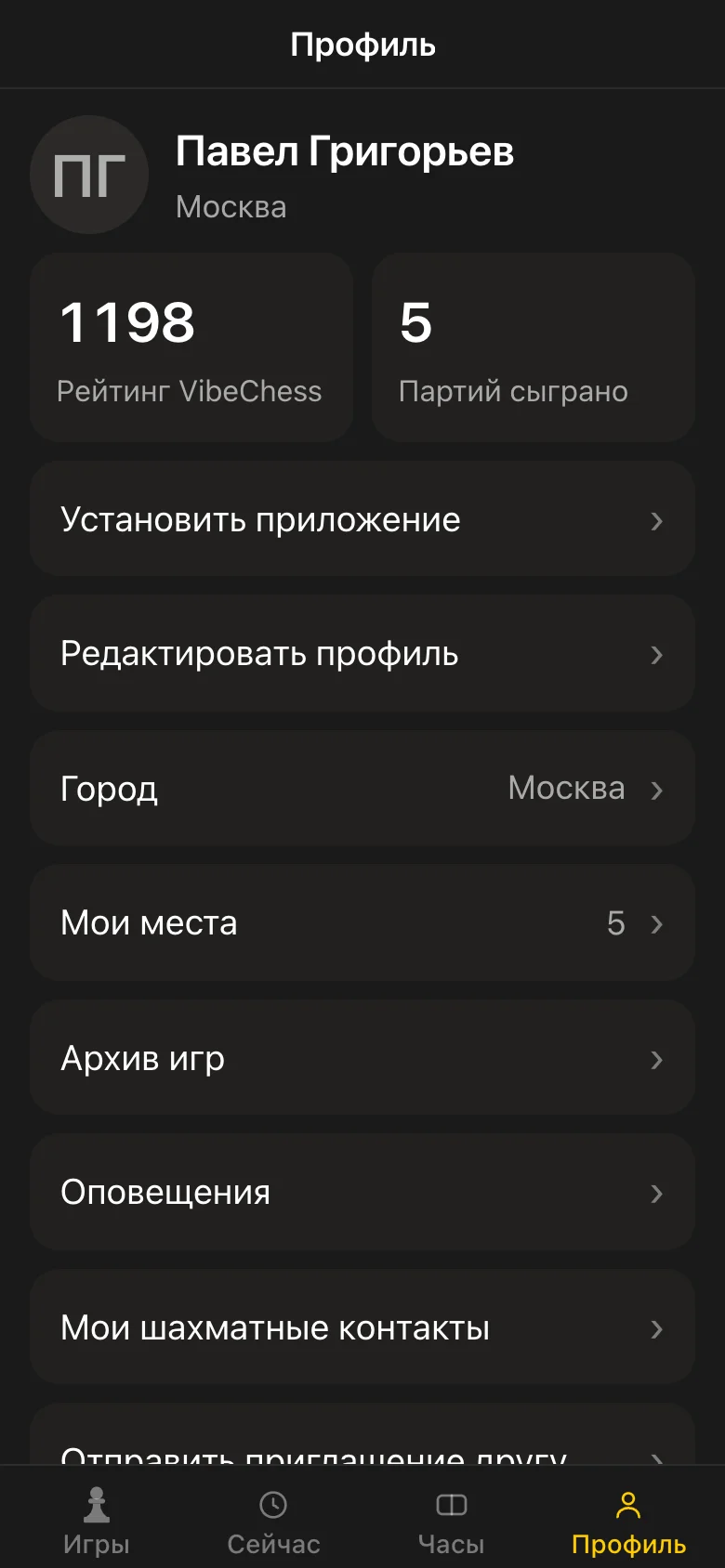
Vibe Chess covers the amateur and corporate segment - where FIDE endorsement is not needed. It works three ways: in the app, in the browser at playvibechess.com/app and through the Telegram bot. Nothing to install, nothing to pay and no registration form. The pairing is calculated by bbpPairings under the FIDE rules, the Buchholz is automatic, and a finished tournament is exported as a TRF report.
Anybody can create a tournament: in the app the button for creating an event is available to every user, not only to a club or an arbiter. You fill in the date, the venue, the time control and the number of rounds - and open registration by link.
Only FIDE-endorsed software: Swiss-Manager, Vega, Swiss Master, Swiss-Chess, SwissSys and Tornelo. They are listed by the FIDE SPP Commission at spp.fide.com. For unrated tournaments any program will do, the Vibe Chess app included.
Yes. Vega is free for up to 30 people on Windows and has no limit on Linux. Lichess Swiss is free. Tornelo is free (there is a fee only on paid registrations). Playmixs is free in offline mode. The Vibe Chess Bot is entirely free.
The Light version is 75 EUR and Full is 150 EUR. It is a one-off lifetime purchase with no paid updates. It supports up to 2,000 players in a Swiss.
Windows 10 is recommended. It works on Windows 7 and above. On macOS and Linux it runs through Wine or a virtual machine. Vega runs natively on Windows, Linux and macOS.
Yes: Swiss-Manager (24 languages), Vega (8 languages), Playmixs (Russian is its native language) and the Vibe Chess app (Russian native). In Swiss-Manager, Russian is switched on through Extra → Language → Russian.
It is the reference Dutch System pairing engine by Roberto Ricca, secretary of the FIDE SPP Commission. It is free and embeds into other programs as a pairing engine. It is used in Vega, optionally in Swiss-Manager, and in Tornelo and Playmixs. Every program is tested for conformity with JaVaFo.
In Swiss-Manager: File → Export → FIDE format (TRF16). The .txt file in UTF-8 goes to the registrar. In Vega it is XML or TRF through the export menu. Before sending, run the file through the FIDE Free Pairings Checker.
Yes. Swiss-Manager and Vega work fully offline. Playmixs has an offline mode. Lichess Swiss, Chess.com and Tornelo need the internet - they are cloud services.
The Vibe Chess Bot or Vega Free - both are free, both calculate the Buchholz and both suit 8-30 players. Vibe Chess adds Telegram registration and a mobile arbiter view.
Up to 2,000 in a Swiss and up to 1,500 in team tournaments with 300 teams and 23 rounds. For large opens like the Aeroflot Open and Gibraltar that is plenty.
A method of adding virtual points to the strongest players in the early rounds so that they meet each other sooner. Supported in Swiss-Manager, Vega, JaVaFo, Tornelo and Playmixs. FIDE Handbook regulation C.04.7.
Yes. The standard combination: the Vibe Chess app for registration and the public, Swiss-Manager for the official pairing and the TRF export, and chess-results.com for the online scoreboard.
For FIDE rating, no (Lichess is not FIDE-endorsed). For an internal club or corporate online tournament, yes - and free. It uses bbpPairings (the FIDE reference) and calculates SB as the tie-break.
For FIDE-rated tournaments, no - Vibe Chess does not work in that niche. For school, corporate, amateur and networking tournaments Vibe Chess is more convenient: it needs no Windows, registration through Telegram takes 10 seconds, there is a mobile arbiter view and it is free. The combination “Vibe Chess for registration plus Swiss-Manager for FIDE” is the standard at large opens.
According to the federation's own publications, Swiss-Manager (the de facto standard for every Russian federation tournament). The chief arbiter of the 2025 Superfinal was international arbiter Mikhail Kryukov. The 3rd Russian Team Cup 2025 was also paired in Swiss-Manager.
A step-by-step organiser's guide is in how to organise a chess tournament. Putting a whole tournament together is in a Swiss-system chess tournament online. How the pairs of opponents are formed is in chess tournament pairing online. How the tie-break is calculated is in the Buchholz score. What the final table looks like is in an online tournament table. The corporate format is in corporate chess tournaments. A chess evening in Moscow is in chess networking in Moscow.
