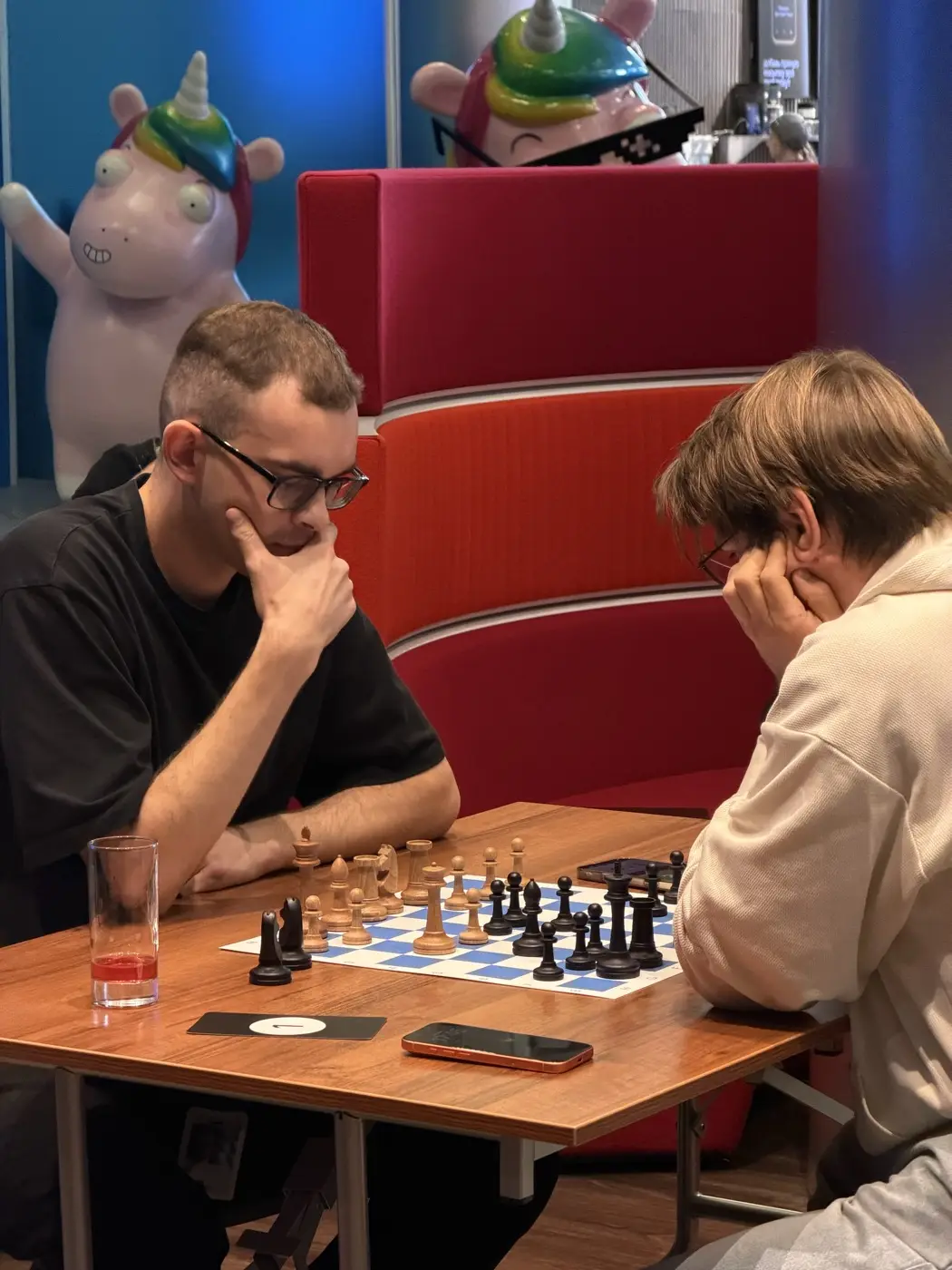
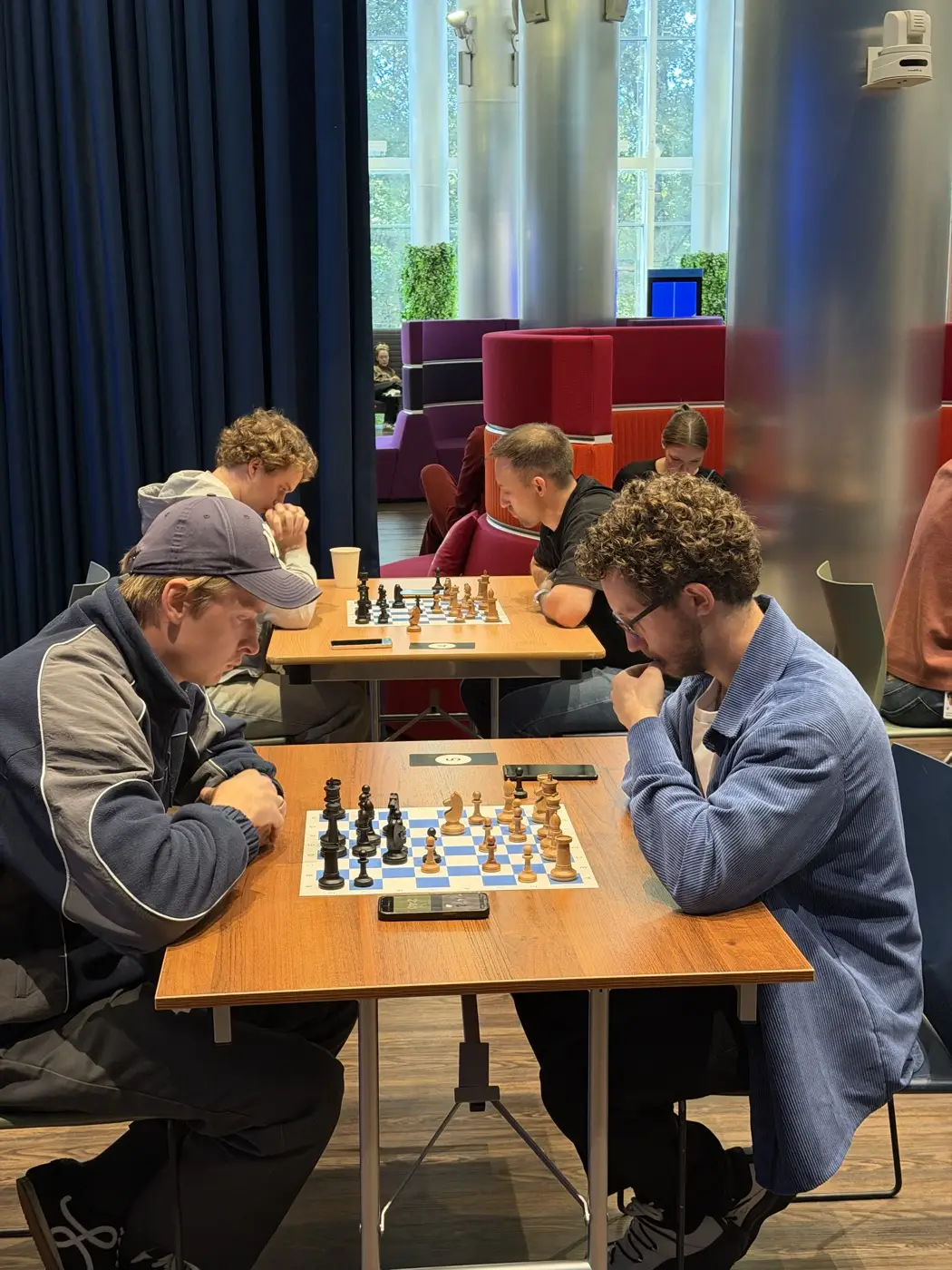
Picture a common case: 17 amateurs on the team, no time to play during work, but lunch is free. It used to mean someone with a sheet pairing by hand - slow and error-prone. Today the bot is enough.
A format for this case: blitz 5+0, one round a day. Seven rounds is one work week with a little slack. Each lunch, colleagues play their game; in the evening the bot prepares tomorrow's pairings. By Friday you have a winner and a full table, not a single sheet spoiled.
Drop a message in the work chat: "We're running a chess tournament, who's in?". Usually more people respond than you expect. Once you have at least 6-8, you can start: that's already a proper 5-round tournament.
Create the tournament in the bot Vibe Chess Bot with /create_tournament and open registration with /open_registration. Colleagues sign up in one tap - no keeping a list by hand.
The main question is when to play. Three working options:
Time games with a chess clock on your phone.
/start_tournament launches round one: the bot sends each person their opponent and table. People play and tap in the result. Between rounds you press /next_round - the bot makes fresh pairings, never repeating opponents. The table with points and Buchholz updates itself - drop it in the group chat after each round to stir up the excitement. The full mechanics are in the organizer guide.
6-8 is enough - that's already 5 rounds and a real fight for first. Even 4 will play a shorter tournament. There's no upper limit: the bot runs 8 and 80 players equally calmly.
The gentlest option is one round a day at lunch: a blitz game takes 5-10 minutes. The whole tournament runs over a work week without disrupting anyone's schedule.
The Swiss system is made for that: after round one, strong plays strong and beginners play beginners. From the second round almost all games are between equals, so it isn't discouraging for weaker players.
No. Open a free chess clock on a phone - one phone per table is enough. If you play casually, you can skip timing entirely.
Yes. The organizer adds them as a guest by name, they take part in the draw like everyone else, and you enter their results. That keeps the tournament open to the whole team.
Pairings are computed by bbpPairings, an open-source engine implementing the Dutch system by FIDE rules: score groups, floats on an odd field, colour alternation. Free to use.
proper rounds with correct pairings, not random matchups
a full circle, with the round count derived from the field
a light format with no tournament machinery
The bot is constantly improved based on real tournaments. If you need a feature that isn't there yet, message the developers right inside the bot with the /support command. Many features appeared exactly because organizers asked for them, and useful ideas get added quickly.
Office and factory variants - office tournament and tournament at a factory. The HR angle - chess team building and tournament between departments. Full bot guide - for organizers. More on this - chess at a city festival, tournament at a university.

At the board since childhood: hazy about his rating, precise about every rook he has blundered. Counts an evening as a good one if the opponent stayed to talk afterwards instead of rushing off to check with an engine. Message →
