The standard notation is “minutes + seconds”: 10+5 means ten minutes for the game for each player and five seconds added after every move made. If there is no increment, it is written 5+0 or simply “5 minutes”.
Official documents use a format with primes: 10'+5" - the same thing, minutes and seconds. Sometimes a control has several stages: “90 minutes for 40 moves, then 30 minutes to the end of the game, with a 30-second increment from move one” - that is how classical tournaments are played.
In the regulations the control has to be written in figures: the word “blitz” tells you nothing, because 3+2 and 5+0 are different tournaments with different dynamics.
| Type | Time for the game | Typical controls |
|---|---|---|
| Blitz | up to 10 minutes each | 3+0, 3+2, 5+0, 5+3 |
| Rapid | from 10 to 60 minutes | 10+0, 10+5, 15+10, 25+10 |
| Classical | more than 60 minutes | 60+30, 90+30, 120+30 |
The boundaries matter not in themselves: they decide which rating list the tournament goes into. A player has three separate ratings - classical, rapid and blitz - and the control decides which of them changes. In detail - the Elo rating and FIDE requirements for tournaments.
There is a fourth, unofficial format - bullet: one or two minutes for the game. It does not count for FIDE rating and is almost never used at over-the-board events: at a real board there is physically no time.
Two ways of compensating for the time spent on a move. The difference is subtle but noticeable in time trouble.
Why this matters: without an increment, blitz produces the situation where a player with a won position loses on time simply because they cannot move the pieces fast enough. An increment gives the game its meaning back - the better player wins rather than the one who bangs the clock faster.
The practical conclusion for an organiser: take any control with an increment. 3+2 is far more pleasant than 5+0, even though the total time is about the same.
5+3 lets you play 6-7 rounds, 10+5 gives five rounds of meaningful chess. Both fit into an evening.
The games are substantial enough not to feel cheap and fast enough to finish before nine in the evening.
Children need time to think, but they cannot sit through a long game either. Blitz does not work with small children - they physically cannot keep up.
Seven to nine rounds in a day, full-length games, time for a post-mortem.
Spectacular, fast, and fun for an audience to watch.
The minimum thresholds are set by the regulations and depend on the players' ratings.
A general rule: the more mixed the field, the longer the control should be. A beginner in blitz simply has no time to think and goes home upset, whereas at 10+5 they stand a chance.
A round takes roughly twice the control plus an organisational pause. Hence the simple arithmetic:
| Time control | Round | 5 rounds | 7 rounds |
|---|---|---|---|
| 3+2 | 15 min | 1 h 15 min | 1 h 45 min |
| 5+3 | 20 min | 1 h 40 min | 2 h 20 min |
| 10+5 | 30 min | 2 h 30 min | 3 h 30 min |
| 15+10 | 50 min | 4 h 10 min | 5 h 50 min |
| 25+10 | 70 min | 5 h 50 min | a full day |
You have to reckon by the worst case: most games finish earlier, but the schedule is built around the ones that go the distance. The full calculation is the tournament schedule.
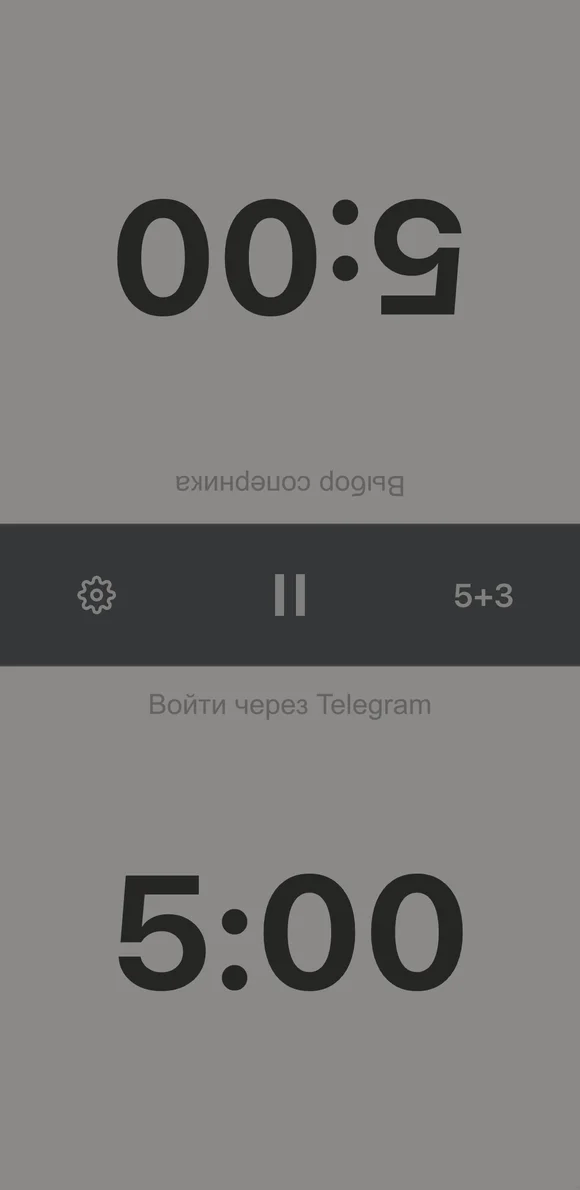
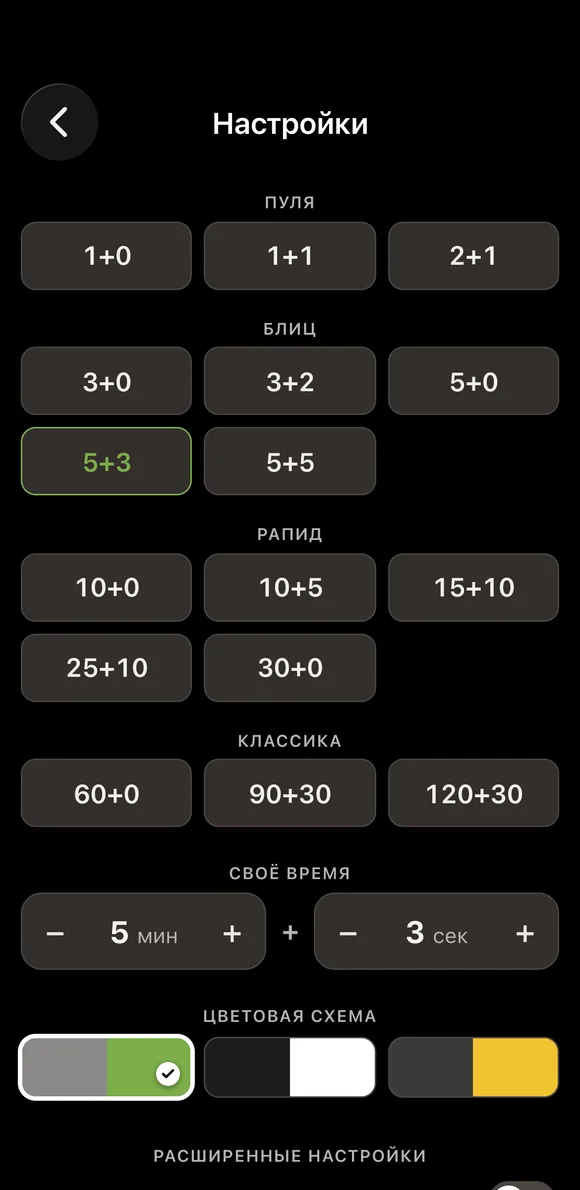
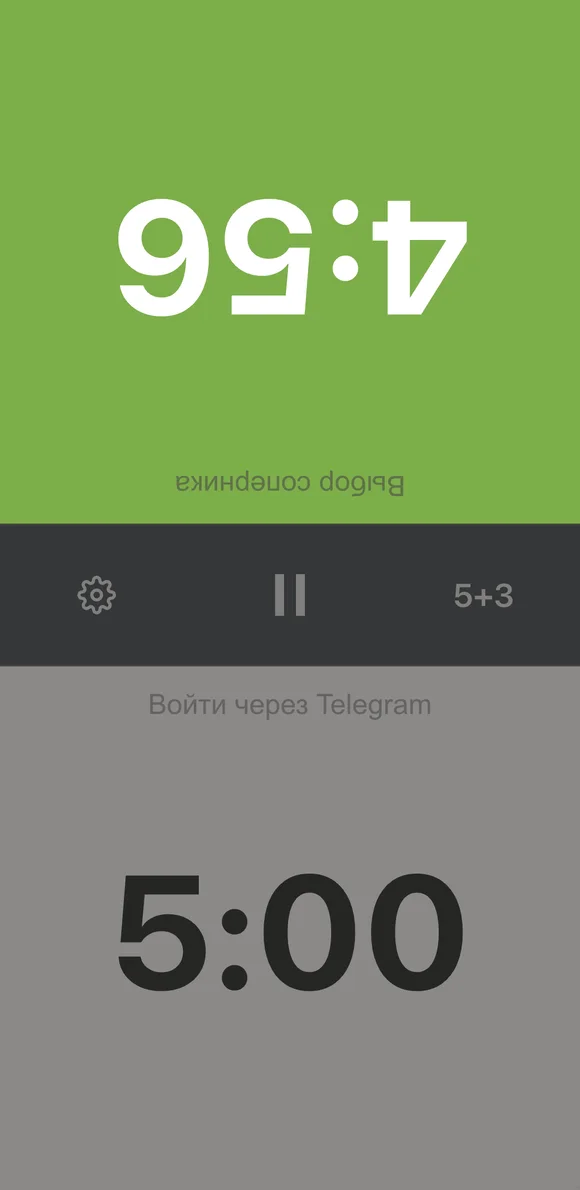
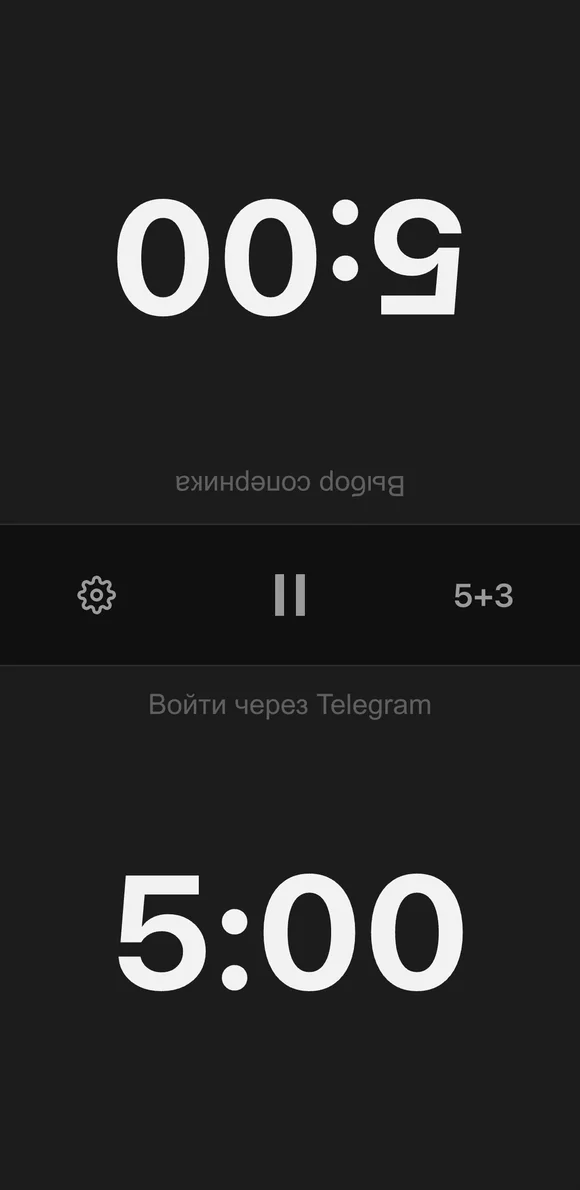
Only an electronic clock or a timer on a phone can handle an increment - a mechanical one cannot. Our online chess timer does handle it: you set the minutes and the increment in seconds, and it adds them after every move. On choosing equipment - chess clocks for a tournament.
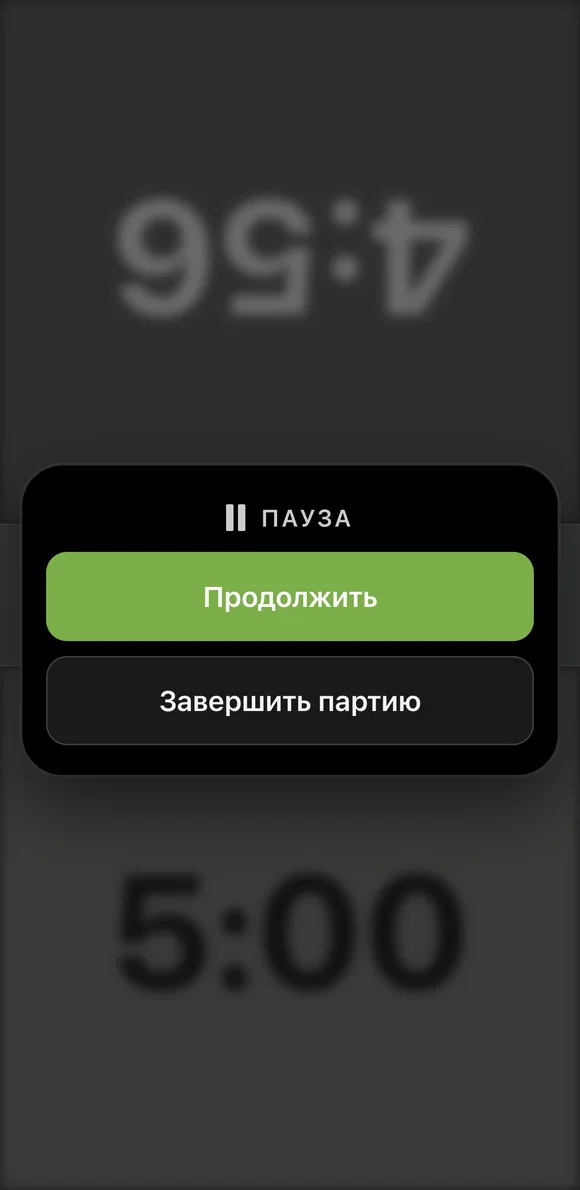
A game can be stopped: the pause button in the middle freezes both clocks - for a disputed position, for calling the arbiter or for a break. The game is also finished from there, with the score entered.
If you sign in through Telegram, your opponent connects to the clock: the game stops being anonymous, the score is saved in both players' history, and you can invite someone to the board with a QR code from the screen.

In the Vibe Chess app the control is chosen when the tournament is created, from ready-made options - bullet, blitz, rapid, classical, with the minutes and increment specified. From there it goes into every game card and into the federation report in the accepted format. All a player has to do is open the timer from their own card - there is nothing to set up.
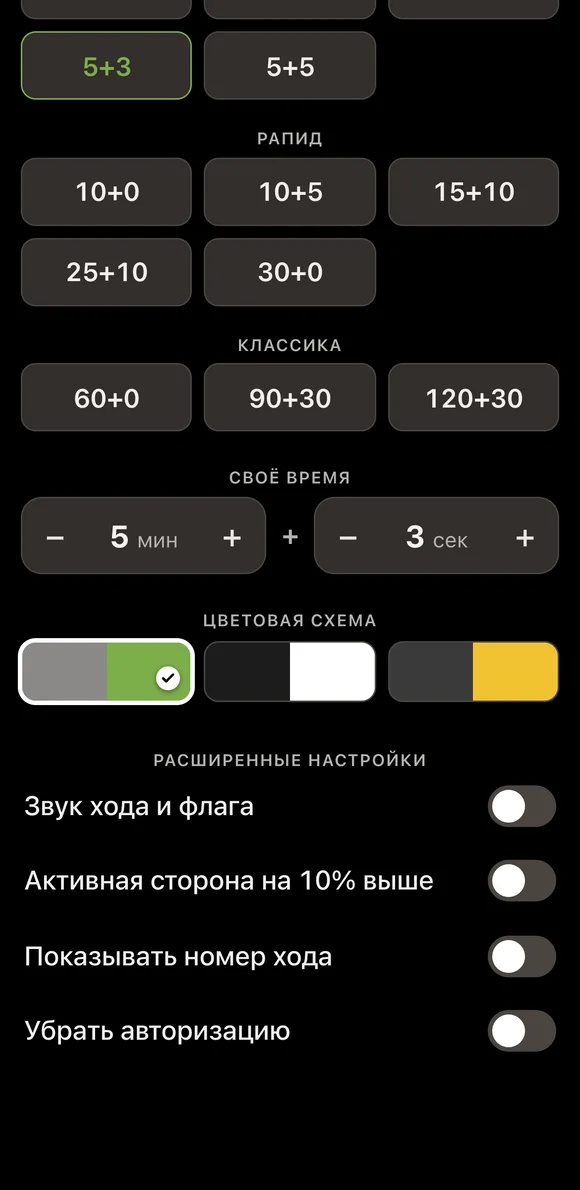
There are three colour schemes: grey-green by default, black-and-white and amber. In a dark bar the monochrome one is more convenient - the digits are visible from the next table and the screen does not light up people's faces.
By the time given for the game. Blitz is up to 10 minutes each, rapid is from 10 to 60 minutes, classical is more than an hour. It also decides which of the three rating lists the tournament goes into.
Ten minutes for the game for each player plus five seconds added after every move made. The increment accumulates, so playing fast can actually build your time up.
With a Fischer increment the seconds are added to what is left and accumulate. With a Bronstein delay the clock simply does not start counting for the first few seconds of a move, and unused time is not kept. The first mode is the more common one.
10+5 is the sweet spot: the games are meaningful and five rounds fit into two and a half hours. If there are a lot of players and not much time, 5+3 with six or seven rounds will do.
Because in time trouble a won position gets lost on the clock: the player simply cannot move the pieces fast enough. An increment gives the game its meaning back. A 3+2 control is almost always better than 5+0, even though the total time is about the same.
The Vibe Chess app opens from a link and needs no installation. Setting up a tournament takes a minute: pick the system, set the date, the venue and the time control - the app handles the rest.
for a large field: opponents are matched by score, you choose the number of rounds
for a small circle: everyone plays everyone, the round count follows from the field
no rounds, no pairings: players sign up and pick opponents at the table
The bot is constantly improved based on real tournaments. If you need a feature that isn't there yet, message the developers right inside the bot with the /support command. Many features appeared exactly because organizers asked for them, and useful ideas get added quickly.
Clocks - which to choose and a timer on your phone. Timing - the tournament schedule. Rating - the Elo rating. Formats - blitz in an evening and weekend rapid.

At the board since childhood: hazy about his rating, precise about every rook he has blundered. Counts an evening as a good one if the opponent stayed to talk afterwards instead of rushing off to check with an engine. Message →
